
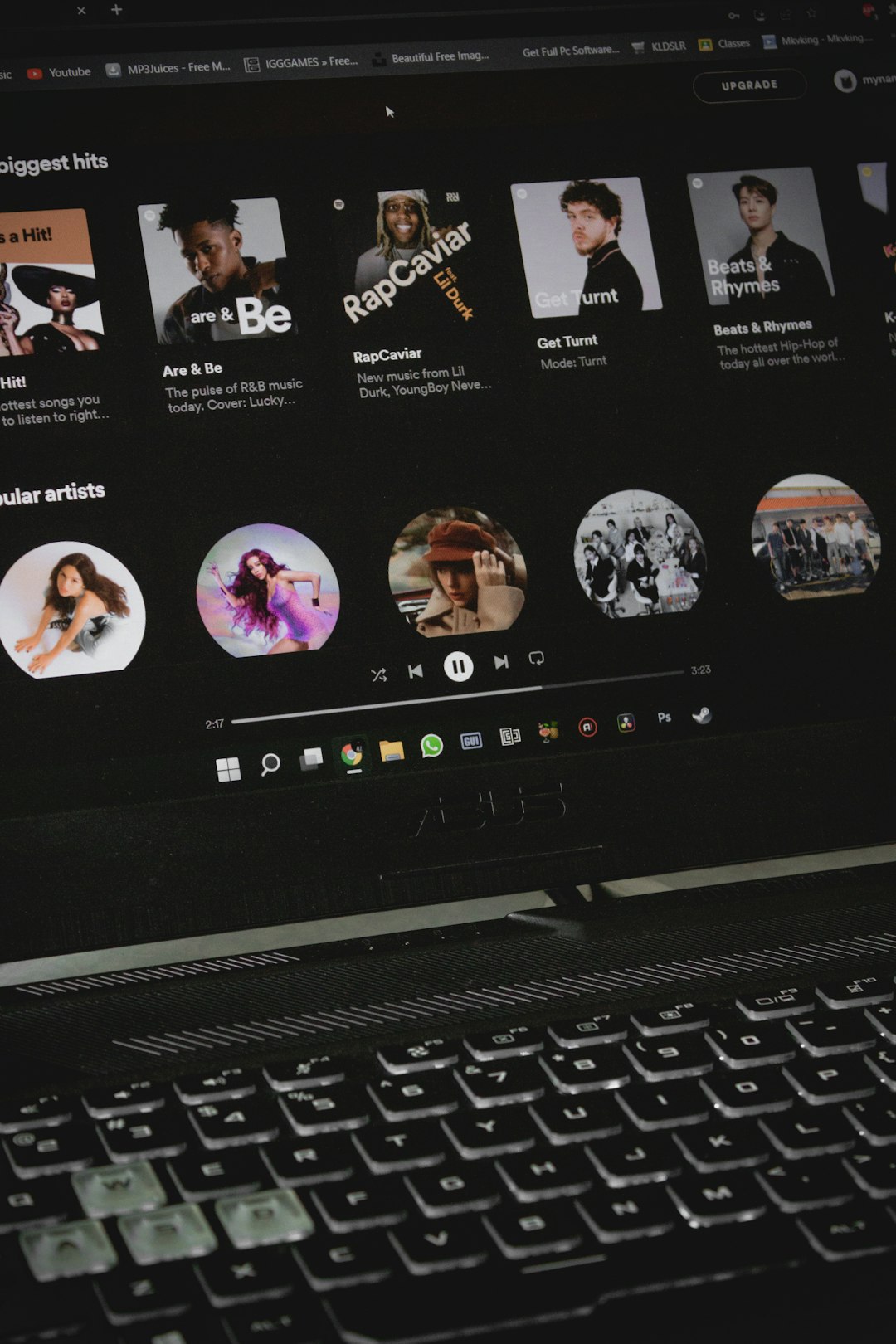
The easiest way for an artist to upload songs to Spotify is to use a music distribution service, not Spotify itself. Spotify does not accept direct uploads from most artists, so a distributor sends the song, artwork, metadata, and royalty details to Spotify and other stores. The reason this matters is simple: Spotify reported 626 million monthly active users in Q2 2024 [source: Spotify]. A clean upload gives a release a better shot at landing correctly, on time, and under the right artist profile.
TLDR: An artist should choose a distributor, prepare a mastered audio file, upload cover art, add credits, then set a release date at least 2 to 4 weeks ahead. For example, a singer releasing a 3-track EP could use DistroKid for speed, TuneCore for more detailed publishing options, or CD Baby for a one-time payment model. If the artist submits the release 21 days early, there is enough time for Spotify for Artists pitching, profile fixes, and annoying metadata corrections.
How Spotify Uploads Work
An artist uploads music to a distributor first. The distributor checks the files, sends them to Spotify, collects royalties, and pays the artist based on the chosen plan. Most distributors also send the same release to Apple Music, YouTube Music, Amazon Music, TikTok, Instagram, Deezer, and other platforms.
The catch is that every distributor has small rules that can slow a release down. A cover image may be rejected because text is too close to the edge. A featured artist may be formatted wrong. A remix title may trigger a copyright check. It drives many artists crazy that one tiny metadata issue can push a release back by 48 hours or more.
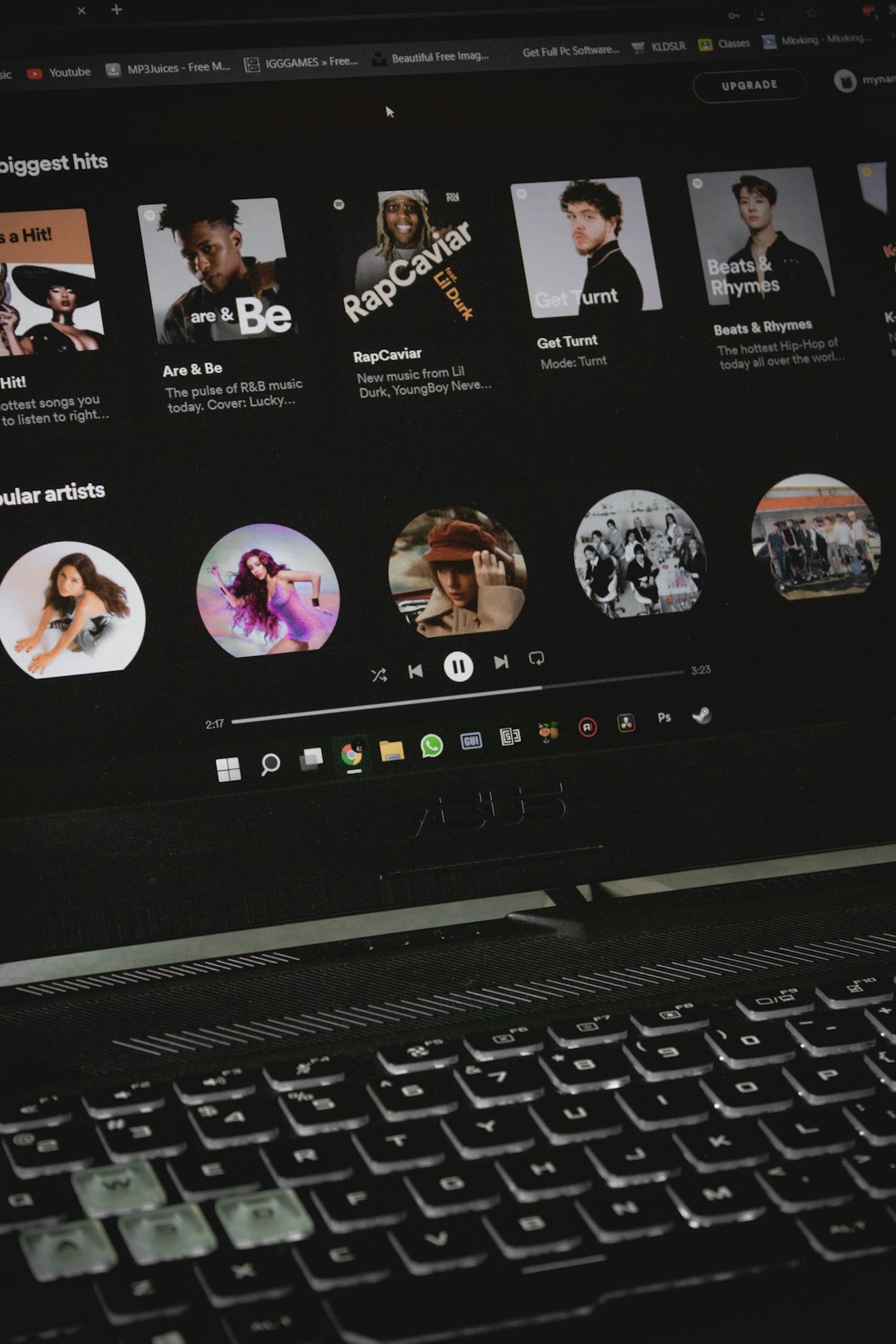
Basic Steps to Upload Songs to Spotify
- Finish the master. The audio should be final before upload. Most distributors prefer WAV files, usually 16-bit or 24-bit.
- Create cover art. Spotify expects square artwork, usually 3000 x 3000 pixels, with no blurry images or misleading logos.
- Pick a distributor. The artist should compare fees, royalty splits, speed, customer support, and extra tools.
- Enter metadata. This includes song title, artist name, contributors, genre, language, release date, and explicit content status.
- Add ISRC and UPC codes. Most services can generate these. Artists with previous releases may already have ISRCs.
- Set a release date. A date at least 2 weeks away is safer. Four weeks is better for campaigns.
- Claim Spotify for Artists. This lets the artist edit the profile, pitch songs to editorial playlists, and view stats.
Best Music Distribution Services for Spotify
No single distributor is perfect. The best choice depends on budget, release volume, rights needs, and how much control the artist wants.
1. DistroKid
Best for: artists releasing music often.
DistroKid is popular because it offers fast uploads and unlimited releases on annual plans. It suits rappers, producers, DJs, bands, and singers who plan to release many singles across the year. Its dashboard is simple, and releases often reach stores quickly.
Weak point: useful extras can cost more. Features like legacy delivery, Shazam access, or store maximizer may raise the total bill. The base price looks clean, then the add-ons start stacking up.
2. TuneCore
Best for: artists who want stronger admin tools and publishing options.
TuneCore has been around for years and works well for artists who want a more structured setup. It offers distribution plans, royalty collection, publishing administration, and social platform monetization. It can feel more serious than casual tools, which is helpful for growing acts.
Weak point: the dashboard can feel a bit heavy. New artists may need extra time to understand all the options before pressing submit.
3. CD Baby
Best for: artists who dislike yearly fees.
CD Baby uses a pay-per-release model. An artist pays once for a single or album, and the release stays up. This appeals to bands, folk artists, and independent musicians who do not release every month.
Weak point: CD Baby takes a commission from royalties. For artists with high streaming numbers, that cut may matter more than the upfront fee.
Image not found in postmeta4. LANDR
Best for: artists who also need mastering tools.
LANDR combines distribution with AI mastering, samples, plugins, collaboration tools, and promotion options. It is handy for home producers who want one account for several parts of the release process.
Weak point: artists who already have professional mastering may not need the full bundle. Paying for extras makes less sense if only distribution is needed.
5. Amuse
Best for: new artists testing the waters.
Amuse offers simple distribution options, including entry-level plans that suit beginners. It is a good fit for an artist releasing a first single and learning how streaming platforms work.
Weak point: faster delivery, better support, and some pro features may sit behind paid tiers. Free or low-cost plans often come with slower timelines.
6. Ditto Music
Best for: independent artists who want unlimited releases and label-style options.
Ditto offers annual plans, playlist pitching tools, and services for artists who are scaling up. It also has higher-level plans for small labels and managers handling multiple acts.
Weak point: support reviews are mixed across the industry. Before paying, an artist should check recent customer feedback, not old praise from five years ago.
7. UnitedMasters
Best for: hip-hop, pop, and creator-focused artists.
UnitedMasters is built around distribution, brand opportunities, and social music use. It fits artists who care about sync, creator campaigns, and marketing links as much as store delivery.
Weak point: the best features may depend on plan level or eligibility. Not every artist will get brand deals just because they joined.
Quick Comparison
| Service | Best Use | Main Drawback |
|---|---|---|
| DistroKid | Frequent singles | Add-on costs |
| TuneCore | Publishing and admin tools | Can feel complex |
| CD Baby | One-time release payments | Royalty commission |
| LANDR | Mastering plus distribution | Bundle may be too much |
| Amuse | Beginner releases | Slower low-tier delivery |
What an Artist Should Prepare Before Uploading
- Final WAV file with no clipping or rough mix issues.
- Cover art in a square format, clear and high quality.
- Correct artist name matching the Spotify profile.
- Songwriter and producer credits ready before submission.
- Lyrics if the distributor supports lyric delivery.
- Release plan with teaser clips, pre-save links, and social posts.
Spotify’s own provider directory lists approved delivery partners for music and podcasts [source: Spotify for Artists]. An artist choosing a service outside that list should be careful, especially if the company promises guaranteed playlist placement. No legitimate distributor can promise editorial playlist adds.
Common Mistakes That Delay Spotify Releases
The most common mistake is rushing. If an artist uploads a track three days before release, there may be no time to fix errors. Spotify playlist pitching also needs advance delivery through Spotify for Artists.
Another mistake is using copyrighted beats, uncleared samples, or artwork found online. Even if the track passes at first, a claim can remove it later. That can hurt momentum and make future releases harder to manage.
Artists should also avoid changing names too often. A slight mismatch can create a second Spotify artist profile. Fixing that is possible, but it wastes time during a release week.
FAQ
Can an artist upload directly to Spotify?
Usually, no. Most artists must use a music distributor. Spotify works with approved delivery partners that send music to the platform.
How long does it take for a song to appear on Spotify?
Many releases appear within a few days, but a safer window is 2 to 4 weeks. This gives time for checks, fixes, and playlist pitching.
Which music distributor is best for beginners?
Amuse, DistroKid, and CD Baby are common beginner choices. The best pick depends on whether the artist prefers low annual fees, unlimited uploads, or one-time payments.
Does Spotify pay artists directly?
For most independent artists, Spotify pays the distributor. The distributor then pays the artist based on royalties earned after any fees or commissions.
Can a release be removed from Spotify later?
Yes. An artist can remove a release through the distributor. A song may also be removed because of copyright claims, fraud checks, or policy issues.
Is playlist placement guaranteed?
No. Any company promising guaranteed Spotify editorial playlist placement should be treated with caution. Paid fake streams can damage an artist’s account and royalties.

