
Gmail is easier to access and manage for most people. It feels faster, cleaner, and less fussy. AT&T Email can work fine, especially if you already have an AT&T account. But Gmail wins for daily use, phone setup, search, spam control, and account recovery. Gmail also gives users 15 GB of shared storage across Gmail, Drive, and Photos [source: Google].
TLDR: Gmail is the better pick if you want simple access across devices. AT&T Email is usable, but it can feel clunky when you reset passwords or set it up in third-party apps. In a small user case, a family of 4 using Gmail could check mail on 3 devices each with less setup pain, while AT&T users may need extra steps like server settings or app passwords. If you want fewer “Why won’t this log in?” moments, Gmail is the safer bet.
The quick winner
Gmail wins on ease.
That does not mean AT&T Email is bad. It just has more tiny hurdles. Tiny hurdles become big headaches when you are late for work and need a bill receipt from 2021.
Gmail feels like a modern mailbox with a search engine inside it. AT&T Email feels more like a mailbox attached to your internet or phone account. It works. But it is not always smooth.
Honestly, it feels like Gmail was built for daily email chaos. AT&T Email feels more like a useful extra.
Login experience: Gmail is quicker
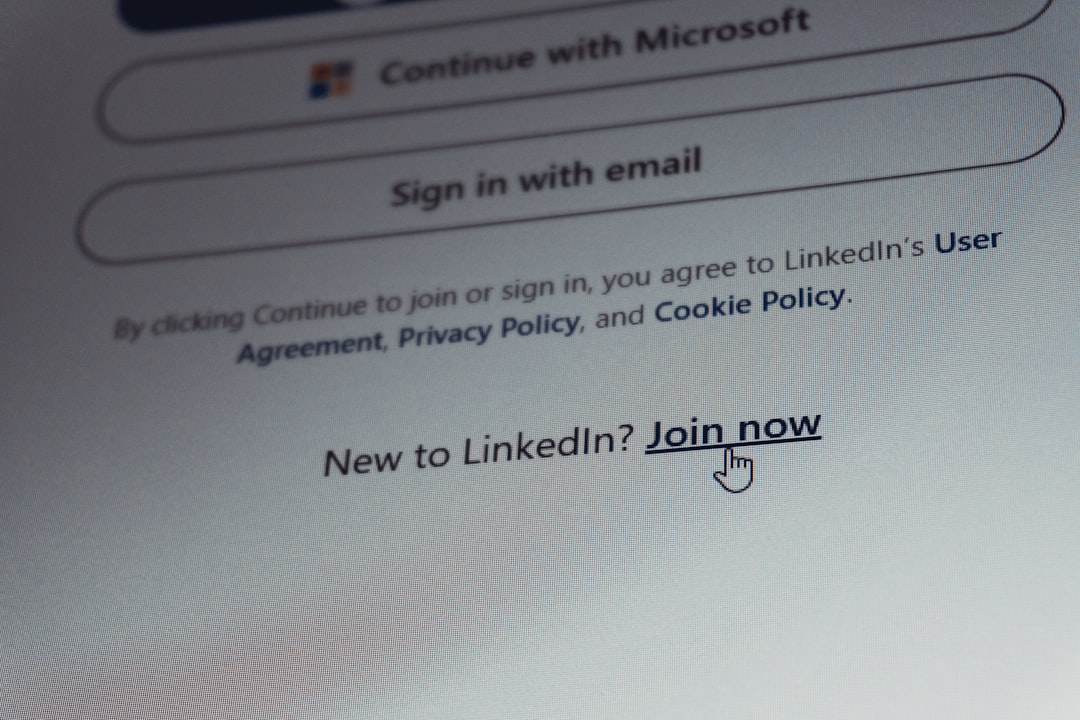
Gmail login is simple.
- Go to Gmail.
- Enter your email.
- Enter your password.
- Confirm with two-step verification if needed.
That is it for most users.
Gmail also remembers trusted devices well. If you use Chrome or Android, it is even smoother. Your Gmail account connects to YouTube, Google Drive, Google Calendar, Google Photos, and more. That can be handy. It can also feel a little too connected, but access is usually easy.
AT&T Email login can be less direct. Many AT&T email users access mail through Currently, which is powered by Yahoo. Some users also go through AT&T sign-in pages. That extra brand mix can be confusing.
You may ask, “Am I logging into AT&T, Yahoo, or Currently?”
Yes. That is the annoying part.
Password resets: Gmail usually feels calmer
Password resets matter. A lot.
Gmail has a strong recovery system. You can use:
- A recovery phone number.
- A recovery email.
- Device prompts.
- Backup codes.
- Security questions in older cases.
Gmail may still lock you out if something looks risky. That can be irritating. But the steps are usually clear.
AT&T Email password resets can depend on your AT&T account status, linked phone number, security info, and account type. If your email is old, like an sbcglobal.net, bellsouth.net, or att.net address, things can get messy.
The catch is that older accounts often carry old recovery info. Maybe your backup email was from 2012. Maybe your phone number changed twice. Fun? Not really.
Managing email: Gmail has better tools
Gmail gives you strong tools without making you feel like an IT manager.
You get:
- Labels instead of basic folders.
- Filters for auto-sorting mail.
- Stars for key messages.
- Snooze for emails you want later.
- Smart search that actually works.
- Spam protection that is usually solid.
Labels are great. One email can sit under “Receipts,” “Taxes,” and “Home” at the same time. Try doing that with old-school folders and your brain starts making dial-up sounds.
AT&T Email offers normal mailbox tools. You can read, send, delete, mark spam, and sort messages. For basic use, that is enough. But Gmail has more polish. It is easier to build a neat inbox.

Mobile use: Gmail wins again
Most people read email on phones now.
Gmail has excellent apps for Android and iPhone. On Android, it is often already installed. On iPhone, the app is easy to download and use.
Adding Gmail to a phone usually takes less than a minute. Tap. Sign in. Approve. Done.
AT&T Email can work on mobile too. You can use webmail. You can also add it to Apple Mail, Gmail app, Outlook, or another email app. But sometimes you need server settings. In some cases, you may need a secure mail key for email apps, based on AT&T setup rules [source: AT&T].
That is where people get stuck.
Terms like IMAP, SMTP, and secure mail key are not fun. They sound like robot soup.
Search: Gmail is the email bloodhound
This is one of Gmail’s biggest wins.
Need a hotel booking from 2019? Search the city name. Need a receipt from a store? Search the store. Need an attachment from your cousin? Search their name plus “PDF.”
Gmail search is fast and forgiving. You do not need exact words every time.
AT&T Email search is fine for simple searches. But Gmail feels better when your inbox has years of messages. If you have 40,000 emails, Gmail does not panic. It just sniffs around and finds the thing.
Spam and security: both try, but Gmail feels stronger
Both platforms offer spam filtering.
Gmail is very good at catching junk. It also warns you about suspicious links, strange attachments, and fake login attempts. It has strong two-step verification options too.
AT&T Email also provides spam tools and security features. Since many AT&T email accounts are handled through Yahoo Mail systems, users get a familiar webmail layout and spam controls.
Still, Gmail feels more active. It often blocks bad stuff before you even see it.
That said, no email platform can save you from every bad click. If an email says you won a free boat and you never entered a boat contest, maybe do not click that.
Storage: Gmail is more generous for everyday users
Gmail’s free storage is shared across Google services. That means Gmail, Google Drive, and Google Photos all pull from the same space.
This is both good and annoying.
Good: you get a clean storage system.
Annoying: your inbox may be fine, but your 6,000 dog photos can still eat the space.
AT&T Email storage depends on the email service setup and account type. For many casual users, it is enough. But Gmail makes storage easier to understand. You can see what is taking up room. You can delete huge files. You can buy more storage if needed.
Account control: Gmail gives you more buttons
Gmail has a detailed account dashboard. You can check logged-in devices. You can remove old devices. You can update recovery options. You can manage app access.
This is useful if you once signed in on your cousin’s tablet and forgot about it for two years.
AT&T account control is tied to your AT&T profile and email access. That is not always bad. But it can feel crowded if you only want email. You may see tools for billing, wireless, internet, and profile settings.
Gmail feels more focused for email and personal account security.
When AT&T Email makes sense
AT&T Email is a good choice if:
- You already use an AT&T email address.
- Your contacts know that address.
- You get bills or account alerts there.
- You do not want to switch.
- You only need basic email.
If your AT&T email has been your main address for 15 years, keep it. Moving email can be a pain. Banks, doctors, schools, apps, shopping sites, and family members may all have that address.
You can also keep AT&T Email while using Gmail for new signups. That gives you a softer switch.
When Gmail makes more sense
Gmail is better if:
- You want the easiest login.
- You use Android.
- You use Google Drive or Calendar.
- You want powerful search.
- You manage lots of email.
- You switch between phone, laptop, and tablet.
Gmail is also better for students, freelancers, job hunters, and small business owners. It plays well with many apps. It is simple to use, but not weak.
Side-by-side scorecard
| Feature | AT&T Email | Gmail |
|---|---|---|
| Login ease | Okay | Excellent |
| Password recovery | Can be tricky | Clearer |
| Mobile setup | May need extra steps | Very easy |
| Search | Basic | Very strong |
| Best for | Existing AT&T users | Most daily users |
Final verdict
Choose Gmail if you want the easiest email life. It is faster to access, easier to manage, and better across devices.
Choose AT&T Email if you already depend on it. It is fine for basic mail. Just expect a few extra steps now and then.
The best setup for many people is simple. Keep your AT&T Email for old contacts and bills. Use Gmail as your main daily inbox. That way, you avoid chaos, missed messages, and the classic 9 p.m. password reset meltdown.

