
YouTube offers several privacy settings that allow creators to control who can see their videos. Among these options, Unlisted is one of the most commonly misunderstood. Many users assume it functions like a halfway point between Public and Private, but its actual behavior is more nuanced. Understanding what Unlisted means on YouTube is essential for protecting your content, managing collaborations, and sharing videos strategically.
TLDR: An Unlisted YouTube video is not visible in search results, on your channel page, or in recommendations, but anyone with the link can view it. It is more private than Public but less restricted than Private. Unlisted videos can still be shared, embedded, and potentially passed around without your control. Choosing the right privacy setting depends on how widely you want your video accessed and how much control you need.
Understanding YouTube’s Three Privacy Settings
YouTube gives creators three primary visibility settings:
- Public
- Unlisted
- Private
Each serves a different purpose and provides a different level of exposure and access control.
Public videos are accessible to everyone. They appear in search results, on your channel page, in recommendations, and can be freely shared.
Private videos are highly restricted. Only the specific Google accounts you invite can view them. They do not appear in search results or on your channel, and they cannot be shared further without permission.
Unlisted videos fall between these two. They are hidden from public discovery features but accessible to anyone who has the link.
What Does “Unlisted” Actually Mean?
When a video is marked as Unlisted:
- It does not appear in YouTube search results.
- It does not show on your channel homepage.
- It does not appear in subscriber feeds.
- It can still be viewed and shared by anyone with the URL.
This makes Unlisted ideal when you want controlled sharing without fully restricting access.
However, it is important to recognize that Unlisted does not mean confidential. If someone forwards the link, posts it online, or embeds it in a website, the video becomes accessible to anyone who encounters that link.
When Should You Use Unlisted Videos?
Unlisted videos serve practical and legitimate purposes across many industries, including education, business, marketing, and content creation.
1. Sharing With Select Audiences
If you want to send a video to clients, colleagues, or students without publishing it publicly, Unlisted is often the simplest solution. There is no need to manage email-based permissions as you would with Private videos.
2. Embedding on Websites
Many businesses host marketing videos or tutorials on YouTube but embed them on their websites. By setting the video to Unlisted:
- Visitors can watch it on your site.
- The video does not show up on your YouTube channel.
- It avoids appearing in unrelated search queries.
This keeps your public channel clean while still leveraging YouTube’s hosting infrastructure.
3. Collecting Feedback Before Publishing
Creators often upload videos as Unlisted to gather feedback from peers or team members before making them Public. This provides a review phase without exposing unfinished work to subscribers.
4. Online Courses and Training Materials
Educators sometimes use Unlisted videos for course content. Links are distributed to paying students while keeping the material out of public search results.
The Risks of Using Unlisted
Although Unlisted videos offer convenience, they also present certain risks that users should understand clearly.
Link Sharing Can Spread Quickly
Once someone has access to the URL, they can:
- Forward it via email or messaging apps
- Post it on social media
- Embed it on a website or blog
YouTube does not restrict redistribution of the link. If your video contains sensitive information, Unlisted may not provide adequate protection.
Search Engines and Public Pages
Unlisted videos do not show up in YouTube search results. However, if someone embeds the video on a public website that search engines index, that page could appear in search results — indirectly exposing your content.
No Individual Access Controls
Unlike Private videos, Unlisted does not allow you to specify exactly who can view it. There is no approval process. Access control is entirely based on possession of the link.
Unlisted vs Private: Key Differences
Many users struggle to decide between these two settings. The distinction is significant.
Private Video:
- Only specific invited accounts can view
- Cannot be shared freely
- Cannot be embedded elsewhere
- Maximum viewing restriction
Unlisted Video:
- Anyone with the link can view
- Can be shared without restriction
- Can be embedded on other websites
- No viewer approval required
If confidentiality matters, Private is the safer option. If convenience and flexibility are more important, Unlisted may be appropriate.
How Unlisted Affects SEO and Discoverability
Search Engine Optimization (SEO) does not apply to Unlisted videos in the traditional way. Because they are not indexed within YouTube’s search function, your title, description, and tags do not drive discovery on the platform.
However, traffic can still accumulate through:
- Direct link sharing
- Embedded placements on webpages
- Email campaigns
- Internal company portals
It is important to understand that analytics still track views on Unlisted videos. You can monitor audience behavior, watch time, and engagement just as you would with Public content.
Changing a Video to Unlisted
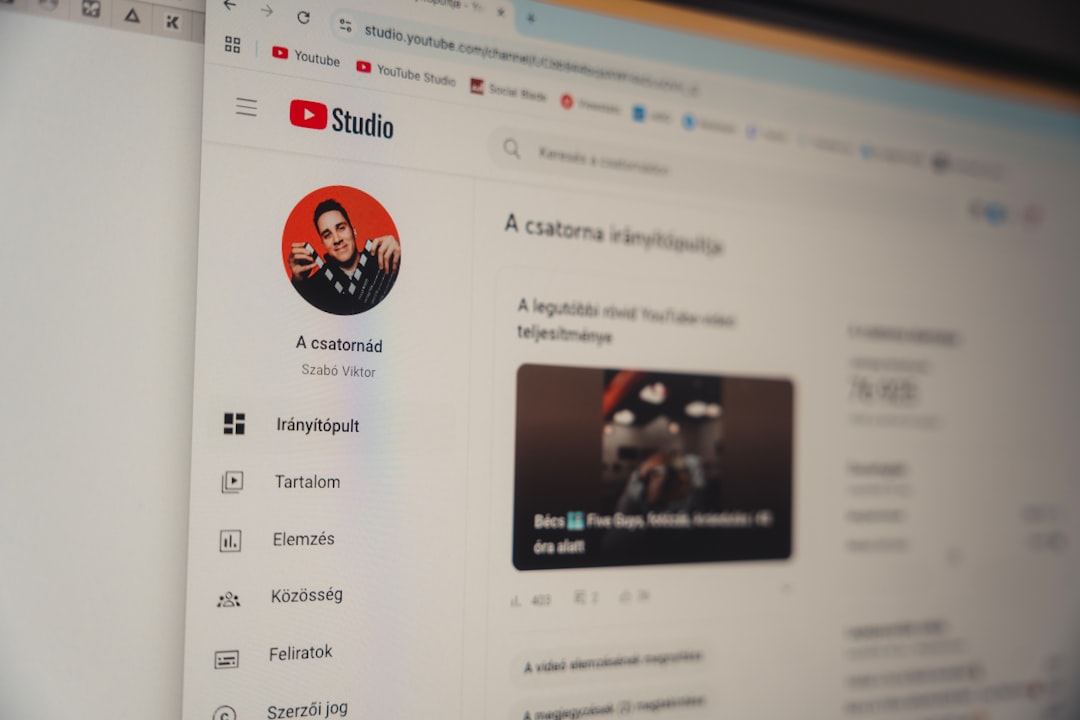
You can modify privacy settings at any time through YouTube Studio:
- Go to YouTube Studio.
- Select Content from the sidebar.
- Click on the video you want to edit.
- Under Visibility, choose Unlisted.
- Click Save.
The change takes effect immediately. If the video was previously Public, it will disappear from search results and your channel page once switched to Unlisted.

Can Unlisted Videos Be Monetized?
Yes, Unlisted videos can still be monetized if your channel is eligible for monetization. Ads may appear depending on your settings. However, because the video is not publicly discoverable, revenue potential is typically limited to the audience you directly share the link with.
For creators running paid programs or exclusive communities, Unlisted monetized content can still serve a legitimate function.
Common Misconceptions About Unlisted Videos
“Unlisted means completely private.”
This is incorrect. Unlisted only hides the video from public discovery mechanisms. It does not prevent sharing.
“No one can accidentally find it.”
While it cannot be found via search, indirect exposure through embedded pages or shared links can still occur.
“Switching to Unlisted deletes previous engagement.”
Changing a video from Public to Unlisted does not remove existing views, comments, or analytics history.
Best Practices for Using Unlisted Safely
If you decide Unlisted is appropriate, consider these precautionary measures:
- Avoid sharing highly sensitive information.
- Distribute links selectively.
- Monitor analytics for unexpected traffic spikes.
- Switch to Private if confidentiality becomes critical.
For business teams, pairing Unlisted videos with password-protected web portals adds an additional layer of practical security.
Final Thoughts
The Unlisted setting on YouTube provides a flexible and practical solution for controlled content sharing. It keeps videos out of public search and channel listings while allowing easy distribution via link. However, it does not offer true privacy or access control.
Choosing between Public, Unlisted, and Private depends on your objectives. If your priority is controlled sharing without administrative overhead, Unlisted is effective. If you require strict access control and confidentiality, Private is the better choice.
Ultimately, understanding how these privacy settings function enables you to manage risk, protect your content, and use YouTube strategically. Making an informed decision ensures your videos reach exactly the audience you intend—no more and no less.

