
The best frame rate is the one that matches how the video will be watched: 24 fps for a film look, 30 fps for web and TV clarity, 60 fps for sports, gaming, and smooth motion, and 120 fps or higher for slow motion. Frame rate affects realism, sharpness, file size, editing speed, and how professional your footage feels.
TLDR
Use 24 fps for cinematic projects, 30 fps for general online video, 60 fps for fast action, and 120 fps or 240 fps when you need clean slow motion. For example, a fitness coach filming workout tutorials may use 30 fps for talking segments, then switch to 60 fps for jump rope drills so motion is easier to follow. In practical terms, 60 fps captures 2.5 times more frames than 24 fps, which improves motion detail but also increases storage and editing load. If your video looks jittery, blurry, or oddly smooth, the frame rate is often one of the first settings to check.
What Frame Rate Means
Frame rate, measured in frames per second or fps, tells you how many still images a camera records each second. A video at 24 fps shows 24 individual images every second. A 60 fps video shows 60.
More frames do not always mean better video. They mean different motion. Higher fps can make movement look cleaner and smoother. Lower fps can look more natural for films because audiences have accepted that rhythm for decades.
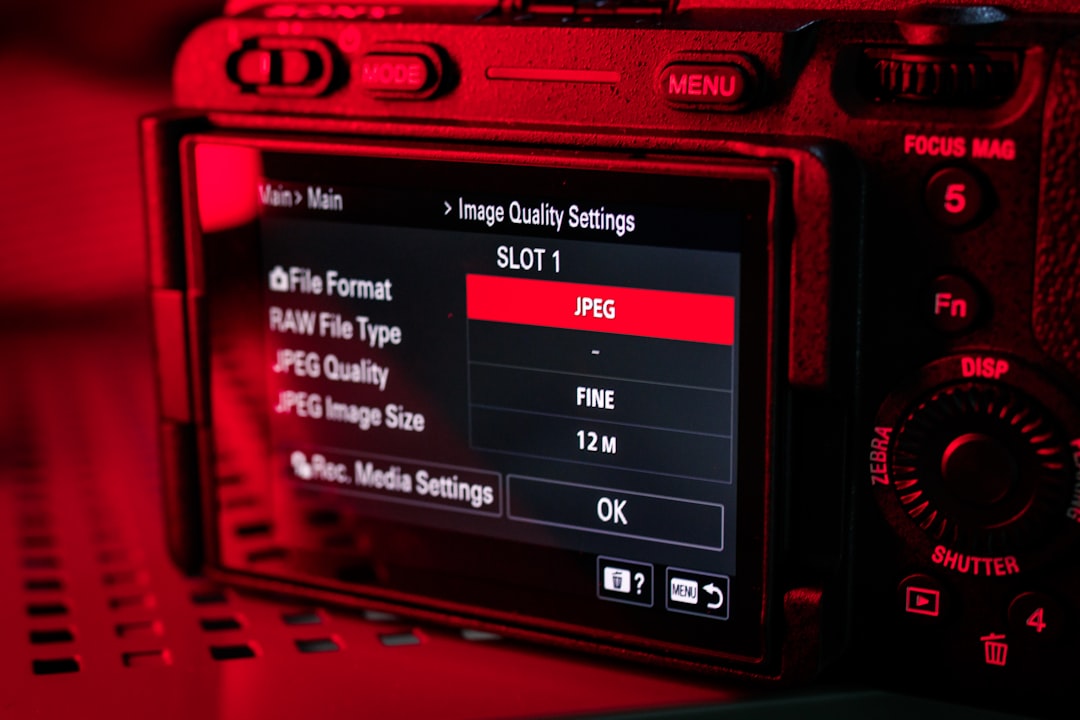
The annoying part is that many cameras bury frame rate settings behind vague menu labels like “movie mode,” “quality,” or “record format.” Expect to waste time finding it the first time, especially on hybrid photo cameras.
Common FPS Standards
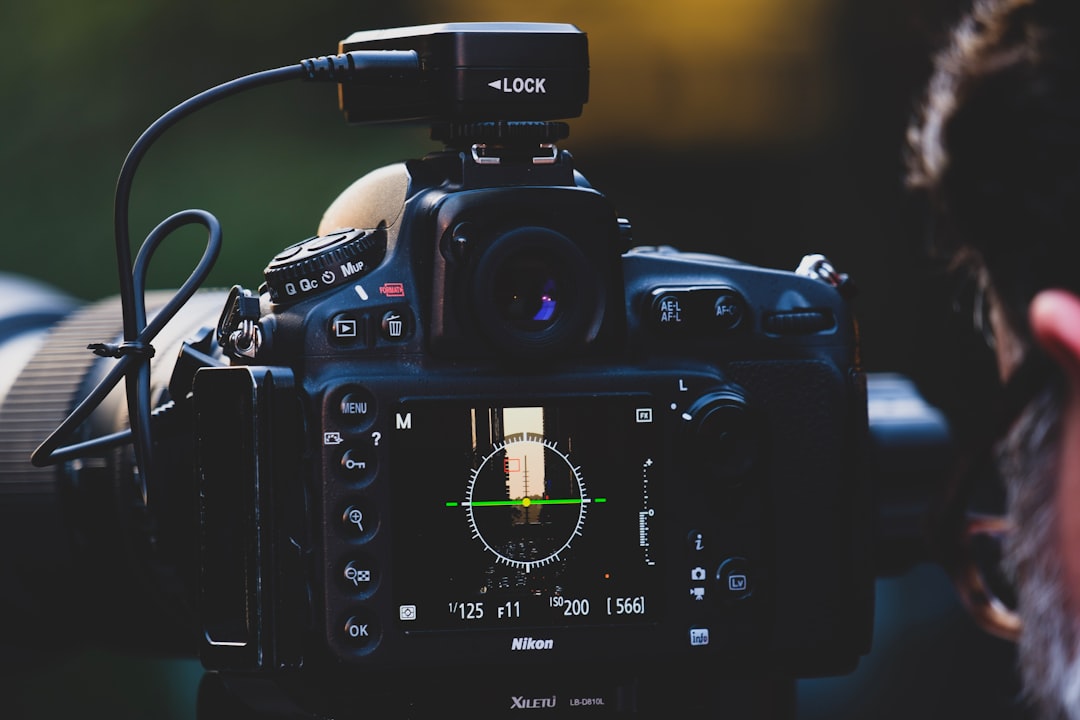
Most work falls into a few standard frame rates. Each one has a clear purpose.
- 24 fps: The classic film standard. It gives footage a cinematic feel with mild motion blur.
- 25 fps: Common in regions using PAL broadcast standards, including much of Europe, Africa, Asia, and Australia.
- 30 fps: Common for online video, TV-style content, tutorials, interviews, and business videos.
- 50 fps: A smoother option in PAL regions, often used for sports and live events.
- 60 fps: Good for fast action, gaming, sports, product demos, and screen recordings.
- 120 fps: Used for slow motion, especially when played back at 24 fps or 30 fps.
- 240 fps and above: Used for extreme slow motion, such as splashing water, sports analysis, or impact shots.
How Frame Rate Affects Motion Quality
Frame rate controls how motion is sampled. If the fps is too low for the action, movement can look choppy. If the fps is higher than expected, motion can look very smooth, sometimes too smooth for drama or narrative work.
24 fps works well when the camera movement is controlled. Slow pans, steady handheld work, and planned blocking can look polished. But fast sideways movement can stutter if the shutter speed and camera motion are not handled well.
30 fps feels slightly sharper and more immediate. It is useful for educational videos, corporate content, livestream clips, and social media posts. It does not feel as cinematic as 24 fps, but it is usually easier to work with.
60 fps is cleaner for motion. Sports, dance, gaming, and action footage benefit from the extra frames. Viewers can see more detail in movement, which matters when the action itself is the subject.
There is a tradeoff. Higher frame rates usually create larger files, need more light, and can make editing slower. A 4K 60 fps project can feel heavy on an average laptop. Scrubbing the timeline may lag by a second or two, which gets old quickly during long edits.
The Shutter Speed Connection
Frame rate should not be chosen alone. It works with shutter speed. A common rule is the 180 degree shutter rule, which means your shutter speed should be about double your frame rate.
- 24 fps: Use about 1/48 or 1/50 second.
- 30 fps: Use about 1/60 second.
- 60 fps: Use about 1/120 second.
- 120 fps: Use about 1/240 second.
This creates motion blur that feels natural. If the shutter is too fast, motion may look sharp but harsh, like action scenes in some war films or sports replays. If the shutter is too slow, motion can smear.
Slow Motion: How It Really Works
Slow motion is created by recording more frames than the final playback frame rate. If you record at 120 fps and play it back at 24 fps, the footage becomes five times slower. That is because 120 divided by 24 equals 5.
Here are simple slow motion ratios:
- 60 fps to 30 fps: 2x slow motion.
- 60 fps to 24 fps: 2.5x slow motion.
- 120 fps to 30 fps: 4x slow motion.
- 120 fps to 24 fps: 5x slow motion.
- 240 fps to 24 fps: 10x slow motion.
High frame rate recording needs more light because each frame gets less exposure time. Indoor slow motion often looks noisy unless you add lights. This is one reason outdoor sports footage usually handles 120 fps better than a dim kitchen or office.
Choosing the Right Frame Rate by Project
Use the final use case as your guide. Do not pick the highest number just because the camera offers it.
- Short films and music videos: Shoot at 24 fps unless you need slow motion inserts.
- YouTube talking head videos: Use 24 fps for a softer film feel or 30 fps for a cleaner studio look.
- Tutorials and courses: Use 30 fps. It is clear, efficient, and widely compatible.
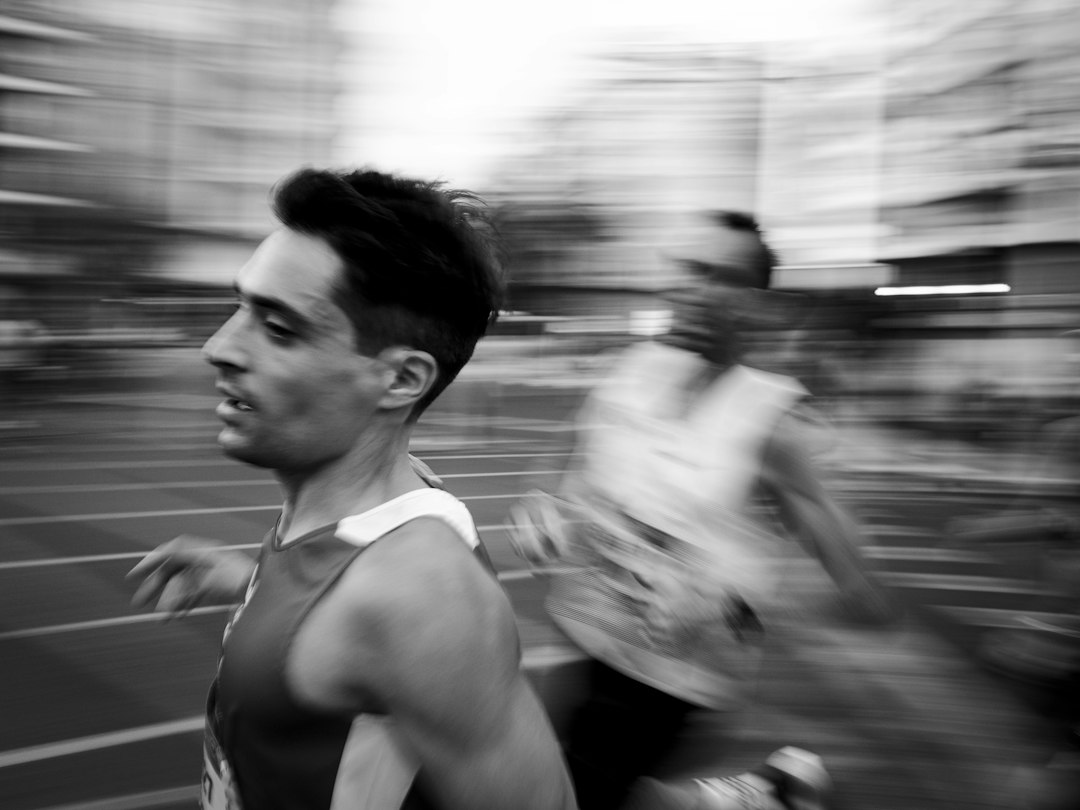
- Sports, dance, fitness, and wildlife: Use 60 fps for real-time playback, or 120 fps for slow motion.
- Gaming videos: Use 60 fps if the platform and screen capture system support it.
- Livestreaming: Use 30 fps for reliability. Use 60 fps only if bandwidth and hardware are strong.
- Commercial product shots: Use 24 fps or 30 fps for normal shots, then 60 fps or 120 fps for liquid pours, fabric movement, or rotating products.
FPS and Platform Compatibility
Most major platforms accept common frame rates, but playback quality can vary. A platform may compress a 60 fps upload more heavily than a 30 fps upload. That means the smoother file can sometimes look worse if bitrate is too low.
For social media, 30 fps is a safe default. It balances motion quality, file size, upload speed, and device playback. For action-heavy content, 60 fps is worth it. For ads and polished brand videos, 24 fps or 30 fps often looks better than forcing a high fps look.
Common Frame Rate Mistakes
- Mixing frame rates without planning: A timeline with 24 fps, 30 fps, and 60 fps clips can cause dropped frames or odd motion.
- Shooting 60 fps for everything: It increases storage and may create an unnatural look for interviews or drama.
- Ignoring lighting: High fps needs faster shutter speeds, which need more light.
- Confusing slow motion with smooth playback: 120 fps is not needed unless you plan to slow the footage down or analyze fast movement.
- Exporting at the wrong fps: A 24 fps project exported at 30 fps can introduce repeated frames.
A Practical Default Setup
If you want one reliable rule, use this: set your main timeline before you shoot. For cinematic projects, set it to 24 fps. For general web video, set it to 30 fps. For sports or gaming, set it to 60 fps.
Then record slow motion clips at higher fps only when needed. For example, shoot an interview at 30 fps, then switch to 120 fps for a product splash shot. In editing, place that 120 fps clip on the 30 fps timeline and slow it to 25 percent for clean 4x slow motion.
Frame rate is not just a technical setting. It shapes how the audience reads motion, realism, speed, and polish. Choose it early, match it to the project, and keep it consistent unless you have a clear reason to change it.

