
The best remote access choice for most remote employees is no longer a traditional VPN by default; it is usually ZTNA or SASE for cloud-heavy teams, and enterprise VPN for companies that still depend on private networks, legacy apps, and fixed internal resources. A serious buying decision should start with one question: what exactly must the employee reach? If the answer is “everything on the corporate network,” a VPN may still fit. If the answer is “only approved apps, based on identity and device health,” ZTNA or SASE is often safer and easier to control.
TLDR: Enterprise VPNs are still useful for secure tunnels into private infrastructure, but they can give too much network access if poorly configured. ZTNA grants access per application, not per network, which reduces exposure if credentials are stolen. For example, a 200-person company that moves from full-tunnel VPN to ZTNA may cut broad internal network access by 70% or more, because users only see the apps they are assigned. SASE is the broader option when remote access, secure web gateway, cloud security, and traffic inspection need to work from one policy model.
What “best” really means for remote access
A remote access product is not “best” because it has the most features. It is best when it lowers risk without slowing people down. Remote employees need stable access to internal apps, SaaS platforms, file stores, admin tools, and customer systems. Security teams need identity checks, logging, device posture, least privilege, and fast incident response.
This is where the old VPN model starts to feel strained. A VPN usually connects the user to a network segment. After that, security depends on segmentation, firewall rules, endpoint controls, and monitoring. That can work well. But it takes discipline. The catch is that many companies never clean up old VPN groups, stale accounts, or split tunneling rules until something breaks.
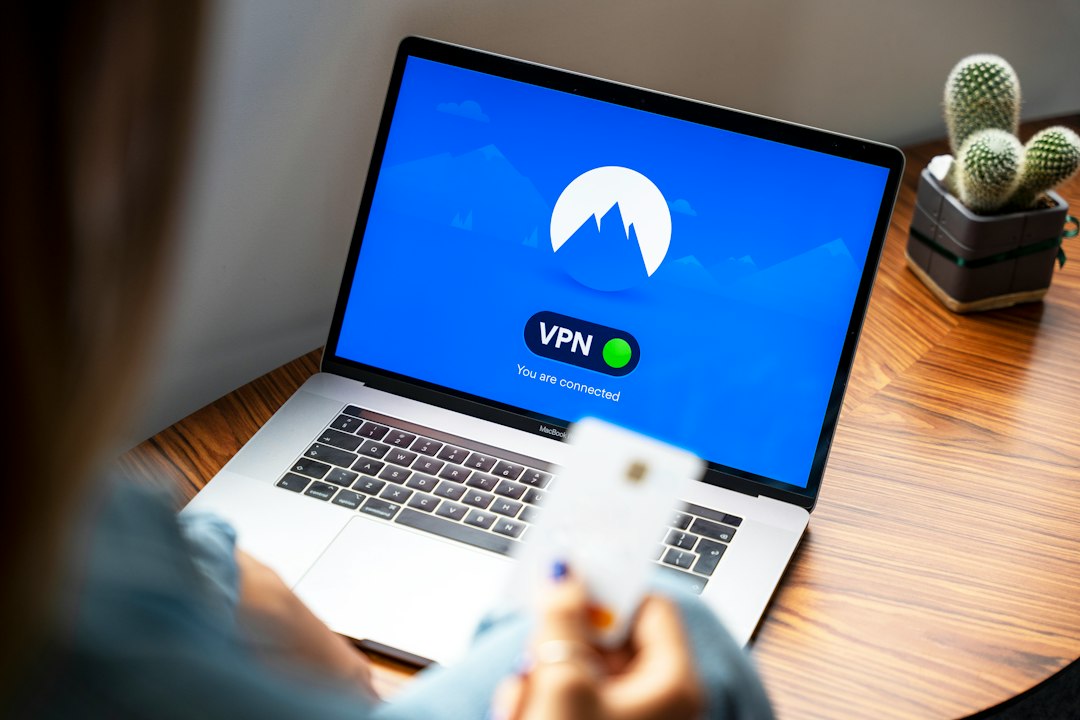
Enterprise VPN: strong, familiar, but broad
Enterprise VPNs create encrypted tunnels between remote devices and company infrastructure. Common options include Cisco Secure Client, Palo Alto GlobalProtect, Fortinet FortiClient, Check Point, Ivanti, and SonicWall. These tools are mature. They support multi factor authentication, certificates, device checks, traffic routing, and integration with identity providers.
VPNs are a good fit when employees need access to:
- Legacy applications that were never built for internet-facing access.
- Private IP resources, such as databases, file shares, or admin consoles.
- Industrial systems or branch office networks.
- Full network services, including DNS, printing, or internal monitoring tools.
The main concern is scope. A VPN can place a remote laptop “inside” the network. If that laptop is compromised, the attacker may gain a useful starting point. Strong segmentation helps, but it requires constant care. Honestly, it feels like some VPN environments become junk drawers for access rules. Nobody wants to remove a rule because nobody knows which old workflow might fail.
ZTNA: access to apps, not the whole network
Zero Trust Network Access, or ZTNA, works differently. It does not assume a trusted user just because a tunnel is active. Instead, it checks identity, device posture, location, risk signals, and policy before granting access to a specific application.
In practical terms, an employee in finance may get access to the accounting system and payroll portal, but not engineering tools or database admin panels. A contractor may get access to one ticketing app for 30 days. If the device lacks disk encryption or endpoint protection, access can be blocked or restricted.
ZTNA is strong for companies that want:
- Least privilege access by user, group, device, and app.
- No broad network exposure to remote endpoints.
- Simpler contractor access without issuing full VPN rights.
- Better audit trails around who accessed which app and when.
Popular ZTNA products include Zscaler Private Access, Netskope Private Access, Cloudflare Access, Palo Alto Prisma Access, Twingate, and Perimeter 81. Some are easier to deploy than others. Expect to waste time on app discovery if your internal systems are poorly documented. That is not a product flaw. It is usually an inventory problem finally becoming visible.
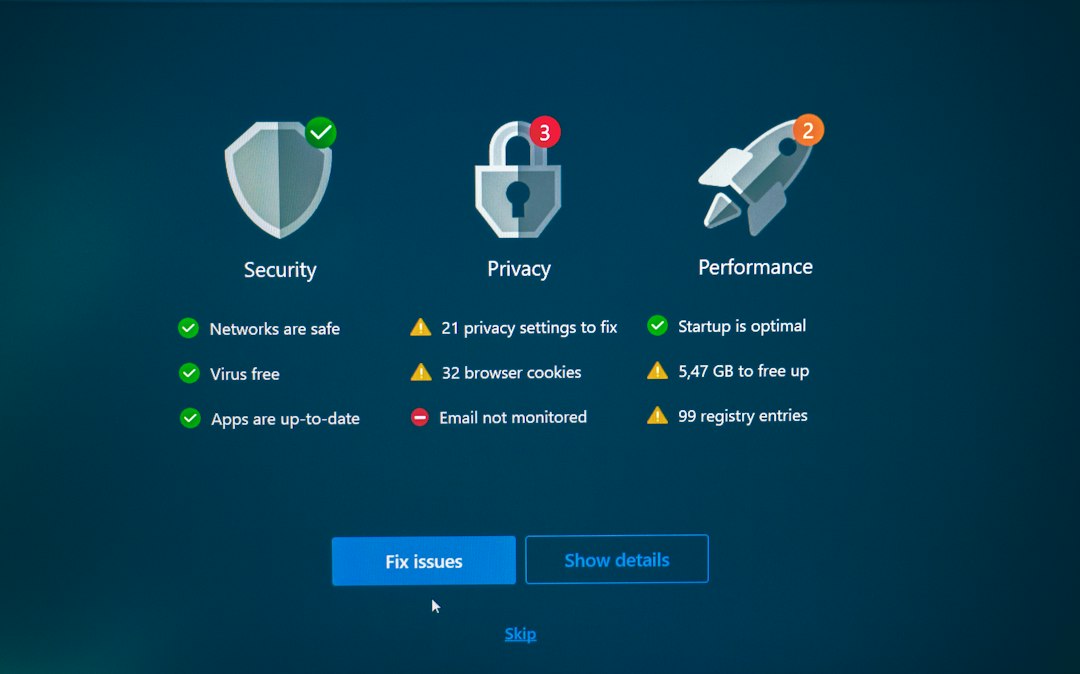
SASE: remote access plus security services
SASE, short for Secure Access Service Edge, combines several security and networking functions into a cloud-delivered service. It can include ZTNA, secure web gateway, cloud access security broker, firewall as a service, data loss prevention, malware inspection, and software defined wide area networking.
SASE is not just a VPN replacement. It is a wider architecture. It makes sense when employees work from many places, use many SaaS tools, and need consistent security policies whether they are at home, in an office, or traveling.
A SASE platform may inspect web traffic, block risky downloads, control uploads to personal cloud storage, and grant private app access from the same policy console. For a security team, that can reduce tool sprawl. For employees, it may mean fewer separate agents and fewer odd connection steps.
Enterprise VPN vs ZTNA vs SASE
| Option | Best for | Main risk |
|---|---|---|
| Enterprise VPN | Legacy systems, private networks, full tunnel access, admin workflows | Too much network access if segmentation is weak |
| ZTNA | App-based access, contractors, hybrid work, least privilege | Requires clean app mapping and identity maturity |
| SASE | Large remote workforces, SaaS security, web filtering, unified policy | Cost and migration complexity |
Security features that should not be optional
Whether you choose VPN, ZTNA, or SASE, certain controls should be treated as basic requirements.
- Multi factor authentication: Password-only remote access is not acceptable for business use.
- Device posture checks: Access should depend on patch status, encryption, endpoint protection, and jailbreak or root detection.
- Conditional access: Policies should react to user role, device risk, country, time, and session behavior.
- Detailed logging: Security teams need searchable records of access attempts, approvals, failures, and policy changes.
- Granular permissions: Users should get only the access required for their work.
- Fast revocation: Removing a user or device should take effect quickly across remote access systems.
Performance matters more than people admit
Remote access tools fail when they make daily work annoying. If opening a CRM takes 12 seconds longer through the security stack, users will complain. If video calls break when full tunnel VPN is enabled, managers will ask for exceptions. Those exceptions grow into risk.
Enterprise VPNs can perform well, especially with regional gateways and split tunneling. ZTNA can feel faster for private apps because it avoids routing all traffic through one corporate choke point. SASE performance depends heavily on the provider’s points of presence, peering, and inspection design.
Before signing a long contract, test with real users in real locations. Include home broadband, hotel Wi Fi, mobile hotspots, and overseas users if they exist. Measure login time, app launch time, file transfer speed, call quality, and help desk tickets.

Which option should your company choose?
Choose an enterprise VPN if your company has heavy legacy infrastructure, strict private network needs, or a small remote workforce with well-managed endpoints. It is also a practical short-term choice when app modernization is not ready.
Choose ZTNA if your priority is reducing broad network access. It is often the best match for mid-sized companies with SaaS usage, hybrid workers, and contractors. It offers tighter access control without forcing every user into the same network tunnel.
Choose SASE if remote access is only one part of the problem. If you also need web filtering, SaaS controls, data protection, malware inspection, and consistent global policy, SASE may be the better long-term platform.
A practical migration path
Many companies do not need to rip out the VPN on day one. A phased plan is safer. Keep the VPN for legacy systems. Move high-value web apps to ZTNA. Put contractors on app-specific access first. Then add SASE features where web, SaaS, and data controls are weak.
Start with an access review. List every private app, user group, admin path, and third-party connection. Remove dead accounts. Tighten MFA. Then pilot ZTNA with one department. Security improves fastest when the project is specific, measured, and tied to real user workflows.
The best VPN for remote employees may not be a VPN at all. For network-level access, enterprise VPNs remain valid. For safer remote work at scale, ZTNA is often the cleaner answer. For organizations that need one security model across private apps, SaaS, and the open web, SASE is the more complete route.

