
Apple Wallet Car Key turns a compatible iPhone or Apple Watch into a secure car key for locking, unlocking, and starting supported vehicles through the Wallet app [source: Apple]. It can work with NFC, Ultra Wideband, or both, depending on the car and phone model.
How Apple Wallet Car Key works
Apple Wallet Car Key stores a digital version of your vehicle key inside the Wallet app. Once added, the key can communicate with the car using secure short range wireless technology. The car checks the digital key. If it is valid, it unlocks or starts.
There are usually two main ways this works:
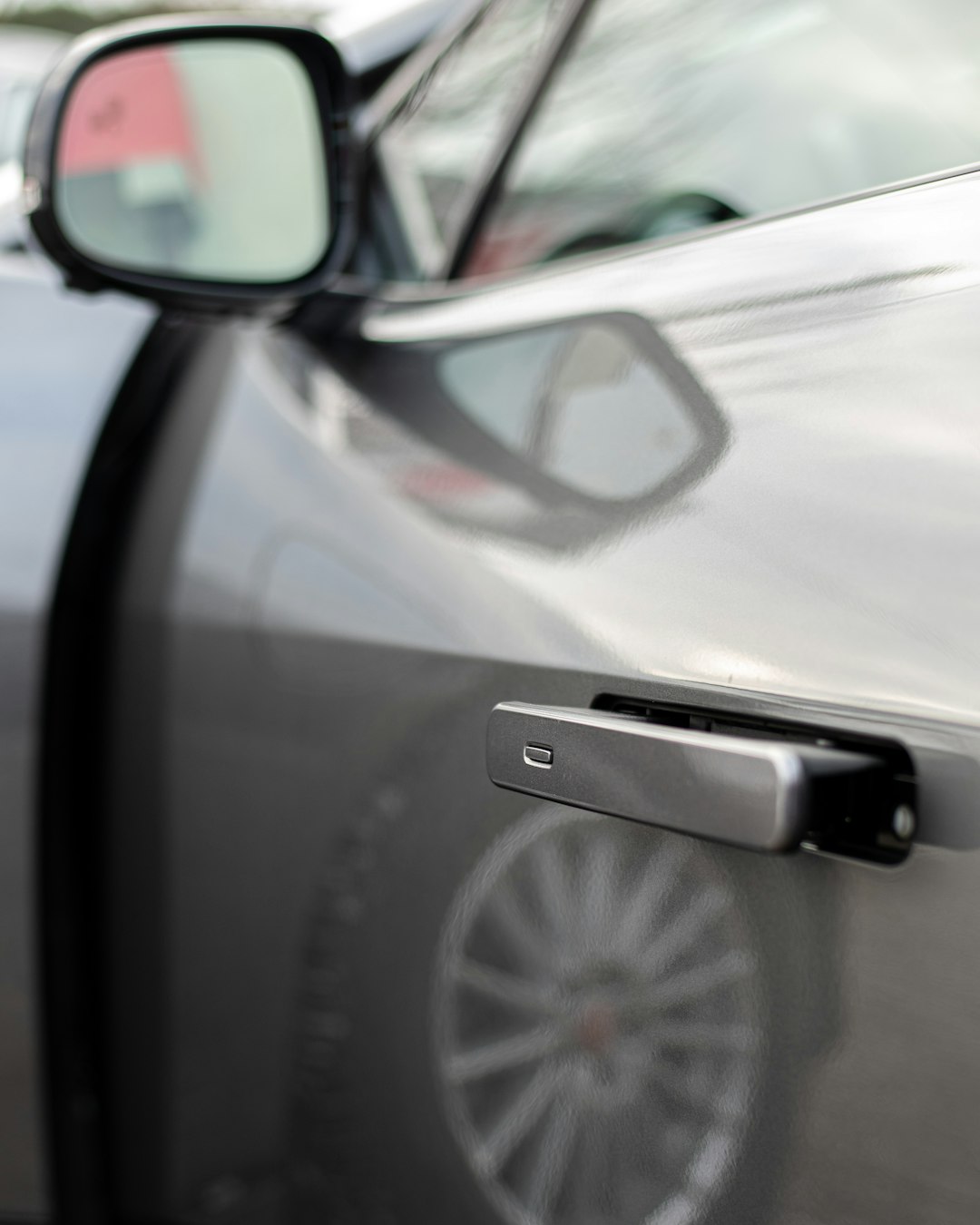
- NFC: You hold the iPhone or Apple Watch near the vehicle’s reader, often in the door handle or inside the cabin.
- Ultra Wideband: On supported cars and iPhones, the car can detect the phone nearby with more exact distance checks. This can allow passive entry.
NFC is the more basic version. It feels like using Apple Pay, but on your car. Ultra Wideband feels closer to a modern key fob. You walk up, pull the handle, and the car knows the approved phone is close enough.
What you need before setup
You need a compatible car, a supported iPhone, and the car maker’s app or account process. In many cases, setup starts in the vehicle’s infotainment system or the manufacturer’s app. Then the key is passed to Apple Wallet.
Expect to waste time on the first setup if the car app is clunky. Honestly, it can feel odd that a premium car still makes you tap through account screens and pairing codes just to replace a piece of metal. A careful setup may take 5 to 15 minutes, depending on the brand.
In general, check these items first:
- Vehicle support: The model and year must support Apple Wallet Car Key.
- iPhone support: The phone must run a recent iOS version.
- Apple ID: You must be signed in to iCloud.
- Wallet app: Apple Wallet must be active and available in your region.
- Car maker account: Some brands require an active app account or connected services plan.
Using the key each day
Once the digital key is in Wallet, daily use is simple. With NFC, place the top of the iPhone near the car’s reader. With an Apple Watch, hold the watch near the same area. To start the car, you may need to place the phone on the charging pad or near a reader inside the cabin.
With passive entry, the process is faster. Keep the phone in your pocket or bag. Walk up, open the door, get in, and start the car. This depends on the car’s hardware and your iPhone model.
Express Mode can make the key work without Face ID, Touch ID, or a passcode each time. That is convenient. It is also why you should treat the phone like a real key. If someone has your unlocked phone, the risk is obvious.
Is Apple Car Key secure?
Apple Car Key is built around secure storage and encrypted communication. The key is stored in a protected part of the device, similar in spirit to how payment cards are protected. The car does not just accept any signal. It checks that the digital credential is approved.
Ultra Wideband can also help reduce relay attacks. A relay attack tries to trick a car into thinking a key is nearby when it is not. Distance checking makes that harder, though no system should be treated as magic.
The Car Connectivity Consortium has worked on digital key standards used across the industry [source: Car Connectivity Consortium]. That matters because car keys should not depend on one brand’s private trick forever. Standards make support cleaner and safer over time.
Sharing a digital car key
One of the best features is key sharing. You can send a digital car key to another person through supported Apple tools. You can also set limits, depending on the car. For example, a parent may share a key with a teen driver and restrict access or permissions if the vehicle supports it.
This is useful for families, small companies, and valet situations. It also removes the annoying “who has the spare key?” problem. If a person no longer needs access, you can revoke the shared key from Wallet or the car maker’s system.
What happens if your iPhone battery dies?
Some Apple Car Key setups support Power Reserve. That means the key may keep working for a limited time after the phone battery is too low to use normally. Apple says this can last for several hours on supported devices and cars.
Still, do not rely on that as your only plan. Keep a physical key or key card nearby when taking long trips, buying a used car, or testing the feature for the first time. Digital keys are practical, but roadside problems are still very real.
Benefits and limits
The main benefit is convenience. Your phone is already with you. Using it as a key cuts pocket clutter and makes sharing easier. It can also be safer than leaving a spare key under a mat or handing out physical copies.
The limits are just as real:
- Car support is narrow compared with normal key fobs.
- Setup depends on the car maker, and some apps are slow.
- Repairs can complicate access if accounts, phones, or modules are reset.
- Not every feature works on every model, even within the same brand.
Who should use it?
Use Apple Wallet Car Key if your car supports it, your iPhone is recent, and you want a cleaner daily routine. It is also a strong fit if you share cars often. The feature is serious enough for daily use, but it should not be your only access method on day one.
Best practice: set it up, test it at home, share a backup key with a trusted person, and keep the physical key until you trust the system. Digital car keys are no longer a gimmick. They are useful, secure, and getting better, but car brand support still decides whether the experience feels smooth or irritating.

