

Designing interior spaces has evolved dramatically over the past decade. What once required manual drafting, physical samples, and extensive technical training can now be accomplished with intuitive digital platforms. Modern interior design software with drag-and-drop functionality allows professionals and homeowners alike to create detailed layouts, experiment with décor, and visualize complete rooms with precision and efficiency. Choosing the right platform, however, requires careful evaluation of features, cost, scalability, and usability.
TLDR: Drag-and-drop interior design software makes professional-quality space planning accessible and efficient. The five standout platforms—SketchUp, Planner 5D, Roomstyler 3D Home Planner, Homestyler, and Floorplanner—offer varying levels of complexity, rendering capabilities, and collaboration tools. Some are better suited for professionals needing advanced modeling, while others cater to beginners or clients seeking quick visualizations. Understanding their differences ensures you select a tool aligned with your design workflow and project requirements.
Why Drag-and-Drop Functionality Matters
Drag-and-drop interfaces simplify the design process without sacrificing sophistication. By allowing users to move walls, furniture, textures, and fixtures directly into a digital workspace, these platforms eliminate steep learning curves. Instead of focusing on technical commands, designers can concentrate on spatial harmony, scale, proportion, and aesthetic cohesion.
Key advantages include:
- Time efficiency: Rapid layout creation and instant adjustments.
- Visual clarity: Immediate 2D and 3D previews.
- Accessibility: Usable by beginners and professionals alike.
- Collaboration: Easy sharing of visual concepts with clients.

With that foundation in mind, below are five of the most reliable and widely used platforms offering powerful drag-and-drop functionality.
1. SketchUp
Best for: Professionals and advanced users seeking robust 3D modeling capabilities.
SketchUp is one of the most established names in 3D design. While originally popular in architectural modeling, it has become a powerful interior design solution. Its drag-and-drop features allow users to import furniture, fixtures, and décor from the extensive 3D Warehouse library.
Key Features:
- Extensive 3D object library
- Highly accurate measurement tools
- Custom material and texture creation
- Integration with rendering plugins such as V-Ray
Strengths:
- Exceptional modeling precision
- Scalable for complex commercial projects
- Strong community support and tutorials
Limitations:
- Learning curve for beginners
- Advanced rendering requires add-ons
SketchUp is ideal for interior designers who require detailed construction-level modeling alongside visual presentations.
2. Planner 5D
Best for: Homeowners and designers who want intuitive usability with strong visualization tools.
Planner 5D balances simplicity with impressive visual output. Users can drag walls, doors, windows, and furnishings into both 2D and 3D layouts effortlessly. Its AI-powered tools help automate certain aspects of room creation, making it particularly appealing to beginners.
Key Features:
- 2D and 3D editing modes
- Large catalog of furniture and décor items
- Photorealistic rendering capabilities
- Cross-platform availability
Strengths:
- Very intuitive interface
- Strong visual realism
- Minimal technical skills required
Limitations:
- Advanced catalog items may require paid plans
- Less suitable for highly technical architectural detailing
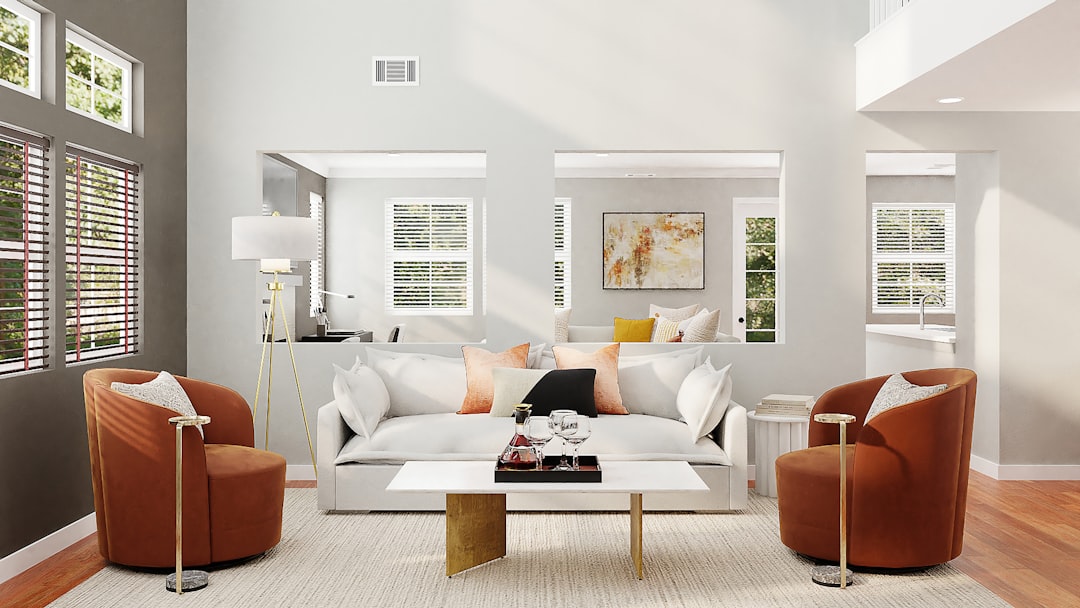
Planner 5D stands out for users who prioritize visual presentation and ease of use over technical modeling depth.
3. Roomstyler 3D Home Planner
Best for: Quick room mockups and client concept visualizations.
Roomstyler 3D Home Planner is a browser-based platform designed for efficiency. It allows users to draw floor plans and drag real-life branded furniture directly into layouts. This feature is particularly useful when specifying actual products for purchasing.
Key Features:
- Real brand-name furniture selections
- Instant 3D rendering
- Community-inspired design gallery
- No software installation required
Strengths:
- Completely web-based
- Quick rendering turnaround
- Excellent for showcasing purchasable items
Limitations:
- Limited advanced customization
- Less robust for complex projects
This platform is particularly effective for designers who want to present clients with realistic, product-driven proposals without navigating complex modeling tools.
4. Homestyler
Best for: High-quality visual presentations and client pitching.
Homestyler combines drag-and-drop usability with sophisticated rendering capabilities. Users can upload photos of real rooms and overlay furniture and finishes digitally. This feature is invaluable for renovation planning and client approvals.
Key Features:
- Photo-based room mockups
- Extensive furniture library
- High-definition renderings
- Cloud-based project storage
Strengths:
- Strong visual impact
- Easy client sharing options
- Reliable for staged marketing visuals
Limitations:
- Premium features behind subscription tiers
- May not support intricate structural redesigns
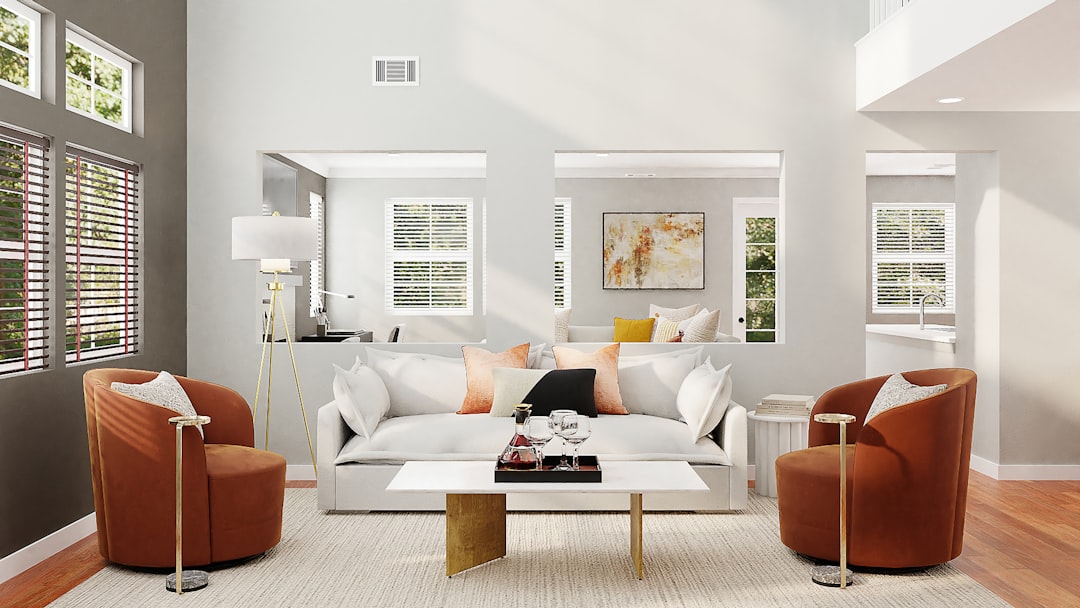
Homestyler is especially valuable for professionals focused on renovations, staging, and real estate marketing.
5. Floorplanner
Best for: Accurate floor plan creation with layered design tools.
Floorplanner excels in precision-based 2D drafting paired with clean 3D visualization. Its drag-and-drop interface simplifies wall placement, room division, and furnishing. The software is widely used for both residential and commercial planning.
Key Features:
- Accurate scaled floor plans
- Multi-level project support
- 3D walkthrough capability
- Collaboration tools
Strengths:
- Strong space planning tools
- Clear, professional outputs
- Responsive interface
Limitations:
- Advanced exports may require paid subscription
- Object library less extensive than some competitors
Floorplanner is well suited for designers who prioritize structural layout accuracy before final decorative decisions.
Comparison Chart
| Platform | Best For | Ease of Use | Rendering Quality | Professional-Level Tools | Pricing Model |
|---|---|---|---|---|---|
| SketchUp | Advanced 3D modeling | Moderate | High (with plugins) | Extensive | Subscription |
| Planner 5D | Beginner-friendly design | Very Easy | High | Moderate | Freemium |
| Roomstyler | Quick branded layouts | Easy | Moderate | Basic | Free |
| Homestyler | Client presentations | Easy | High | Moderate | Freemium |
| Floorplanner | Precise floor planning | Easy to Moderate | Moderate to High | Strong layout tools | Freemium |
How to Choose the Right Platform
Selecting the appropriate interior design software depends on your professional objectives and technical skill level. Ask the following questions:
- Are you creating conceptual mood boards or construction-ready models?
- Do you need photorealistic rendering for client approvals?
- Will you collaborate with contractors or architects?
- Is budget a determining factor?
For professional designers managing complex architectural projects, SketchUp may offer the necessary flexibility. For visually compelling client presentations, Homestyler or Planner 5D may be more efficient. Those focused primarily on layout accuracy may prefer Floorplanner, while Roomstyler is optimal for quick, product-linked mockups.
Final Considerations
Drag-and-drop interior design platforms have transformed both residential and commercial design workflows. They bridge the gap between technical drafting and creative experimentation, enabling faster ideation, clearer communication, and more confident decision-making.
While each of the five platforms discussed offers reliable functionality, the ideal solution depends on whether your priority lies in precision, presentation quality, accessibility, or scalability. Investing time in testing trial versions before committing to a subscription can help ensure long-term success.
Ultimately, the right software is not merely a digital tool—it becomes an extension of your design thinking process. Choosing wisely will elevate both the efficiency and professionalism of your interior design projects.

