
Voice-controlled homes are no longer science fiction. They are here. You can dim the lights with a whisper. You can play your favorite song without lifting a finger. You can ask about the weather while cooking dinner. But once the smart speakers, displays, hubs, and sensors move in, a new question pops up. How do you decorate around all this tech?
TLDR: Voice-controlled homes can look stylish and cozy, not cold or cluttered. Hide wires, blend devices with your decor, and choose smart gadgets that match your style. Use shelves, colors, and smart placement to make tech feel natural. A little planning turns gadgets into design features, not eyesores.
Let’s make smart homes look smart in every way.
Start With a Simple Plan
Before you buy new decor, look at what you already have. Walk through your space. Notice where your smart speakers and displays sit. Are they the center of attention? Or awkwardly placed on the edge of a table?
Ask yourself:
- Where do I use voice commands the most?
- Which devices need to be visible?
- Which ones can be hidden?
Voice assistants need to hear you. So do not lock them in cabinets. But they do not have to sit in the middle of your coffee table either.
Choose Gadgets That Match Your Style
Smart devices come in many finishes. Black. White. Gray. Fabric-covered. Even wood tones.
If your home is bright and airy, choose white or light gray devices. If your style is moody and modern, black or charcoal fits better. Love warm spaces? Look for fabric-covered speakers in beige or soft brown.
Think of gadgets as decor pieces. They should blend in. Or stand out on purpose.
Tip: When buying a new device, check the color options first. A small detail makes a big visual difference.
Create a Smart Shelf
One easy trick is to design a “smart shelf.” This is a shelf that mixes technology with pretty objects.
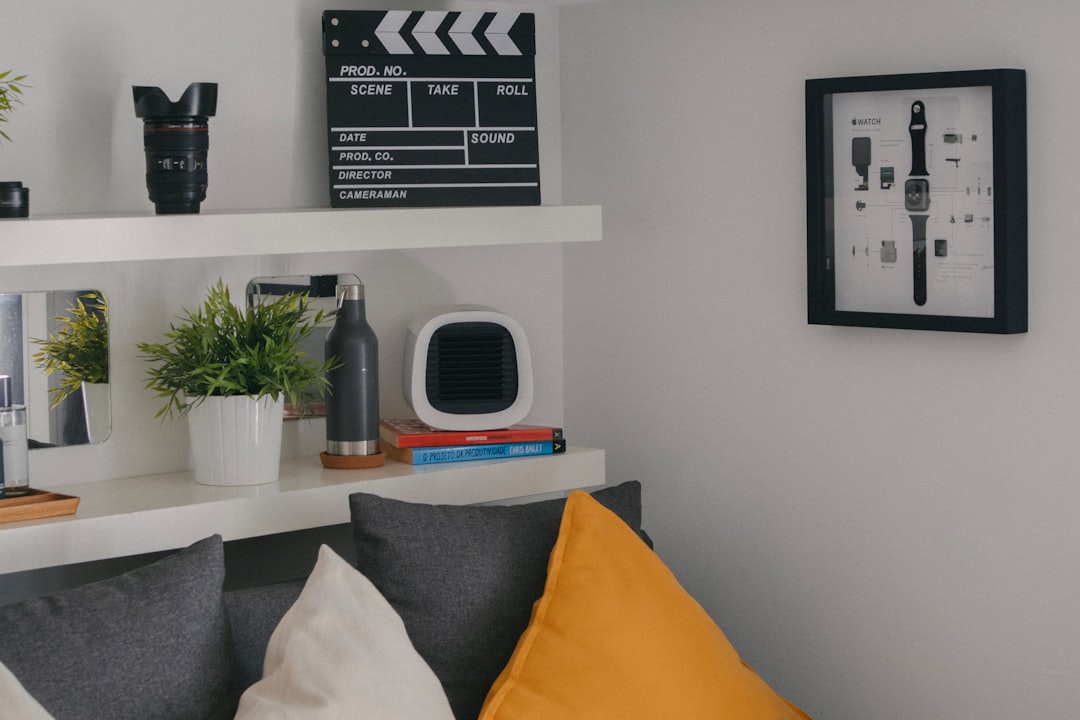
Place your smart speaker next to:
- A small plant
- Stacked books
- A framed photo
- A candle or sculpture
This softens the look. The device feels like part of a styled moment. Not a random gadget dropped in the room.
Use the rule of three. Group items in threes. Different heights look best. For example, tall plant, medium speaker, small candle.
Hide the Wires. Always.
Nothing ruins a beautiful room faster than messy cables. Smart homes often mean more cords. Power cables. Charging cables. Extension cords.
You have options:
- Use cord clips along the back of furniture.
- Run wires under rugs safely.
- Choose furniture with built-in cable holes.
- Use cable boxes to hide power strips.
Wall-mounted raceways can paint-match your wall. This makes them almost invisible.
Clean lines make tech feel intentional.
Decorate Around Smart Displays
Smart displays are a bit trickier. They have screens. Screens attract attention.
Place them where screens make sense. Good spots include:
- The kitchen counter
- A home office desk
- A bedside table
In the kitchen, treat the display like a mini TV. Keep it near outlets. Style the area with a fruit bowl or cutting board behind it.
In the bedroom, keep decor calm. A small lamp. A book. A soft tray. Let the display sit neatly beside them.
Avoid clutter. Too many small items around a screen feel messy.
Use Lighting to Your Advantage
Smart bulbs are heroes of voice-controlled homes. “Turn the lights warm.” Done. “Dim to 30 percent.” Easy.
But bulbs also affect decor.
Warm light makes a room cozy. Cool light feels fresh and modern. Choose based on room purpose:
- Living room: Warm white
- Bedroom: Soft warm
- Kitchen: Neutral white
- Office: Cooler white
Smart LED strips can hide under shelves or behind TVs. They add glow without clutter.
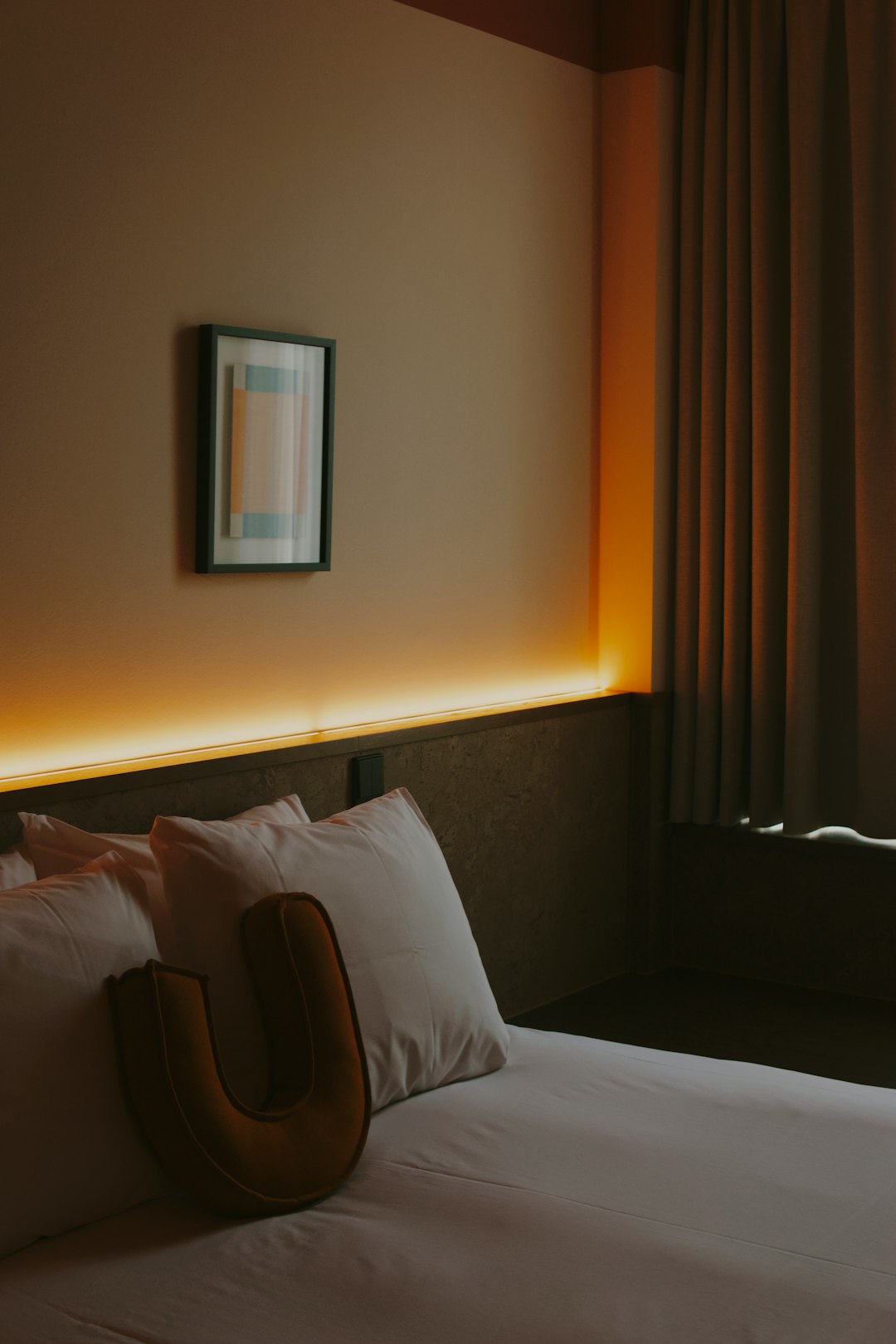
Indirect light makes spaces feel high-end. And futuristic in a good way.
Blend Speakers Into the Background
Some homes have multiple smart speakers. Living room. Bedroom. Bathroom. That adds up fast.
To keep things calm:
- Place speakers near walls in matching colors.
- Use wall-mounted brackets to save surface space.
- Tuck small speakers on bookshelves.
If you love bold design, highlight one speaker. Make it a feature on a console table. But keep others subtle.
Balance is key.
Make the Entryway Smart and Stylish
Voice-controlled homes often start at the door. Smart locks. Smart doorbells. Smart lights.
Inside your entryway, create a tidy zone. Add:
- A slim console table
- A mirror
- A small tray for keys
If you use a voice assistant to control lights as you enter, place it on that console. Keep the look simple.
This creates a welcoming and high-tech first impression.
Turn Your TV Area Into a Smart Hub
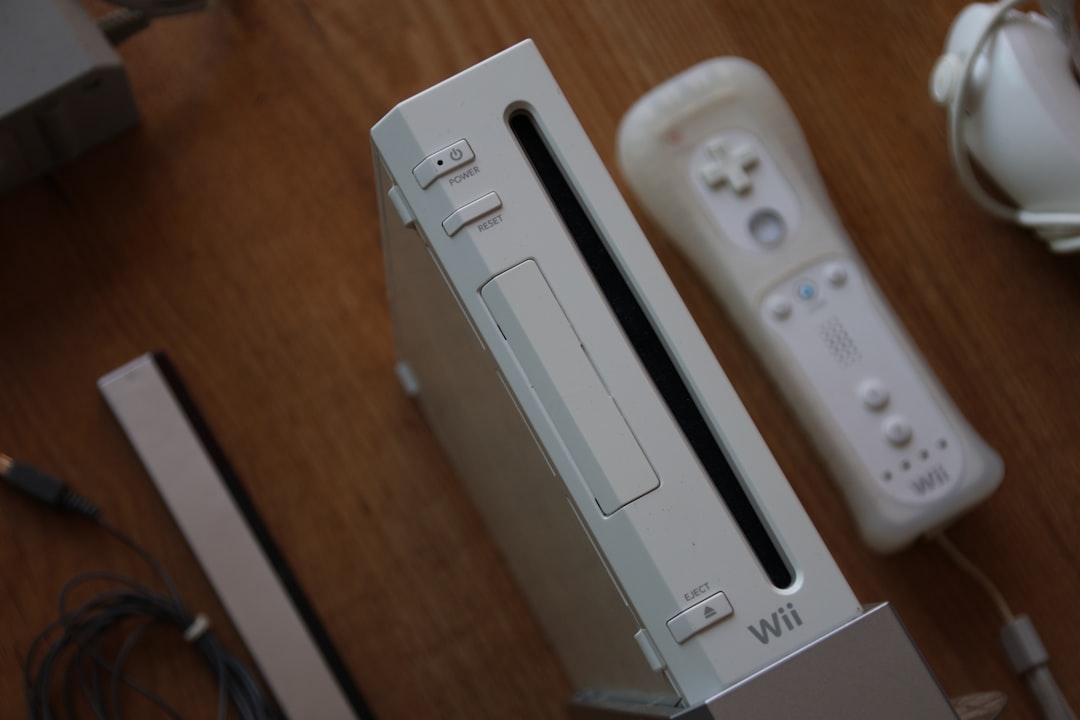
Many voice assistants connect to TVs. That means consoles, streaming devices, and speakers gather in one place.
Use a media unit with closed cabinets. Hide what you can. Display only what looks good.
Try this setup:
- TV mounted on the wall
- Floating cabinet below
- Soundbar centered
- Small decor items on each side
Keep symmetry. It feels calm and organized.
If your assistant controls the TV, make sure it has a clear path to hear your voice. Do not block it behind thick decor.
Smart Kitchens That Still Feel Warm
Kitchens are busy. Adding tech can make them look crowded fast.
Choose one “tech zone.” Maybe a corner of the counter. Keep it neat.
Pair gadgets with:
- Wood accents
- Green plants
- Ceramic jars
Natural textures soften the look of plastic and metal devices.
If possible, install under-cabinet outlets. This hides plugs and keeps counters clean.
Bedrooms Should Not Feel Like Offices
A voice-controlled bedroom is convenient. But too much tech can ruin the mood.
Use smart plugs for lamps. Hide the plug behind the nightstand. Choose lamps that match your style.
If you use a smart display as an alarm, switch it to night mode. Dim the screen. Use a simple clock face.
Soft fabrics help. Think:
- Layered bedding
- Textured throws
- Thick curtains
They balance the sleek feel of technology.
Do Not Forget About Sound
Voice homes often mean music everywhere. That is fun. But speakers in every room can overpower decor.
Consider in-wall or in-ceiling speakers if renovating. They are nearly invisible.
No renovation? Use matching speaker covers. Or choose designs that look like small sculptures.
Keep volume reasonable. A peaceful home feels better than a noisy one.
Create “No-Tech” Corners
Not every space needs a gadget.
Design a reading nook with no devices. A comfy chair. A lamp. A bookshelf.
This contrast makes your smart zones feel intentional. It also gives your brain a rest.
Technology should serve you. Not take over.
Think About Future Upgrades
Smart home tech evolves quickly. Today’s device may look outdated in a few years.
Choose flexible decor:
- Neutral color palettes
- Movable shelves
- Modular furniture
This makes it easy to swap devices without redesigning the whole room.
Keep It Human
At the end of the day, your home is not a showroom. It is a living space.
Add personal touches:
- Family photos
- Travel souvenirs
- Handmade art
These details matter more than any gadget.
Voice assistants should fade into the background. They should help. Not dominate.
Final Thoughts
Decorating around smart assistants is easier than it seems. Think of them as new roommates. They need space. But they should follow house rules.
Keep wires hidden. Blend devices with your color scheme. Style them with plants and books. Use lighting to create mood. Leave some corners tech-free.
Smart homes can be warm. Cozy. Beautiful.
You can say, “Turn on the lights,” and smile at how good the room looks when they glow.
That is the magic. Convenience meets comfort. Technology meets style.
And your home still feels like home.

