
In today’s fast-paced digital world, traditional paper business cards are rapidly evolving into smarter, more dynamic tools for networking. Entrepreneurs, freelancers, and corporate teams are increasingly turning to online business card generators to create professional designs and share them instantly. These tools combine creativity, customization, and convenience, allowing users to build impressive business cards without needing advanced design skills.
TLDR: Business card generators make it easy to design professional, eye-catching cards in minutes without graphic design experience. Many platforms offer customizable templates, digital sharing options, and even print services. The best tools combine intuitive editors, branding flexibility, and instant download or share features. Choosing the right generator depends on budget, desired features, and whether digital, print, or both formats are needed.
Why Business Card Generators Matter in Modern Networking
Networking has shifted beyond physical exchanges. While printed cards remain valuable, digital business cards are becoming essential for professionals who attend virtual events, connect through social platforms, or operate globally. Business card generators bridge the gap between traditional and digital networking.
Key advantages include:
- Speed: Create and download a design in minutes.
- Affordability: Many tools offer free templates or low-cost premium options.
- Customization: Personalize fonts, colors, logos, and layouts.
- Instant sharing: Send via QR code, email, NFC, or social media.
- Professional polish: Access to designer-quality templates.
Instead of hiring a graphic designer or struggling with complex software, professionals can now generate polished cards with just a few clicks.
Key Features to Look for in a Business Card Generator
Not all business card generators offer the same capabilities. Choosing the right one requires understanding which features matter most.
1. Template Variety
A strong platform provides templates for various industries, from creative freelancers to corporate executives. Clean, modern designs are especially valuable for maintaining a professional image.
2. Customization Options
Users should be able to adjust:
- Fonts and typography
- Color schemes
- Logo placement
- Contact information layout
- Background images or patterns
3. Digital Sharing Capabilities
Modern tools often include QR codes, public profile links, or NFC compatibility, enabling instant sharing.
4. Print-Ready Files
High-resolution downloads in formats like PDF, PNG, or SVG ensure the card looks sharp when printed.
5. Brand Consistency Tools
The ability to upload brand kits, including logos and color palettes, can help maintain consistent visual identity.

Top Business Card Generators to Design and Share Instantly
1. Canva
Best for versatility and ease of use.
Canva stands out as one of the most popular design platforms worldwide. Its drag-and-drop interface makes business card creation simple even for beginners.
Advantages of Canva include:
- Thousands of customizable templates
- Extensive font and graphics library
- Brand kit integration
- Print ordering directly through the platform
Users can create both standard print cards and digital versions for online sharing. Canva’s intuitive design tools eliminate steep learning curves while maintaining professional quality.
2. Adobe Express
Best for advanced customization and brand control.
Adobe Express provides robust creative flexibility while remaining more accessible than traditional Adobe software. It offers high-end design features and integrates well with other Adobe tools.
Notable features include:
- Premium typography selections
- Precise alignment tools
- Professional-grade templates
- Cloud storage access
This tool suits professionals who want deeper creative control without committing to complex design software.
3. Vistaprint
Best for combined design and printing services.
Vistaprint is widely recognized for its printing services, but it also offers a powerful online card generator. Users can select from industry-specific designs and customize them directly on the website.
Key benefits include:
- Built-in print ordering
- Premium paper and finish options
- Affordable bulk pricing
- Design support assistance
For professionals prioritizing physical cards, Vistaprint remains a reliable, end-to-end solution.
4. HiHello
Best for digital-first networking.
HiHello focuses primarily on digital business cards. It enables users to create shareable profiles accessible via QR code, email, text, or NFC tap technology.
Why professionals choose HiHello:
- Contactless sharing
- Environmentally friendly alternative
- Analytics tracking
- CRM integrations
In hybrid or virtual networking environments, digital-first platforms like HiHello provide a seamless exchange experience.
5. BrandCrowd
Best for AI-assisted logo and card design.
BrandCrowd integrates logo creation with business card design, making it ideal for startups building their brand identity from scratch.
Highlights include:
- AI-generated design suggestions
- Industry-based customization
- Fast download options
- Editable logo and card combinations
Entrepreneurs launching new ventures can streamline branding efforts through AI-enhanced tools.
Digital vs Print: Which Option Works Best?
The debate between digital and print business cards is no longer about choosing one over the other. Instead, many professionals combine both formats.
Digital Business Cards:
- Share instantly via QR codes or links
- Easy to update contact details
- Cost-effective long term
- Environmentally sustainable
Printed Business Cards:
- Tangible and memorable
- Great for in-person networking
- Easy to hand out quickly
- Communicate brand quality through paper and finish
The most effective strategy often involves designing a print card that includes a QR code linking to a digital profile, combining convenience with impact.
Tips for Designing a Professional Business Card
Even with the best generator, thoughtful design choices are essential.
Keep It Simple
Avoid cluttering the design with excessive text. Include only essential information such as:
- Name
- Title
- Company
- Phone number
- Email address
- Website or social link
Use Brand Colors Strategically
Consistent brand colors reinforce identity and improve recognition.
Choose Readable Fonts
Stylish fonts can enhance appearance, but readability should never be sacrificed.
Incorporate White Space
White space enhances clarity and gives the design a refined look.
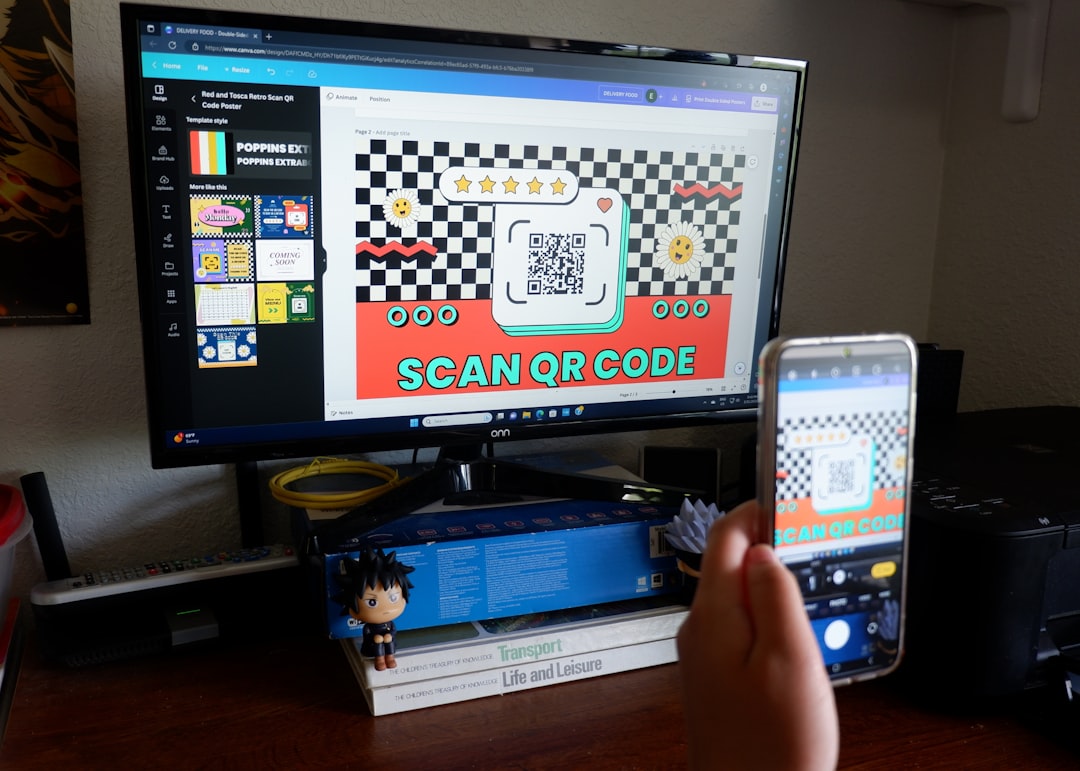
Add a QR Code
Linking to a portfolio, LinkedIn profile, or website can significantly increase engagement.
How AI Is Transforming Business Card Creation
Artificial intelligence is playing an increasingly prominent role in design platforms. Many modern generators now include AI tools that:
- Suggest color schemes based on industry
- Auto-generate layout variations
- Optimize spacing and alignment
- Create matching logos and branding elements
This innovation minimizes guesswork and streamlines the creative process. Instead of starting from scratch, users receive smart suggestions tailored to their profession and style preferences.
AI-powered generators are particularly beneficial for small business owners and startups that lack dedicated design teams.
Choosing the Right Generator for Your Needs
The best business card generator depends on specific goals:
- For freelancers: Canva or Adobe Express offer flexible design templates.
- For corporate teams: HiHello provides scalable digital sharing solutions.
- For product-based businesses: Vistaprint ensures high-quality print production.
- For startups: BrandCrowd supports integrated branding development.
Budget, ease of use, integration options, and sharing capabilities should guide the final decision.
Conclusion
Business card generators have revolutionized how professionals create and distribute contact information. With user-friendly editors, customizable templates, and digital sharing capabilities, these tools eliminate traditional design barriers. Whether opting for printed cards, digital versions, or a hybrid approach, modern platforms empower individuals and companies to represent their brands confidently and instantly.
As networking methods continue to evolve, leveraging powerful and flexible business card generators ensures that first impressions remain polished, professional, and memorable.
Frequently Asked Questions (FAQ)
1. Are business card generators free to use?
Many platforms offer free templates and limited customization. Premium features such as advanced templates, brand kits, and high-resolution downloads may require payment.
2. Can digital business cards replace printed cards completely?
Digital cards are growing in popularity, especially in virtual settings. However, printed cards remain valuable for in-person networking and formal events.
3. What file format is best for printing business cards?
PDF is typically the best format for printing due to its high resolution and formatting consistency.
4. How do QR codes enhance business cards?
QR codes allow recipients to quickly access websites, portfolios, or contact information, increasing engagement and convenience.
5. What information should always be included on a business card?
Essential details include name, job title, company name, phone number, email address, and a website or social profile link.
6. Are AI-powered business card generators reliable?
Yes, many AI-enhanced platforms offer smart design suggestions and professionally structured layouts, making them highly reliable for quick, high-quality results.

