
Choose Webflow for structured, content-rich interactive websites, and choose Framer for fast, polished marketing pages with strong motion and visual experimentation. That is the short answer. Interactive websites live or die by clarity, speed, and control, not by effects alone. Google research found that as page load time rises from 1 second to 3 seconds, bounce probability rises by 32% [source: Think with Google].
TLDR: Webflow is usually the safer choice for teams building scalable sites with CMS content, custom states, forms, and long-term site governance. Framer is better when a founder, designer, or small team needs a sharp product page, launch page, or interactive prototype-style site live in days. For example, a SaaS startup testing three landing pages could create variants in Framer in one week, then move the winning structure into Webflow once content operations and SEO workflows become more serious. If the goal is a 15% higher demo conversion rate, Framer may help test the idea faster; Webflow may help maintain it better.
What “interactive” really means in this comparison
An interactive website is not just a page with moving text. Strong interaction helps users understand, compare, choose, or act. That can include scroll-based reveals, tabbed product demos, calculators, quizzes, filterable case studies, hover states, animated diagrams, or embedded product walkthroughs.
Both Webflow and Framer can create these experiences. The difference is how much control you get, how complex the site can become, and how painful maintenance feels three months later.
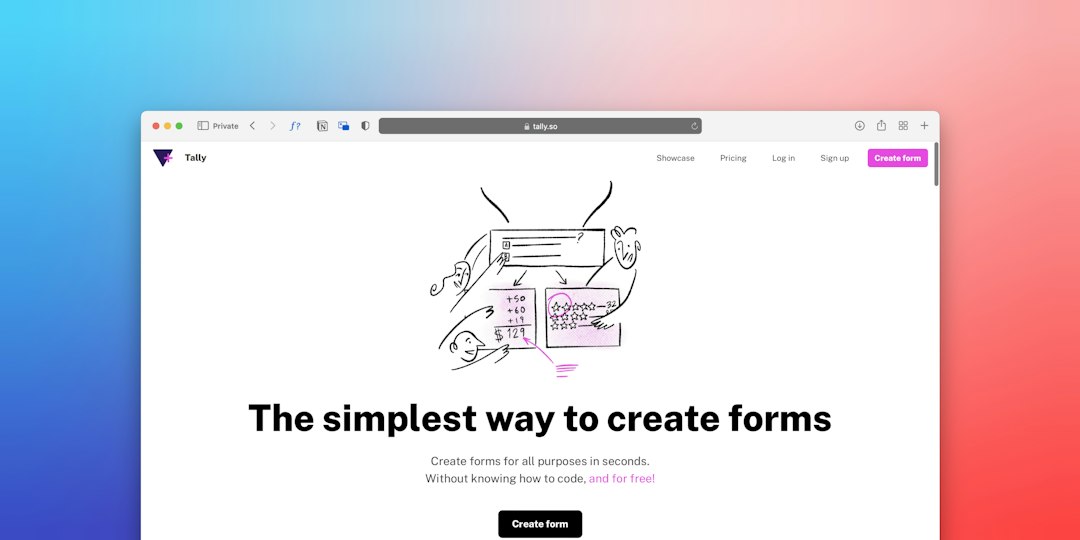
Webflow: better for structured interactive systems
Webflow is strongest when interaction design must sit inside a serious website system. Think B2B websites, editorial hubs, comparison pages, product education centers, agency portfolios, and conversion-focused landing pages tied to a larger brand site.
Its biggest advantage is control. You can build detailed layouts, connect repeated content to the CMS, create custom animation timelines, and keep the site fairly organized with classes and reusable patterns. For teams that care about consistent components, this matters.
Good Webflow interactive website examples include:
- Interactive case study libraries with filters by industry, service, or result.
- Scroll-based product explainers where features appear step by step.
- ROI calculators connected to custom forms and CRM tools.
- Resource hubs with gated reports, webinar pages, and related content.
- Enterprise landing pages with layered animations and strong SEO control.
Webflow also gives designers more room to work like front-end builders. Interactions can be tied to scroll position, mouse movement, hover, page load, and click events. You can create refined effects without writing code, although complex work still benefits from a developer.
The catch is that Webflow can become fussy. Class naming, nested divs, breakpoints, and animation settings require discipline. It drives me crazy that one careless style change can ripple across sections if the class structure is messy. On a large site, that mistake can cost 30 minutes before anyone even finds the cause.
Framer: better for fast visual impact
Framer feels closer to a design tool that publishes. It is fast, visual, and very good at making pages feel modern. If the goal is a beautiful launch page with smooth motion, Framer often feels lighter than Webflow.
Framer shines for:
- Startup launch pages with strong hero sections and quick iteration.
- Product teaser sites before the full product exists.
- Interactive portfolios where motion and style carry the experience.
- Event microsites that need to look premium but have a short shelf life.
- Design-led prototypes that must feel close to a real website.
The editor is approachable for designers who already think in frames, components, and visual layout. Motion can feel natural. Publishing is quick. Teams can test messaging, visuals, and page structure without a full development cycle.
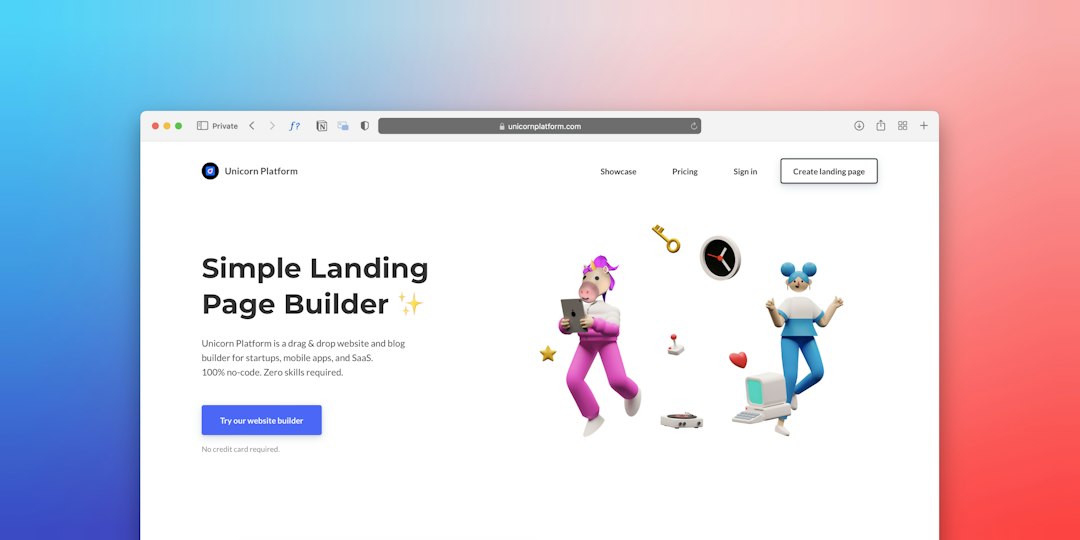
Still, Framer has limits. It is improving fast, but Webflow remains stronger for complex CMS sites, larger content structures, and deep custom behavior. Honestly, it feels like some responsive fixes in Framer take longer than they should because the visual result can shift in small ways across breakpoints. A hero section may look perfect on desktop, then need several extra passes on tablet and mobile.
Interaction quality: motion should serve the message
Motion is easy to overuse in both tools. Serious brands should be careful. A page that slides, fades, scales, and spins at every scroll point can feel expensive for about five seconds. Then it becomes tiring.
The best interactive examples are quiet. They guide attention. They answer a question. They reduce doubt. A pricing toggle, a product comparison slider, or a short guided sequence can do more for conversions than an elaborate animation.
Use this simple rule:
- If interaction explains value, keep it.
- If interaction only shows off, cut it.
- If interaction slows the page, simplify it.
SEO and content operations
Webflow has the advantage for teams that need deeper content control. Its CMS is mature, and it works well for blogs, case studies, resource libraries, help content, and SEO landing pages. Editors can add content without touching layouts, if the system is built well.
Framer is capable for smaller content needs. It handles marketing pages well and can support CMS-driven sections. But for heavy publishing workflows, Webflow usually feels more robust. That matters if your interactive site is not just a campaign, but the main company website.
For example, a cybersecurity company with 80 case studies, 40 product pages, and multilingual plans will likely feel safer in Webflow. A two-person AI startup launching a waitlist page next Friday may move faster in Framer.
Performance and accessibility concerns
Interactive design adds risk. Animations, large scripts, video backgrounds, and embedded widgets can hurt page speed. Both platforms can produce fast sites, but neither saves a poorly planned design.
Performance checks should happen before launch, not after traffic drops. Compress images. Avoid autoplay video unless there is a strong reason. Keep animations short. Test mobile first. Check reduced-motion preferences for users who do not want animation.
Accessibility also matters. Interactive tabs, accordions, menus, and forms should be usable with a keyboard. Buttons should be real buttons. Text must remain readable. A visually impressive page that blocks users is not a success.

Which tool should you choose?
Pick Webflow if your site needs:
- A structured CMS with many repeatable content types.
- Fine control over layout, SEO, forms, and integrations.
- Reusable design systems across many pages.
- Long-term maintenance by marketing and content teams.
- Custom interactions tied to a broader site architecture.
Pick Framer if your site needs:
- A premium-looking landing page built quickly.
- Fast visual testing for a new offer or product.
- Designer-owned publishing with fewer handoffs.
- Polished motion without a full web build process.
- A campaign or microsite with a focused goal.
Practical examples by business type
A SaaS company launching a product tour should consider Webflow if the tour connects to many feature pages, blog articles, and comparison pages. If the tour is a single campaign page for paid ads, Framer may be faster.
An agency portfolio can work well in either tool. Webflow is stronger if each project needs structured fields, filters, and SEO content. Framer is attractive if the portfolio depends on bold presentation and quick updates.
An ecommerce-adjacent brand with educational content, quizzes, and product guides may prefer Webflow. The CMS and integration options give more room to grow.
A founder testing demand should probably start in Framer. Speed matters more than architecture at that stage. If the page proves the market, rebuilding in Webflow later is a reasonable cost.
Final recommendation
Webflow is the stronger choice for serious, scalable interactive websites. It gives more control, more structure, and better support for content-heavy growth. Framer is the better choice for speed, visual polish, and fast market testing. It is ideal when the site is focused, design-led, and not too complex.
The smartest teams do not choose based on hype. They choose based on the job. If the website must become a long-term marketing asset, use Webflow. If the website must prove an idea quickly and look excellent on day one, use Framer.

