

Choose Namecheap if your main goal is a cheap .im domain with fewer checkout surprises. GoDaddy can still work if you already manage everything there, but for a price-sensitive buyer, Namecheap is usually the cleaner pick. The .im extension is the country code domain for the Isle of Man, though it is often used by messaging apps, personal brands, and short tech names because “IM” also suggests instant messaging [source: NIC.IM].
TLDR: For most people, Namecheap is the better low-cost option for registering a .im domain because its pricing is easier to read and its checkout is less cluttered. For example, if Namecheap is around $10–$15 per year and GoDaddy is closer to $20–$40 after renewal, a 3-year hold can cost roughly 40% to 60% more at GoDaddy. A solo founder buying chat.im style branding would likely save money and time by starting with Namecheap, then adding email or DNS tools only if needed.
Why .im domains are worth comparing carefully
A .im domain can be a smart buy for a compact brand. It is short, memorable, and useful for apps, chat tools, creators, and indie software projects. Names that are long gone in .com may still be available in .im.
That said, .im is not always priced like common extensions such as .com or .net. Registrars set their own retail prices, renewal rates can differ from first-year promos, and add-ons can inflate the final bill. This is where the Namecheap vs GoDaddy choice matters.
If you only check the big number on the first search screen, you may miss the renewal price. That is the number that hits you every year after the first one. Honestly, it feels like some domain checkout pages are built to make a simple purchase take five extra minutes.
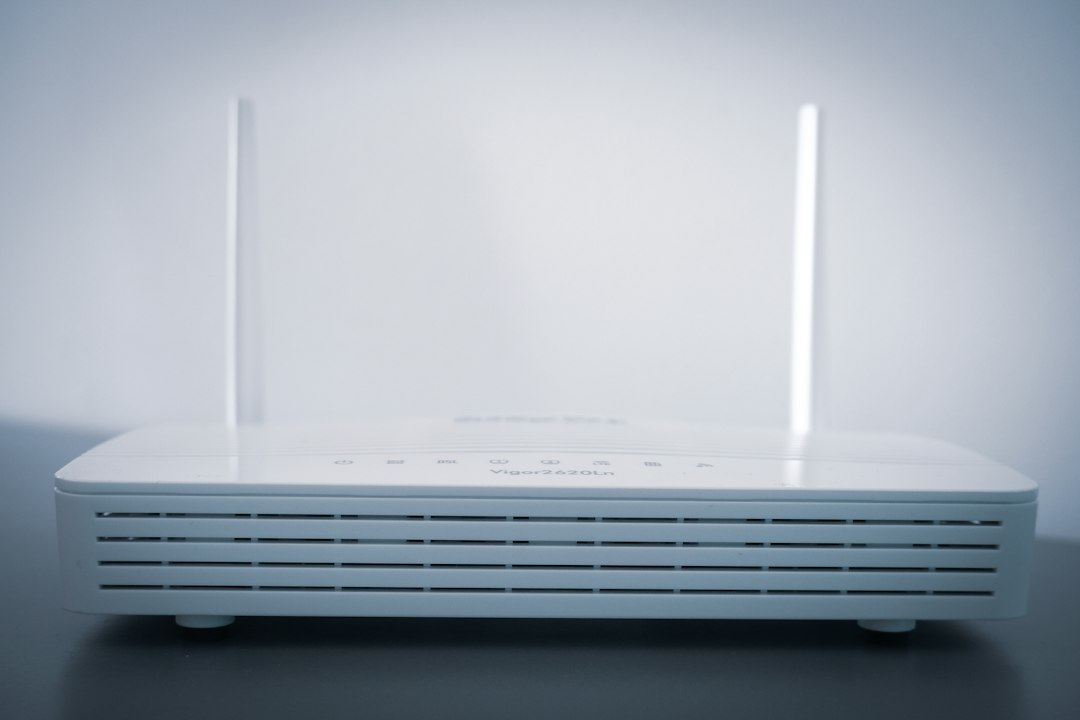
Namecheap for .im domains: the practical budget pick
Namecheap has built its reputation around affordable domain registration. Its strongest advantage is not just price. It is clarity. You search for a domain, see the price, add it to the cart, and usually avoid the endless stack of upsells that can slow down other registrars.
Best reasons to choose Namecheap:
- Lower typical pricing: Namecheap is often cheaper for niche extensions, including .im, especially when comparing renewals.
- Free privacy on many domains: When supported, domain privacy can help hide personal contact details from public lookup tools.
- Simple DNS controls: Good enough for founders, bloggers, and small businesses.
- Cleaner checkout: Fewer “are you sure?” screens and fewer distracting add-ons.
- Easy transfers: If you later move the name elsewhere, the process is fairly straightforward.
Namecheap is a strong fit if you want to register a .im domain and point it to a website, landing page, SaaS app, or email provider. You do not need a full hosting bundle to make that work.
The small annoyance? Namecheap’s dashboard can feel crowded once you own many domains. You may need a few clicks to find DNS, renewal settings, or transfer options. Still, it is rarely painful.
GoDaddy for .im domains: convenient, but watch the final cost
GoDaddy is huge. Many business owners already have domains, hosting, Microsoft 365 email, or website tools there. If you like keeping everything under one login, GoDaddy has appeal.
Best reasons to choose GoDaddy:
- Account convenience: Useful if your other domains are already there.
- Phone support: Some users prefer speaking with support instead of using tickets or chat.
- Broad product bundle: Domains, hosting, email, site builders, and security tools are all in one place.
- Beginner-friendly interface: The dashboard is polished and familiar to many small business users.
But GoDaddy is often not the cheapest place to keep a domain for several years. The first-year price may look fine, then the renewal price changes the math. Add privacy, email, hosting, or protection tools, and the cart can grow fast.
It also drives me crazy that some add-on prompts look more urgent than they really are. A new buyer may think every extra is required. Most are not. For a basic .im domain, you usually need the domain, DNS access, and maybe privacy. That is it.
Price comparison: first year vs renewal
When comparing a cheap .im domain, do not stop at the first-year registration price. Use a 3-year cost estimate. That gives a more honest view.
| Factor | Namecheap | GoDaddy |
|---|---|---|
| First-year price | Often lower for budget buyers | May vary with promos |
| Renewal price | Usually easier to find before checkout | Can be higher than the promo price |
| Privacy | Often included where supported | May depend on package and extension |
| Checkout flow | Cleaner and faster | More add-on prompts |
| Best for | Low-cost ownership | All-in-one account management |
Here is a simple example. Suppose a .im domain costs $12 for year one at Namecheap and renews at $15. Your 3-year cost is $42. If GoDaddy charges $20 for year one and $35 for renewals, your 3-year cost is $90. That is more than double. Prices shift, so always check the live cart before paying.

Which one is better for startups and side projects?
For startups, side projects, and indie apps, Namecheap usually wins. Most early projects need to protect cash. Spending extra on the same domain rarely helps growth.
A .im domain can work well for:
- Messaging apps: The “IM” meaning is clear and memorable.
- Personal brands: Short names can feel sharp and modern.
- Link shorteners: A compact extension helps keep URLs neat.
- Developer projects: It fits well with small tools, APIs, and chat products.
If your startup later raises money or needs corporate domain management, you can move the domain or consolidate it with a larger registrar. At the start, though, simple and cheap usually beats big and bundled.
Which one is better for small businesses?
Small businesses may choose differently. If your business already uses GoDaddy for its main website and email, adding a .im domain there may be convenient. One invoice. One login. One support channel.
Still, convenience has a price. If the .im domain is only for a redirect, campaign, or brand protection, Namecheap probably makes more sense. Paying a premium for a domain that only forwards traffic is hard to justify.
For example, a consulting firm might buy name.im as a short personal link for a founder. If it only redirects to a LinkedIn profile or main website, the cheaper registrar is the smarter pick.
Checklist before registering a .im domain
- Check renewal price: This matters more than the promo price.
- Review privacy options: See whether privacy is included or extra.
- Skip unneeded add-ons: You usually do not need hosting, email, SSL, and “protection” all at checkout.
- Turn on auto-renew: Losing a short domain is painful.
- Use two-factor authentication: Domain theft is rare, but ugly when it happens.
- Check trademark risk: A clever domain is not worth a legal headache.

Final verdict: Namecheap wins on price, GoDaddy wins on convenience
If the goal is a cheap .im domain, pick Namecheap. It is usually better for buyers who care about total cost, renewal clarity, and a calmer checkout.
Pick GoDaddy only if convenience matters more than price, or if your business already keeps its domains and email there. Before buying, compare the live first-year price, renewal price, privacy cost, and transfer terms. The cheapest .im domain is not always the one with the lowest first-year number. It is the one that stays affordable after year one.

