

Augmented Reality (AR) remote assistance tools are rapidly transforming how field technicians diagnose and repair complex equipment. Instead of relying on lengthy phone calls, static manuals, or costly on-site visits from senior experts, technicians can now receive real-time visual guidance layered directly onto their physical environment. This shift is not only improving first-time fix rates but also dramatically reducing downtime across industries such as manufacturing, telecommunications, energy, and healthcare.
TLDR: AR remote assistance tools allow technicians to troubleshoot equipment faster by connecting them with remote experts through real-time video, annotations, and 3D overlays. Platforms like Microsoft Dynamics 365 Remote Assist, TeamViewer Frontline, Vuforia Chalk, and Help Lightning offer features such as smart glasses integration, workflow guidance, and hands-free collaboration. These tools reduce downtime, improve accuracy, and minimize travel costs. Choosing the right solution depends on hardware compatibility, industry needs, and integration requirements.
Why AR Remote Assistance Matters
Traditional troubleshooting often involves describing problems verbally, which can be inefficient and prone to misunderstandings. AR eliminates much of that friction by allowing experts to see what the technician sees and place digital instructions directly onto real-world objects.
Key benefits include:
- Faster issue resolution with step-by-step visual guidance
- Reduced travel costs by limiting on-site expert visits
- Improved knowledge transfer from senior specialists to frontline workers
- Higher first-time fix rates
- Hands-free operation when paired with smart glasses
Let’s explore four AR remote assistance tools that are helping technicians troubleshoot faster and smarter.
1. Microsoft Dynamics 365 Remote Assist
Microsoft Dynamics 365 Remote Assist is one of the most widely adopted AR remote support solutions, designed to integrate seamlessly with Microsoft’s enterprise ecosystem.

Core Features:
- Real-time video calls with remote experts
- 3D annotations anchored to physical objects
- Integration with Microsoft Teams
- Compatibility with HoloLens and mobile devices
- Secure cloud-based data sharing
Technicians wearing HoloLens devices can keep their hands free while receiving overlay instructions directly within their field of view. Remote experts can draw arrows, circle components, and attach reference documents that remain fixed in space—even as the technician moves.
Why It Speeds Up Troubleshooting:
The seamless integration with enterprise systems allows users to pull data from service tickets, asset histories, and technical documentation without switching platforms. This centralization shortens diagnostic time and reduces errors caused by missing context.
It’s particularly suited for large enterprises already using Microsoft’s ecosystem.
2. TeamViewer Frontline (formerly Ubimax)
TeamViewer Frontline combines AR remote assistance with workflow automation, making it ideal for structured maintenance processes.
Core Features:
- Live video support with AR annotations
- Step-by-step interactive workflows
- Smart glasses and mobile device compatibility
- Industrial IoT integration
- Data capture and reporting tools
What sets TeamViewer Frontline apart is its ability to combine remote support with digital workflow guidance. Instead of merely reacting to issues, technicians can follow pre-designed troubleshooting sequences.
Why It Speeds Up Troubleshooting:
Structured AR workflows reduce guesswork. Technicians are guided systematically through diagnostic steps, ensuring consistency across teams and locations. Real-time remote assistance can be activated mid-process if needed, providing a hybrid approach between automation and expert input.
This makes it especially powerful in industries like logistics, automotive manufacturing, and heavy machinery maintenance.
3. Vuforia Chalk
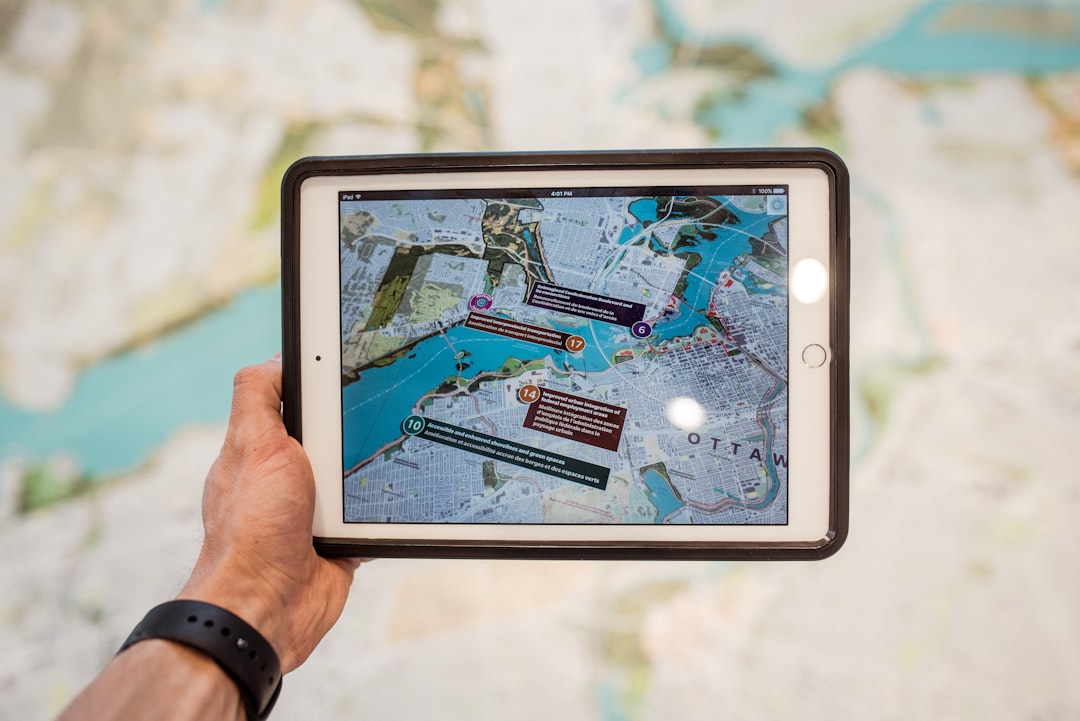
Vuforia Chalk focuses on simplicity and rapid deployment. It allows technicians and experts to collaborate visually using smartphones or tablets, without requiring complex hardware setups.
Core Features:
- Live video streaming with persistent AR annotations
- Cross-platform mobile support
- Secure session encryption
- Cloud-based session recording
One standout feature is its “Chalk Marks” technology. When a remote expert draws on the screen, the annotations stay locked to the physical object—even if the camera moves. This spatial anchoring greatly improves clarity.
Why It Speeds Up Troubleshooting:
Vuforia Chalk removes the need for specialized headsets, making deployment extremely quick. Technicians can initiate a session directly from a smartphone in seconds. For organizations seeking rapid implementation without heavy infrastructure changes, this tool offers a low barrier to entry.
It’s particularly useful for field service teams and distributed workforces.
4. Help Lightning
Help Lightning uses a unique “Merged Reality” approach that visually combines the hands of a remote expert with the technician’s real-time workspace.
Core Features:
- Merged Reality video collaboration
- Gesture-based virtual guidance
- Mobile-friendly platform
- Secure enterprise deployment options
Instead of relying solely on drawn annotations, Help Lightning overlays both participants’ hands into a shared virtual workspace. This makes it appear as though the expert is physically present and guiding the task.
Why It Speeds Up Troubleshooting:
Gesture-based guidance reduces ambiguity. Rather than describing which bolt to loosen or wire to disconnect, the remote expert can visually demonstrate the action. This is particularly valuable for intricate tasks such as medical device servicing or precision electronics repair.
Help Lightning is ideal for industries where highly complex procedures demand precise instruction.
Comparison Chart
| Tool | Best For | Hardware Support | Unique Strength | Deployment Complexity |
|---|---|---|---|---|
| Microsoft Dynamics 365 Remote Assist | Large enterprises | HoloLens, mobile devices | Deep Microsoft integration | Moderate |
| TeamViewer Frontline | Industrial workflows | Smart glasses, mobile | Workflow automation + AR | Moderate to High |
| Vuforia Chalk | Field service teams | Smartphones, tablets | Persistent AR annotations | Low |
| Help Lightning | Precision tasks | Mobile devices | Merged Reality hand overlay | Low to Moderate |
How to Choose the Right AR Remote Assistance Tool
Not every organization needs the most advanced headset-based system. Selecting the right tool depends on several factors:
- Industry requirements: Complex manufacturing may require smart glasses integration, while telecom field service may rely primarily on mobile devices.
- Integration needs: Consider compatibility with CRM, ERP, and asset management systems.
- Hardware budget: Head-mounted displays increase immersion but also add cost.
- Security standards: Evaluate encryption, compliance, and data governance features.
- Ease of training: Simpler platforms reduce adoption barriers.
Organizations should pilot tools with small teams before committing to enterprise-wide deployment. This ensures compatibility with real-world workflows.
The Future of AR in Technical Troubleshooting
As AR hardware becomes lighter and more affordable, adoption will likely accelerate. Artificial intelligence is also beginning to merge with AR platforms, offering automated part recognition, predictive maintenance suggestions, and contextual documentation overlays.
In the near future, technicians may receive real-time AI-powered diagnostics layered directly onto malfunctioning equipment—before even calling a remote expert.
Ultimately, AR remote assistance is not just about convenience. It represents a fundamental shift in how knowledge is distributed and applied in technical environments. Instead of concentrating expertise in a few senior specialists, organizations can democratize skills across their entire workforce.
Final Thoughts
AR remote assistance tools are helping technicians troubleshoot faster by eliminating communication gaps, reducing travel delays, and enabling real-time visual collaboration. Whether through smart glasses, mobile devices, structured workflows, or merged reality guidance, these platforms are reshaping field service operations.
Microsoft Dynamics 365 Remote Assist excels in enterprise integration. TeamViewer Frontline blends AR with structured workflows. Vuforia Chalk delivers rapid, mobile-friendly deployment. Help Lightning shines in precision overlay guidance.
For companies seeking faster diagnostics, higher efficiency, and improved technician confidence, investing in AR remote assistance is no longer experimental—it’s strategic.

