
Push notification automation has become a central part of lifecycle marketing, product engagement, and customer retention. When planned well, automated trigger workflows deliver timely messages based on user behavior, preferences, and lifecycle stage. When planned poorly, they create noise, fatigue, and opt-outs. The strongest push strategies are built around relevance, sequencing, and respect for the user’s attention.
TLDR: Push notification automation works best when each trigger workflow has a clear goal, a defined audience, and a logical message sequence. Teams should use behavioral triggers, frequency controls, personalization, and testing to improve engagement without overwhelming users. The most effective workflows combine timing, segmentation, and measurement so that each notification supports a meaningful user journey.
What Is a Push Notification Trigger Workflow?
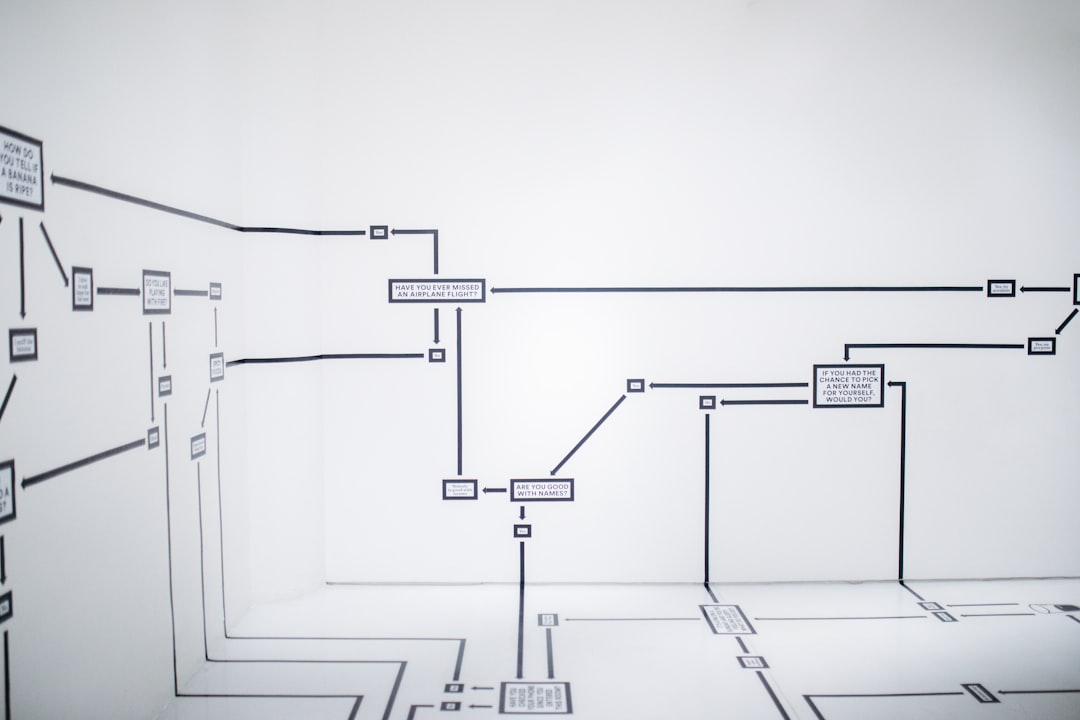
A push notification trigger workflow is an automated sequence of messages sent when a user performs, or fails to perform, a specific action. Common triggers include installing an app, abandoning a cart, completing onboarding, viewing a product, reaching a loyalty milestone, or becoming inactive for a certain period.
Unlike one-off broadcast messages, trigger workflows are tied to behavior. This makes them more contextual and often more effective. For example, a user who adds an item to a cart but does not purchase may receive a reminder, followed by a benefit-focused message, and later a limited-time incentive. Each step is linked to what the user has already done.
Start With a Clear Workflow Objective
Every automated sequence should begin with a specific business or product goal. A workflow may aim to increase first purchases, encourage feature adoption, reduce churn, recover abandoned carts, or improve subscription renewals. Without a clear objective, the sequence can become a collection of disconnected alerts.
Best practice requires teams to define:
- The desired user action: What should the recipient do after receiving the message?
- The trigger event: What behavior starts the workflow?
- The exit condition: What action should remove the user from the sequence?
- The success metric: Which metric proves the workflow is working?
For example, a reactivation workflow may be triggered by 14 days of inactivity. Its goal may be to bring the user back into the app, while the exit condition could be an app session, purchase, or completed task. This structure prevents unnecessary messages after the user has already responded.
Use Segmentation Before Sequencing
Automation becomes stronger when it is supported by thoughtful segmentation. Not every user should receive the same workflow, even if the trigger looks similar. A first-time buyer, repeat customer, free trial user, and premium subscriber may all abandon a session for different reasons.
Segments may be based on:
- Lifecycle stage: New user, active user, dormant user, loyal customer
- Behavior: Browsing history, cart activity, feature usage, purchase frequency
- Value: Average order value, subscription tier, loyalty status
- Preferences: Categories, content interests, location, notification settings
Segmentation allows each workflow to feel more personal. A dormant user may need a helpful reminder of value, while a loyal customer may respond better to early access, rewards, or personalized recommendations.
Design a Logical Message Sequence
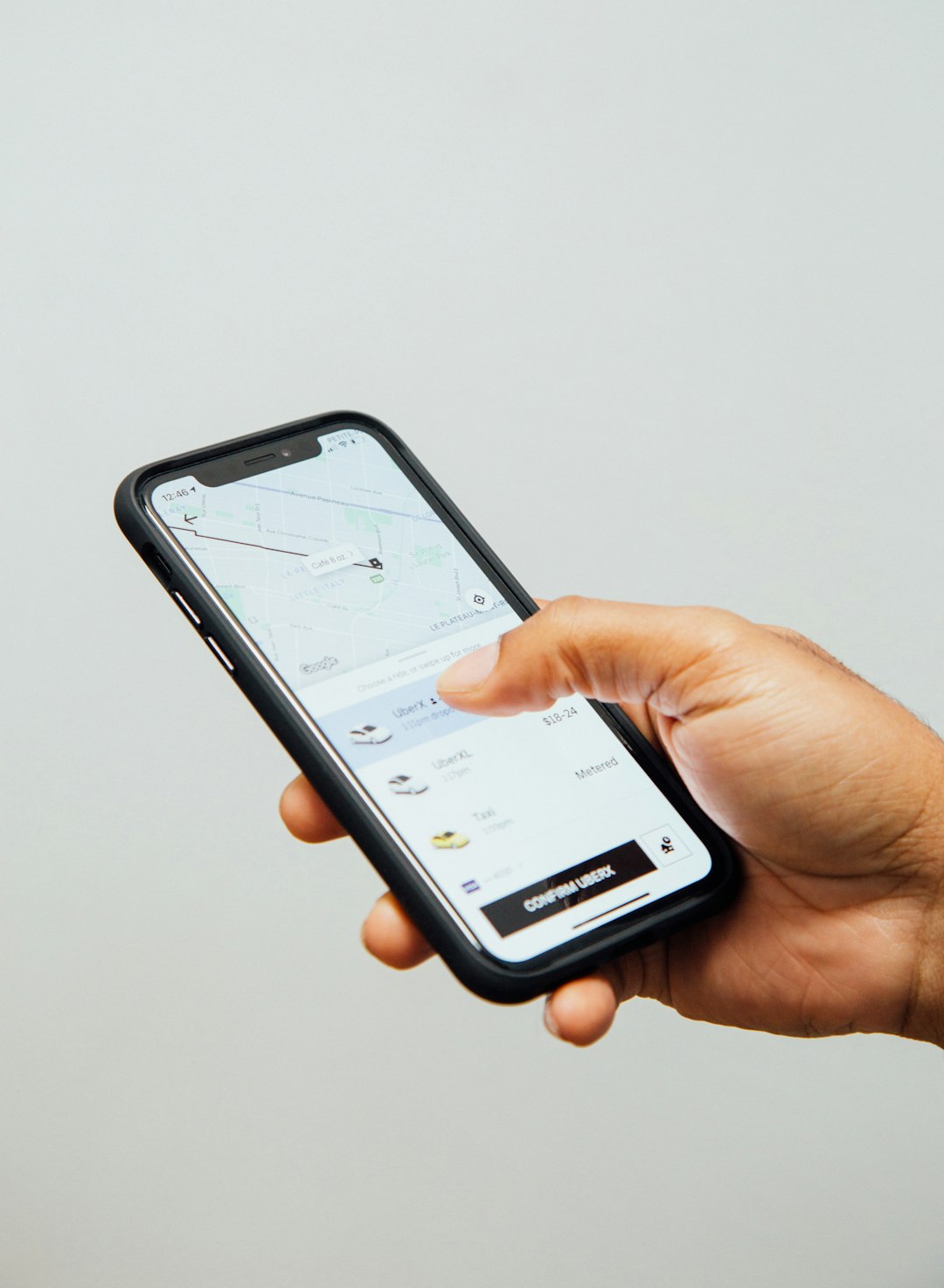
A strong trigger workflow uses a sequence rather than a random series of alerts. Each message should have a purpose and should move the user toward the intended action. The first notification may remind, the second may educate, and the third may offer urgency or incentive.
A basic abandoned cart sequence might look like this:
- First message: A timely reminder sent shortly after abandonment.
- Second message: A value-based prompt highlighting benefits, reviews, or availability.
- Third message: A final nudge using urgency, such as low stock or an expiring offer.
The sequence should stop the moment the user converts. Continuing to send reminders after a purchase or completed action damages trust and makes automation feel careless.
Optimize Timing and Frequency
Timing can determine whether a push notification feels helpful or intrusive. A message sent at the right moment may boost engagement, while the same message sent too late may be irrelevant. Automation platforms often allow teams to set delays, quiet hours, time zone delivery, and frequency caps.
Frequency capping is especially important. Even valuable notifications can become annoying if they arrive too often. A user who receives multiple automated pushes from different workflows in the same day may disable notifications entirely.
Best practices include:
- Setting global limits on the number of pushes a user can receive per day or week
- Respecting local time zones and avoiding late-night delivery
- Using quiet hours for non-urgent messages
- Prioritizing critical workflows over lower-value campaigns
- Spacing sequence steps far enough apart to allow natural user action
Personalize Beyond the First Name
Personalization should go beyond inserting a name into the notification. Effective push automation uses contextual details such as viewed products, saved items, location, subscription status, preferred content, or recent activity. The goal is to make the message feel relevant to the user’s current intent.
For example, a generic message such as “Come back and see what’s new” may underperform compared with “The running shoes viewed yesterday are still available in size 9.” The second message reflects real behavior and gives the user a clear reason to return.
However, personalization should be used carefully. Overly specific or sensitive references may feel invasive. Teams should avoid using data in a way that surprises or unsettles the recipient. The best personalization feels useful, not intrusive.
Write Clear and Actionable Copy
Push notifications have limited space, so copy must be concise. The message should communicate value quickly and include a clear action. Ambiguous alerts often fail because the user does not understand why the message matters.
Strong push copy usually includes:
- A relevant hook: A reason to pay attention
- A benefit: What the user gains by tapping
- An action cue: A clear next step
For instance, “Your saved item is almost sold out. Tap to check availability.” is stronger than “Don’t miss this update.” The first version is specific, timely, and action-oriented.
Build Exit Rules and Suppression Logic
One of the most important best practices in automation is knowing when not to send a message. Exit rules remove users from a workflow after they complete the desired action. Suppression logic prevents messages that are no longer appropriate.
Examples include:
- Stopping cart reminders after purchase
- Suppressing upgrade prompts for users who already upgraded
- Pausing promotional pushes after a recent complaint or unsubscribe action
- Preventing reactivation messages for users who recently returned
Suppression logic protects the user experience and reduces wasted sends. It also helps maintain the credibility of future notifications.
Test Workflows Continuously
Push notification automation should not be treated as a fixed setup. User behavior changes, product experiences evolve, and seasonal factors can affect performance. Continuous testing helps teams discover what works best.
Common test areas include:
- Send time: Morning, afternoon, evening, or behavior-based timing
- Message copy: Benefit-led, urgency-led, curiosity-led, or educational
- Sequence length: One message versus multiple steps
- Incentives: Discount, free shipping, reward points, or no incentive
- Audience rules: Broad triggers versus narrow behavioral segments
Testing should focus on downstream outcomes, not only open rates. A notification that receives many taps but few conversions may be creating curiosity without value. Better metrics include purchases, completed onboarding steps, retained users, subscription renewals, or revenue per recipient.
Measure Quality, Not Just Volume
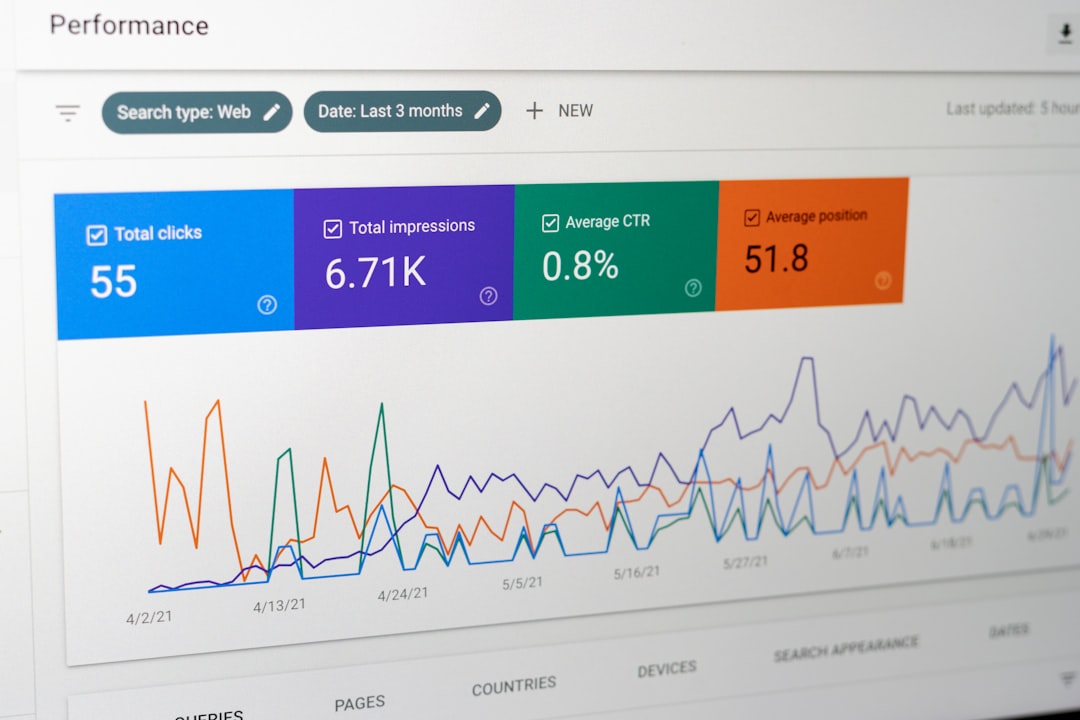
Automation success is not measured by how many notifications are sent. It is measured by whether the right users receive the right messages at the right time. Teams should monitor both positive and negative signals.
Useful performance indicators include:
- Opt-in and opt-out rates
- Open and tap-through rates
- Conversion rate by workflow
- Revenue or engagement per recipient
- Uninstall rate after notification sends
- Time to conversion after trigger
If a workflow produces short-term clicks but increases opt-outs or uninstalls, it may be harming long-term retention. Sustainable automation balances business goals with user trust.
FAQ
What is the best first workflow for push notification automation?
An onboarding workflow is often a strong starting point because it helps new users understand value quickly. It can guide them toward account setup, first purchase, feature discovery, or preference selection.
How many push notifications should be in a trigger sequence?
Most workflows perform best with two to four messages, depending on the goal and urgency. Longer sequences should include strict exit rules and frequency caps to avoid fatigue.
When should a user exit an automated workflow?
A user should exit as soon as the desired action is completed or when the message is no longer relevant. Examples include purchasing, upgrading, returning to the app, or changing notification preferences.
What is the biggest mistake in push notification automation?
The biggest mistake is sending too many generic messages without considering timing, context, or user behavior. This often leads to opt-outs, lower engagement, and reduced trust.
How can teams prevent push notification fatigue?
Teams can prevent fatigue by using segmentation, frequency caps, quiet hours, suppression rules, and performance monitoring. Every notification should have a clear purpose and a strong reason to interrupt the user.

