
Pick Mailchimp if you want simple email segments fast, and pick HubSpot if your segments need sales data, website behavior, and CRM history. Mailchimp is the lighter tool. HubSpot is the bigger machine. Both can slice your list. They just do it in very different moods.
TLDR: Mailchimp is best for small teams that need clean, quick segments like “opened last campaign” or “bought a product.” HubSpot is better for teams that want deeper rules, such as “visited pricing page 3 times, has a deal over $5,000, and has not replied in 14 days.” For example, a store with 20,000 contacts may use Mailchimp to send a 15% discount to recent buyers, while a B2B team may use HubSpot to split 8,000 leads by lifecycle stage and sales owner. If your email plan depends on CRM data, HubSpot wins.
What is email list segmentation?
Email list segmentation means splitting one big email list into smaller groups.
That sounds boring. It is not.
It is the difference between sending “Hey everyone!” and sending “Hey Sarah, your cart is still waiting.” One feels lazy. The other feels useful.
You can segment by:
- Behavior: opens, clicks, purchases, downloads.
- Profile data: job title, location, company size.
- Engagement: active readers, cold contacts, new subscribers.
- Sales stage: lead, customer, lost deal, renewal.
- Interests: product type, content topic, event signup.
Good segmentation helps you send fewer emails. Weirdly, that often makes more money. People like useful messages. Shocking, right?
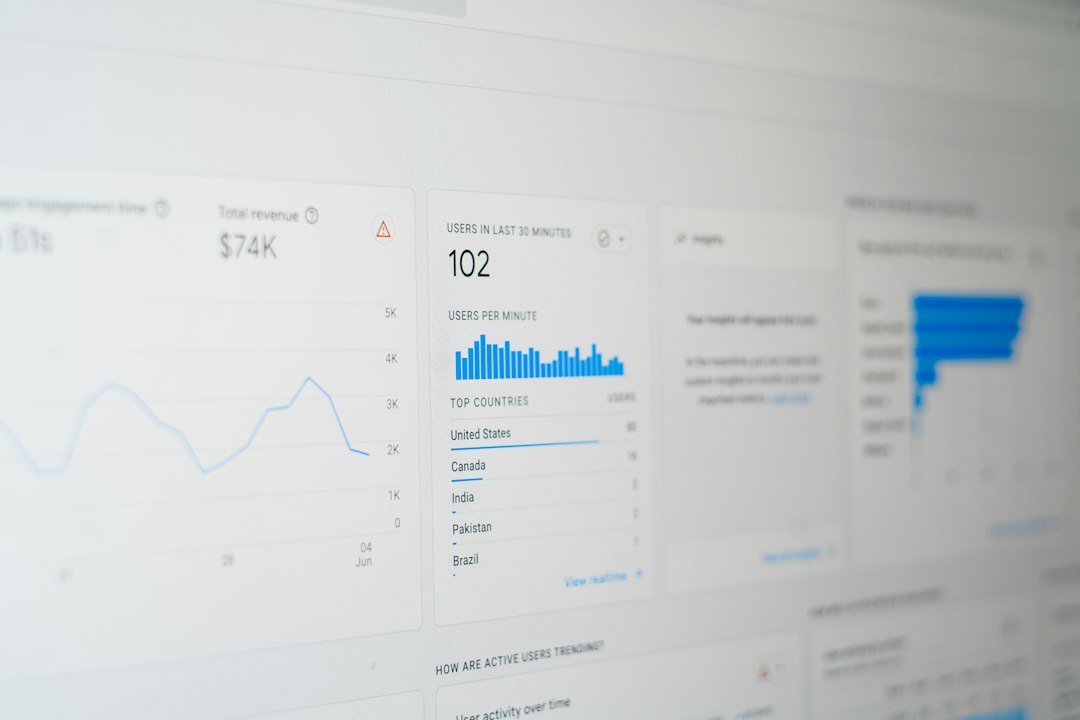
Mailchimp segmentation: simple, friendly, and pretty fast
Mailchimp is built for email marketing first. That shows.
The interface is clean. The labels are friendly. You can build basic segments without feeling like you need a certification and a strong coffee.
Mailchimp lets you create segments using contact details and behavior. Common options include:
- Email opens.
- Link clicks.
- Signup source.
- Tags.
- Groups.
- Purchase activity, if your store is connected.
- Location.
- Contact rating.
Tags are one of Mailchimp’s best tools. You can tag people as “VIP,” “webinar attendee,” “summer sale buyer,” or “dog person.” Please use that last one carefully.
Groups are also handy. They work well when subscribers choose their own interests, such as “weekly tips” or “product updates.”
Mailchimp also supports segments based on campaign activity. So you can send a follow-up only to people who clicked your last email. That is useful. It also keeps you from annoying the rest of the list.
Where Mailchimp gets annoying
Mailchimp is easy until your rules get fancy.
Honestly, it feels like Mailchimp wants you to keep things neat and simple. That is fine for newsletters. It is less fun when marketing starts asking for deeper logic.
For example, a segment like this can become messy:
“Show contacts in California who clicked a pricing link, bought product A, did not buy product B, joined after March, and have not received campaign X.”
You can often build it. But expect more clicking than you wanted. Some advanced segmentation features may also depend on your plan. That can be irritating when the exact rule you need is sitting behind a higher tier.
Mailchimp is best when your segmentation needs are mostly email-based. If your list logic lives inside your campaigns, tags, and store data, it works well.
HubSpot segmentation: powerful, deep, and very CRM-heavy
HubSpot thinks bigger.
It does not treat segmentation as an email feature only. It treats it as part of the whole customer record.
That is the main difference.
In HubSpot, lists can use data from many places:
- Contact properties.
- Company properties.
- Deal records.
- Form submissions.
- Email behavior.
- Website page views.
- Ad interactions.
- Lifecycle stage.
- Sales activity.
- Custom properties.
HubSpot has two main list types:
- Active lists: update automatically as contacts match or stop matching the rules.
- Static lists: stay fixed unless you manually change them.
Active lists are where HubSpot shines. A contact can move into a list the second they fill out a demo form. They can leave when they become a customer. No manual cleanup. No spreadsheet drama.
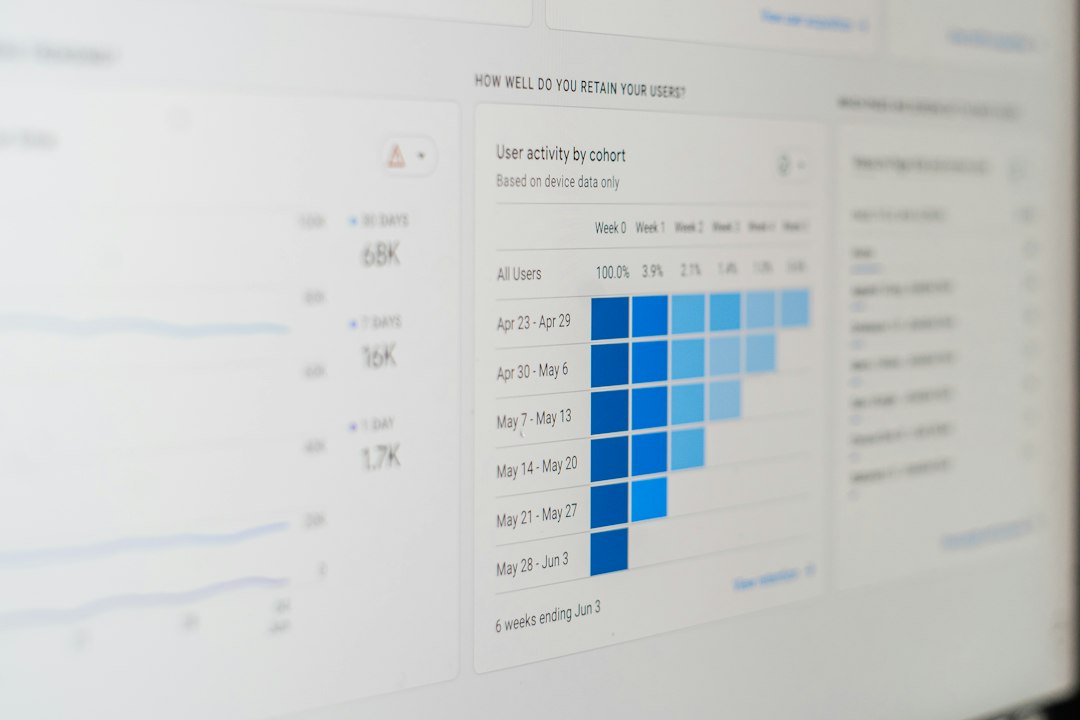
Where HubSpot gets annoying
HubSpot is powerful. It can also feel like opening a toolbox with 400 drawers.
The first time you build a list, you may stop and think, “Wait, which property is the real one?” That happens a lot when teams create duplicate fields like “Industry,” “Company Industry,” and “Industry Type.” Fun times.
It drives me crazy that a simple segment can take longer if your CRM data is messy. The tool is not the problem. The data is. But you still lose the time.
HubSpot also costs more as your needs grow. Advanced automation, deeper reporting, and higher contact limits can push the bill up fast. For a small newsletter, that may feel like buying a tour bus to drive to the grocery store.
Mailchimp vs HubSpot: the simple comparison
| Feature | Mailchimp | HubSpot |
|---|---|---|
| Ease of use | Very beginner-friendly. | Easy after setup, but deeper. |
| Best for | Newsletters, ecommerce promos, simple campaigns. | CRM-based marketing, B2B leads, sales follow-up. |
| Data sources | Email data, tags, groups, store activity. | Email, CRM, sales, web, forms, deals. |
| Automation fit | Good for common email journeys. | Strong for complex customer paths. |
| Pricing feel | Usually easier for small teams. | Can get pricey as features grow. |
Use Mailchimp if…
Mailchimp is the better pick if you want email segmentation without a heavy setup.
Choose Mailchimp if:
- You mostly send newsletters or promos.
- You run a small online store.
- You segment by clicks, opens, tags, or purchases.
- You do not need a full CRM inside your email tool.
- Your team wants something simple.
Example: A candle shop has 12,000 subscribers. It tags customers by scent interest, such as vanilla, citrus, and woodsy. Before Black Friday, it sends each group a matching offer. That is Mailchimp territory. Easy. Clear. Low stress.
Use HubSpot if…
HubSpot is the better pick if email is only one part of your sales process.
Choose HubSpot if:
- Your sales team uses CRM data every day.
- You need segments based on deals or company data.
- You track website visits and form behavior.
- You run lead scoring.
- You need tight marketing and sales handoffs.
Example: A software company has 30,000 contacts. It wants to email only leads from finance companies with 200 or more employees, who visited the demo page twice, and have no open sales task. HubSpot handles that much better.

Which one sends better segmented emails?
Both can send great segmented emails.
The real answer depends on your data.
If your data is simple, Mailchimp may feel faster and cleaner. You can build useful groups in minutes. You can send targeted campaigns without turning the process into a project.
If your data is rich, HubSpot gives you more control. You can connect email to calls, deals, forms, web visits, and lifecycle stages. That makes your targeting sharper.
A simple rule helps:
- Email behavior only? Pick Mailchimp.
- Email plus CRM behavior? Pick HubSpot.
- Small team with basic needs? Pick Mailchimp.
- Sales and marketing working together? Pick HubSpot.
Final verdict
Mailchimp wins for speed and simplicity. It is great when you need practical email segments without a big system behind them.
HubSpot wins for depth and control. It is better when each contact has a full story, not just an email address.
If you are starting out, Mailchimp is probably enough. If your team keeps asking for segments that include sales stage, company size, page visits, and lead score, switch to HubSpot before your spreadsheet starts screaming.
The best tool is the one that matches how your team thinks. Simple list? Simple tool. Complex buyer journey? Bigger system. Your subscribers will not care which one you choose. They will care if the email feels useful.

