
In today’s fast-moving digital landscape, visual content is no longer optional—it’s essential. Whether you’re building a brand on social media, pitching a startup idea, designing classroom materials, or sending out a polished resume, design plays a central role in how your message is received. Canva has emerged as one of the most popular tools for creating high-quality visual content quickly and efficiently. Its intuitive interface, extensive template library, and powerful collaboration features have made it a go-to platform for millions of users worldwide.
TLDR: Canva is versatile because it combines user-friendly design tools with professional-grade features that support everything from social media graphics to business presentations and print materials. Its drag-and-drop interface, massive template library, and cross-platform accessibility make it ideal for beginners and professionals alike. Built-in collaboration tools and brand management features further expand its usefulness. Ultimately, Canva simplifies design while delivering impressive results.
What makes Canva stand out isn’t just its ease of use—it’s the breadth of what you can create. From Instagram posts and YouTube thumbnails to corporate slide decks and marketing brochures, Canva adapts to almost any visual communication need. Let’s explore what truly makes this platform so remarkably versatile.
A Design Tool for Everyone
One of Canva’s defining strengths is accessibility. You don’t need a background in graphic design or experience with complex software to produce professional visuals. The platform’s drag-and-drop editor allows users to add text, images, shapes, icons, and animations with minimal effort.
For beginners, this simplicity eliminates the steep learning curve often associated with traditional design software. For experienced designers, it offers a fast way to prototype ideas, create quick assets, or collaborate with non-designers.
Key usability features include:
- Pre-sized templates for social media platforms, print documents, and presentations
- Customizable text styles with hundreds of font options
- Extensive stock library of photos, illustrations, videos, and audio
- One-click resizing for different platforms
This user-first approach makes Canva appealing to small business owners, educators, marketers, students, and even large enterprises.
From Social Media to Full Campaigns
Social media is where Canva initially gained much of its popularity. Platforms like Instagram, Facebook, TikTok, LinkedIn, and Pinterest require consistent, visually compelling content. Canva simplifies this demand by offering ready-made templates optimized for each platform.
Instead of worrying about dimensions and design principles, users can focus on messaging. Templates can be customized with brand colors, logos, and messaging to maintain visual consistency.
What makes Canva especially powerful for social media marketing is its ability to:
- Create animated posts and video stories
- Design carousels and multi-page posts
- Schedule content directly to platforms
- Repurpose a design across multiple networks instantly
This efficiency transforms Canva from a simple graphic tool into a content management asset. Businesses can build entire campaigns—from teaser posts to promotional banners—without leaving the platform.
Professional Presentations Without the Complexity
When it comes to presentations, Canva bridges the gap between aesthetics and practicality. Traditional slide software often prioritizes function over design, leaving users with slides that look outdated or uninspired. Canva addresses this with visually dynamic presentation templates that are both modern and easy to customize.

Users can create:
- Pitch decks for investors
- Training materials for teams
- Webinar slide decks
- Educational lectures
Embedded videos, animations, interactive links, and data visualizations enhance the storytelling experience. Presentations can be shared as downloadable files, live links, or presented directly from Canva itself.
The real advantage lies in how seamlessly design supports communication. Beautiful slides command attention, increase audience engagement, and convey professionalism—even if the creator has limited design experience.
Brand Consistency Made Simple
For businesses and entrepreneurs, brand consistency is crucial. Canva offers tools that help maintain a unified visual identity across multiple assets. Instead of manually copying colors and fonts into each design, users can create a centralized brand kit.
This feature allows teams to store:
- Brand color palettes
- Logos and alternative logo versions
- Approved fonts
- Pre-designed templates
By standardizing visual identity, Canva reduces errors and ensures every social post, slide deck, or flyer aligns with the organization’s branding. This capability is especially valuable for growing startups or distributed teams working remotely.
Collaboration in Real Time
In an era of remote and hybrid work, collaboration tools are essential. Canva allows multiple users to work on the same design simultaneously. Team members can comment, suggest edits, and make live updates.
This eliminates the need for endless file attachments and conflicting versions. Instead, everyone works from a shared, cloud-based design.
Collaborative features include:
- Real-time editing
- Comment threads within designs
- Permission controls for viewing or editing
- Shared folders for organized asset management
For marketing teams developing campaigns or educators preparing curriculum resources, this collaborative structure dramatically improves workflow efficiency.
Print and Digital—All in One Place
Another factor contributing to Canva’s versatility is its seamless blend of digital and print design capabilities. While many tools specialize in one or the other, Canva supports both without requiring separate software.
Users can design:
- Business cards
- Posters and flyers
- Brochures and catalogs
- Resumes and certificates
- Infographics and reports
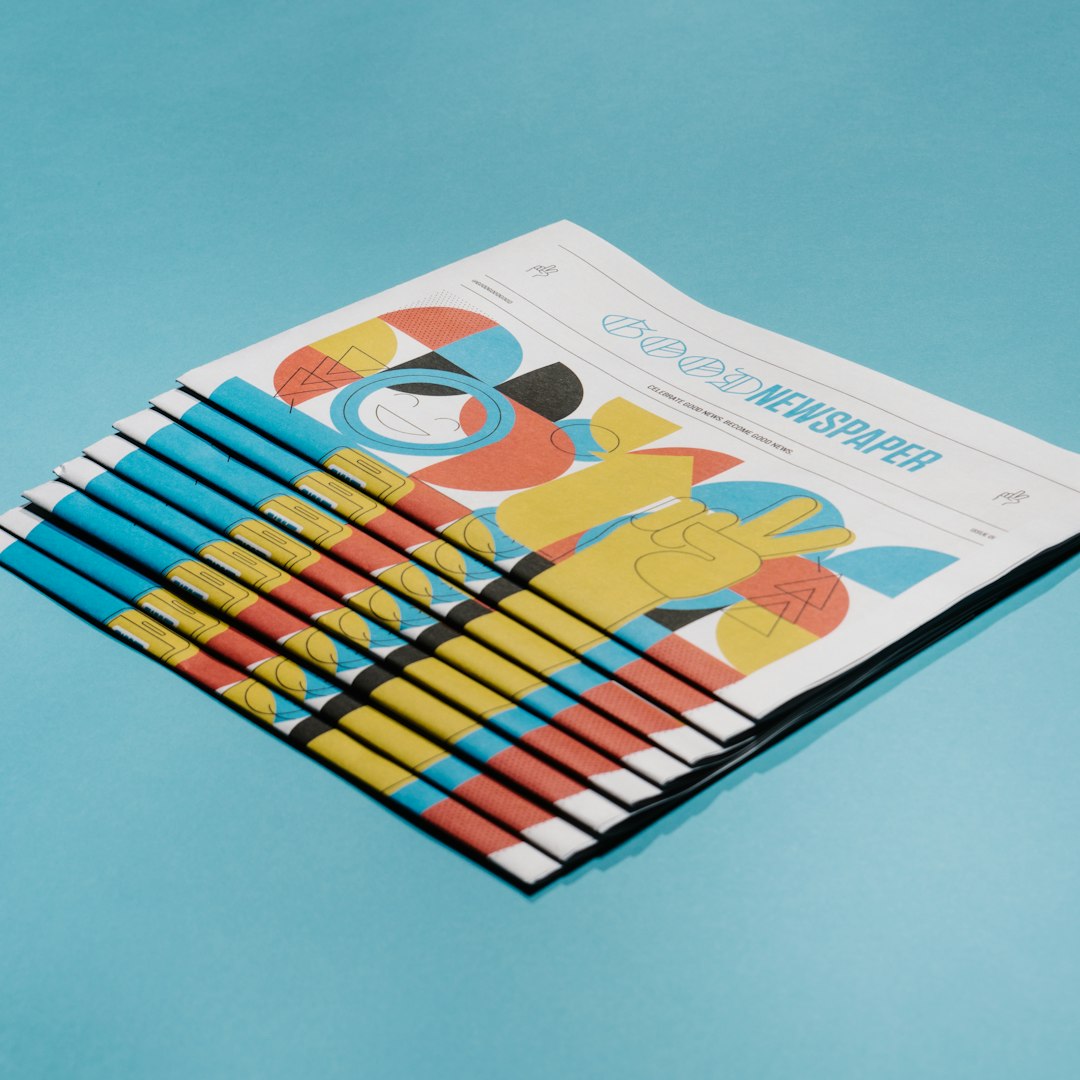
Designs can be downloaded in high-resolution print formats or ordered directly through integrated printing services in certain regions. This end-to-end functionality simplifies what would otherwise require multiple tools and export processes.
Data Visualization and Infographics
Information is more digestible when presented visually. Canva includes customizable charts, graphs, and infographic templates that transform complex data into engaging visuals.
Users can input data manually or import datasets to create:
- Bar and line charts
- Pie charts
- Timelines
- Process diagrams
For marketers, educators, analysts, and executives, this capability helps communicate insights clearly. Instead of overwhelming audiences with numbers, Canva turns data into stories.
Multimedia and Animation Features
Modern communication increasingly relies on motion. Canva has expanded beyond static graphics to include animation and video editing features. Users can animate elements within designs, add transitions between slides, or create short-form videos.
This is particularly useful for:
- Social media reels
- Explainer videos
- Animated presentations
- Digital advertisements
The ability to integrate video, audio, and animation into designs within the same interface further reinforces Canva’s adaptability.
Educational and Nonprofit Applications
Canva has found a strong foothold in education and nonprofit sectors. Teachers use it to create engaging lesson materials, worksheets, and classroom posters. Students use it for presentations, project visuals, and portfolios.
Nonprofits benefit from professional-quality marketing materials without the cost of hiring dedicated designers. Fundraising campaigns, awareness posters, and community event promotions become more accessible.
This democratization of design empowers organizations with limited budgets to produce high-impact visuals.
Cloud-Based Convenience
Because Canva operates in the cloud, users can access their designs from anywhere with an internet connection. Files are automatically saved, reducing the risk of lost work. Cross-device compatibility—desktop, tablet, and mobile—ensures seamless workflows.
This accessibility makes Canva especially practical for:
- Entrepreneurs managing businesses on the go
- Students switching between school and home devices
- Global teams collaborating across time zones
The convenience factor cannot be overstated. Design is no longer confined to specialized workstations or expensive software installations.
Balancing Simplicity with Power
Perhaps the most impressive aspect of Canva is its balance between simplicity and capability. Many tools are either beginner-friendly but limited, or powerful but overwhelming. Canva occupies the middle ground.
It offers enough advanced functionality—such as layering elements, customizing transparency, creating animations, and exporting in various formats—to support professional results. Yet it maintains an intuitive interface that welcomes first-time users.
This dual appeal broadens its audience dramatically. Individuals, startups, corporate departments, schools, and nonprofits can all rely on the same platform for different needs.
The Future of Everyday Design
As visual communication continues to dominate digital culture, tools like Canva are redefining how people approach design. What was once the domain of specialists is now part of everyday workflow.
From social media graphics to comprehensive presentations, from print brochures to animated videos, Canva’s adaptability makes it a powerful creative engine. It simplifies complexity, enhances collaboration, and elevates visual storytelling across industries.
Ultimately, Canva is versatile because it understands modern communication: it must be fast, collaborative, visually appealing, and accessible to everyone. By meeting these demands in one cohesive platform, Canva has transformed from a simple design tool into an indispensable creative companion.

