
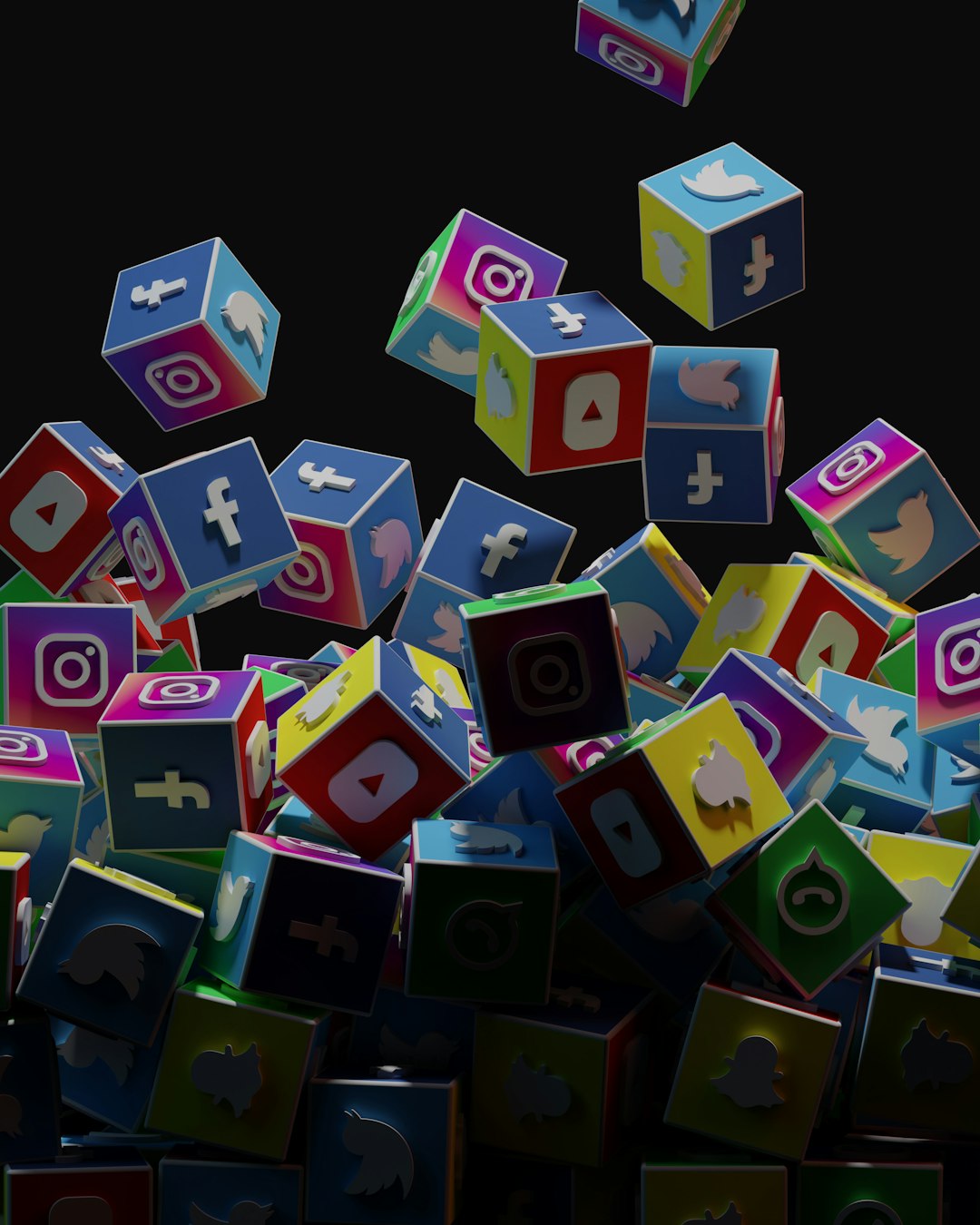
Your website is not a boring wall. It is a little stage. Every button, image, and link gets to play a part. 3D social media icons can be tiny stars on that stage. They help people find your profiles, share your content, and remember your brand.
TLDR: 3D social media icons can make your website feel more lively, friendly, and modern. Use them in smart places like headers, footers, product pages, popups, and contact sections. Keep them simple, fast, and easy to click. Add motion, color, and fun details, but never let them distract from the main goal of your page.
Why 3D Social Media Icons Feel So Fun
Flat icons are useful. They are clean and clear. But 3D icons add a bit of magic. They look soft, shiny, chunky, or playful. They can feel like candy. Or toys. Or little buttons from a video game.
This is why people notice them. A 3D Instagram icon can feel warm and friendly. A 3D YouTube icon can feel bold and exciting. A 3D LinkedIn icon can still look professional, but less stiff.
The trick is balance. You want your icons to stand out. But you do not want them to shout. Think of them as helpful guides. They say, “Hey, come follow us here.”
1. Make a Floating Social Bar
A floating social bar is a classic idea. But 3D icons make it feel fresh. Place the icons on the left or right side of the screen. Let them stay there as visitors scroll.
This is useful because the icons are always visible. People do not need to hunt for them. They can click when they are ready.
Keep the bar small. Use only your best social platforms. Too many icons can look messy. Three to five is usually enough.
- Good for: blogs, portfolios, shops, and news sites.
- Best style: soft shadows and rounded shapes.
- Fun touch: make each icon gently pop when the mouse moves over it.
Do not let the bar cover your text. Mobile users need space. On phones, you can move the icons to the bottom of the screen.
2. Turn Your Footer Into a Mini Social Lounge
Many website footers are sleepy. They sit at the bottom and say nothing exciting. 3D social icons can wake them up.
Create a small “connect with us” area. Add a friendly line of text. Then place your 3D icons below it. You can use a clean row, a curve, or a small cluster.
Try copy like this:
- “Come hang out with us.”
- “Follow the fun.”
- “Find us on your favorite app.”
This works well because visitors often check the footer for contact details. If your icons are bright and easy to see, they will get more clicks.
3. Add 3D Icons to Your Hero Section
Your hero section is the first big area on your homepage. It usually has a headline, a short message, and a button. You can add 3D social media icons here in a playful way.
For example, make the icons float around your headline. Or place them near a photo of your product. You can also stack them like little app blocks.
This can show that your brand is active online. It also adds energy fast.
But be careful. The hero section has one main job. It must explain your website. So the icons should support the message. They should not steal the show.
Simple rule: if the icons make the headline harder to read, make them smaller or move them away.
4. Use Icons as Share Buttons for Blog Posts
Blog posts are made to be shared. So make sharing feel easy. Add 3D icons near the title, beside the article, or at the end of the post.
Use icons for platforms where your readers spend time. For many sites, that may be Facebook, X, LinkedIn, Pinterest, or WhatsApp. For visual topics, Pinterest can work very well. For business topics, LinkedIn is often strong.
You can add a small label too.
- “Share this guide”
- “Send this to a friend”
- “Save this idea”
Make the icons clickable and clear. Add space between them. Fingers need room on mobile screens.

5. Create a Playful Contact Section
Your contact page does not need to feel cold. Add 3D social icons to make it warmer. Put them near your email, phone number, or contact form.
A simple layout works best. Add a heading like “Let’s talk”. Then add a short sentence. Then show your icons.
For example:
“Questions? Ideas? Memes? We are listening.”
This gives your contact page a human feel. It also gives visitors options. Some people do not want to fill out a form. They may prefer to message you on Instagram or LinkedIn.
6. Make Icons Part of Your Brand World
3D icons do not have to look the same as everyone else’s icons. You can style them to match your brand.
If your website is soft and calm, use pastel 3D icons. If your brand is bold, use shiny icons with strong colors. If your site is fancy, use glass or metallic effects. If your brand is silly, use bouncy shapes.
Try to match these details:
- Color palette: use colors that fit your site.
- Lighting: keep shadows and highlights consistent.
- Shape: choose round, square, bubble, or clay styles.
- Mood: make icons feel playful, elegant, modern, or cute.
When icons match your brand, they feel less random. They become part of the whole design.
7. Add Tiny Animations
Animation can make 3D icons feel alive. But keep it gentle. A small bounce can be nice. A slow float can be charming. A soft spin can be fun.
Too much motion can annoy people. It can also slow down your site. So use animation like seasoning. A little is tasty. Too much is chaos.
Here are simple animation ideas:
- Icon rises slightly on hover.
- Icon casts a deeper shadow on hover.
- Icon tilts when clicked.
- Icon gently floats in the background.
- Icon wiggles once when the page loads.
Bonus tip: always respect users who prefer reduced motion. Some people get dizzy or tired from moving elements.
8. Use Icons in a Popup, but Be Nice
Popups can work. They can also be annoying. So use them with care.
A small popup with 3D social icons can invite visitors to follow you. It might appear after someone reads a blog post. Or after they spend time on a product page.
Keep the message light.
- “Like this? Join us on social.”
- “More tips are waiting over there.”
- “Follow us for fresh ideas.”
Make the close button easy to see. Do not block the whole page. Do not show the popup every ten seconds. That is not charming. That is a jump scare.
9. Place Icons on Product Pages
If you sell products, 3D icons can support trust and sharing. Add them near customer photos, reviews, or product galleries.
You can invite shoppers to share a product with friends. Or follow your brand for style tips, new drops, or behind the scenes content.
This works especially well for:
- Fashion stores.
- Beauty brands.
- Food shops.
- Art and craft stores.
- Tech gadgets.
For products, keep the icons neat. The product should remain the hero. The icons should act like friendly helpers.
10. Build a Social Proof Section
Social proof means showing that other people trust you. You can use 3D icons to point to your social numbers or community areas.
For example, create a section that says:
“Join 50,000 people following our tips.”
Then show 3D icons for your main channels. Add short numbers or labels under them.
- Instagram: daily ideas.
- YouTube: tutorials.
- LinkedIn: industry updates.
- TikTok: quick tips.
This helps visitors see that your brand is active. It also gives them a reason to join.
11. Use Icons as Navigation Shortcuts
Social icons do not always need to sit in a boring row. You can use them as part of your navigation.
For example, place a small 3D icon near a menu item. A YouTube icon can sit next to “Videos.” An Instagram icon can sit next to “Gallery.” A Facebook icon can sit next to “Community.”
This makes the menu easier to scan. It also adds personality.
But do not overdo it. If every menu item has a bright 3D object, the menu can feel crowded. Use icons only where they help.
12. Create Seasonal Social Icons
Want a simple way to make your website feel fresh? Dress up your 3D icons for seasons and events.
Add tiny snow caps in winter. Add flowers in spring. Add sunglasses in summer. Add sparkles for a launch. Add confetti for a sale.
These small details make people smile. They also show that your website is alive and updated.
Use seasonal icons for a short time. Then switch back. This keeps the trick special.
13. Make a “Follow Us” Card
A follow card is a small box that invites people to connect. It can appear on your homepage, blog sidebar, or about page.
Keep the card simple. Add a short heading. Add one sentence. Add your icons. That is enough.
Example:
“Follow the adventure.”
Get updates, tips, and tiny moments of joy.
Then add your 3D icons below. Use soft shadows so the card feels layered.
Important Design Tips
Creative is good. Clear is better. Your 3D icons should look nice, but they must also work well.
- Keep them recognizable. People should know the platform at once.
- Use the right size. Icons should be easy to tap on phones.
- Check contrast. Icons must stand out from the background.
- Compress files. Heavy images can slow your site.
- Add alt text. This helps accessibility and screen readers.
- Test every link. A broken social icon is a sad little button.
Common Mistakes to Avoid
3D icons are fun, but they can cause trouble if used badly. Avoid these simple mistakes.
- Using too many styles: Do not mix clay icons, glass icons, and metal icons all at once.
- Making them too large: Huge icons can distract from your content.
- Adding wild animation: Spinning icons can feel loud and tiring.
- Hiding them: If users cannot find them, they cannot click them.
- Forgetting mobile: Always test on small screens.
Final Thoughts
3D social media icons are small, but they can do big things. They can add joy. They can guide visitors. They can make your brand feel more alive.
Use them in places where people already want to connect. Put them in your footer, blog posts, contact page, hero area, or product pages. Add gentle motion if it helps. Match them to your brand style. Keep them fast and clear.
Most of all, have fun with them. Your website should feel useful, but it can also feel delightful. A tiny 3D icon may be just the little spark your page needs.

