
Designers today are expected to move faster than ever—producing high-fidelity mockups, lifelike product renders, branded visuals, and marketing assets in a fraction of the time it once took. Fortunately, artificial intelligence is transforming the creative workflow. From generating realistic product placements to building full visual environments in seconds, AI tools are helping designers focus more on creativity and less on repetitive production tasks.
TLDR: AI-powered design tools are revolutionizing mockup and asset creation by generating hyper-realistic visuals in minutes. Platforms like Midjourney, Adobe Firefly, Runway, Mockey, and Krea AI offer powerful features tailored for product mockups, branding assets, and marketing visuals. These tools streamline workflows, reduce costs, and unlock new creative possibilities. If you’re a designer who wants faster results without sacrificing quality, these five AI tools are worth exploring.
Below are the five best AI tools for designers who want to generate realistic mockups and stunning assets efficiently.
1. Midjourney
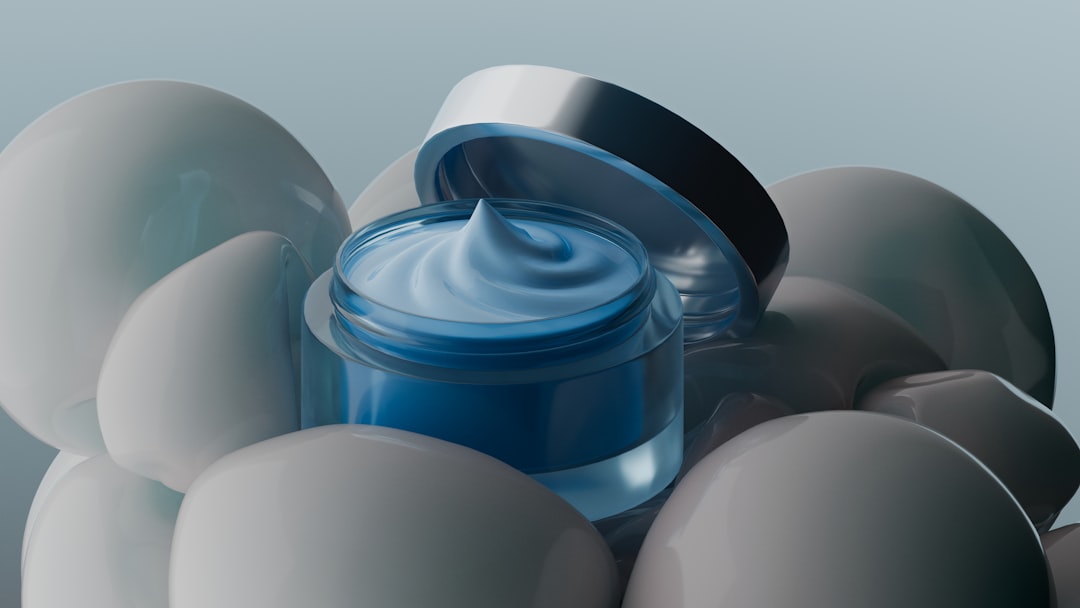
Midjourney has become one of the most popular AI image generation tools—and for good reason. It excels at creating highly detailed, photorealistic images that designers can use for mockups, concept art, branding visuals, and digital assets.
What sets Midjourney apart is its ability to interpret nuanced prompts. Designers can describe lighting conditions, materials, camera angles, textures, and environments to generate near studio-quality renders.
Best for:
- Product mockups in realistic environments
- Concept visualization
- Editorial-style imagery
- Brand moodboards
For example, a designer working on sneaker packaging can prompt Midjourney to create a “minimalist streetwear product display, concrete background, soft studio lighting, high detail” and receive results that rival professional photography.
Why designers love it:
- Exceptional realism and texture detail
- Strong lighting and composition control
- Continuous model improvements
The only challenge is mastering prompt writing—but once you do, the creative possibilities become almost limitless.
2. Adobe Firefly
Adobe Firefly is Adobe’s generative AI solution, deeply integrated into tools like Photoshop and Illustrator. For designers already embedded in the Adobe ecosystem, this integration makes mockup and asset generation seamless.
Firefly enables users to:
- Generate images from text prompts
- Add or replace objects using Generative Fill
- Extend backgrounds automatically
- Create text effects and stylized typography
One of its biggest strengths is commercial safety. Adobe trained Firefly primarily on licensed content and public domain material, making it appealing for professional designers concerned about copyright compliance.
With Generative Fill, designers can upload a basic product shot and instantly transform the setting—from a plain white backdrop to a luxury marble countertop or outdoor lifestyle scene.
Key advantages:
- Native Photoshop integration
- Non-destructive editing
- Simple and intuitive UI
- Great for branded content creation
Instead of starting from scratch, designers can enhance existing assets, making Firefly an ideal tool for polishing client projects quickly.
3. Runway
Runway is widely known for AI-powered video editing, but its image generation and asset creation capabilities are equally impressive. Designers working on motion graphics, ad creatives, or interactive presentations will find Runway particularly useful.
It allows users to:
- Generate and edit images with AI
- Remove backgrounds instantly
- Create dynamic video mockups
- Apply style transfers to visuals
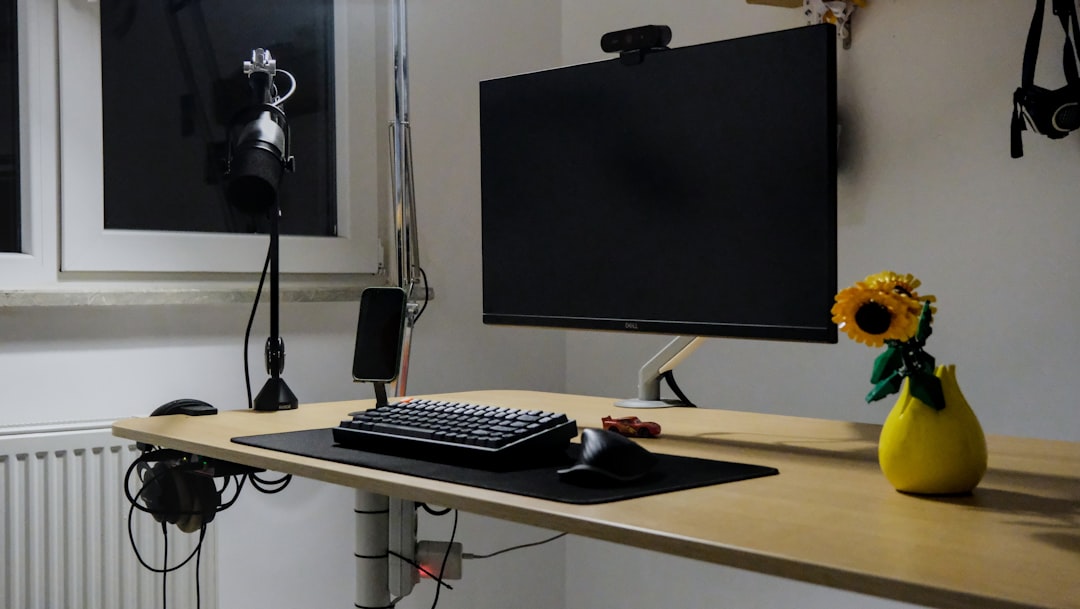
What makes Runway powerful is its real-time editing environment. You can modify a generated image, refine elements with prompts, and immediately export assets ready for production.
Ideal use cases:
- Interactive product demos
- Motion-based social media ads
- Animated mockups
- Quick background removals
For designers moving into motion design or content creation for digital campaigns, Runway adds a new dimension that static image generators alone cannot provide.
4. Mockey
If your focus is specifically on product mockups, Mockey is one of the most practical AI-powered tools available. It’s tailored for eCommerce designers, print-on-demand sellers, and brand creators who need realistic previews quickly.
Unlike more general AI art generators, Mockey provides structured templates:
- T-shirts and apparel
- Packaging designs
- Phone cases
- Posters and frames
- Beauty and cosmetic products
Designers simply upload their artwork, choose a template, and generate high-resolution mockups in seconds.
The advantage? No need to stage photoshoots or purchase expensive mockup PSD files. Everything is automated and adaptable.
Why it stands out:
- Ready-made product scenes
- High-resolution exports
- Minimal design friction
- Beginner-friendly interface
Freelance designers working with small businesses especially benefit from Mockey because it drastically reduces turnaround time for marketing visuals.
5. Krea AI
Krea AI is gaining popularity for its real-time AI image generation and enhancement capabilities. It allows designers to generate visuals live while adjusting styles, compositions, and intensity sliders.
This interactivity transforms the creative process. Instead of writing a prompt, waiting, and refining, designers can tweak visual direction dynamically.
Krea is especially powerful for:
- Hyper-realistic product visualization
- Architectural mockups
- Interior scene rendering
- Marketing campaign visuals
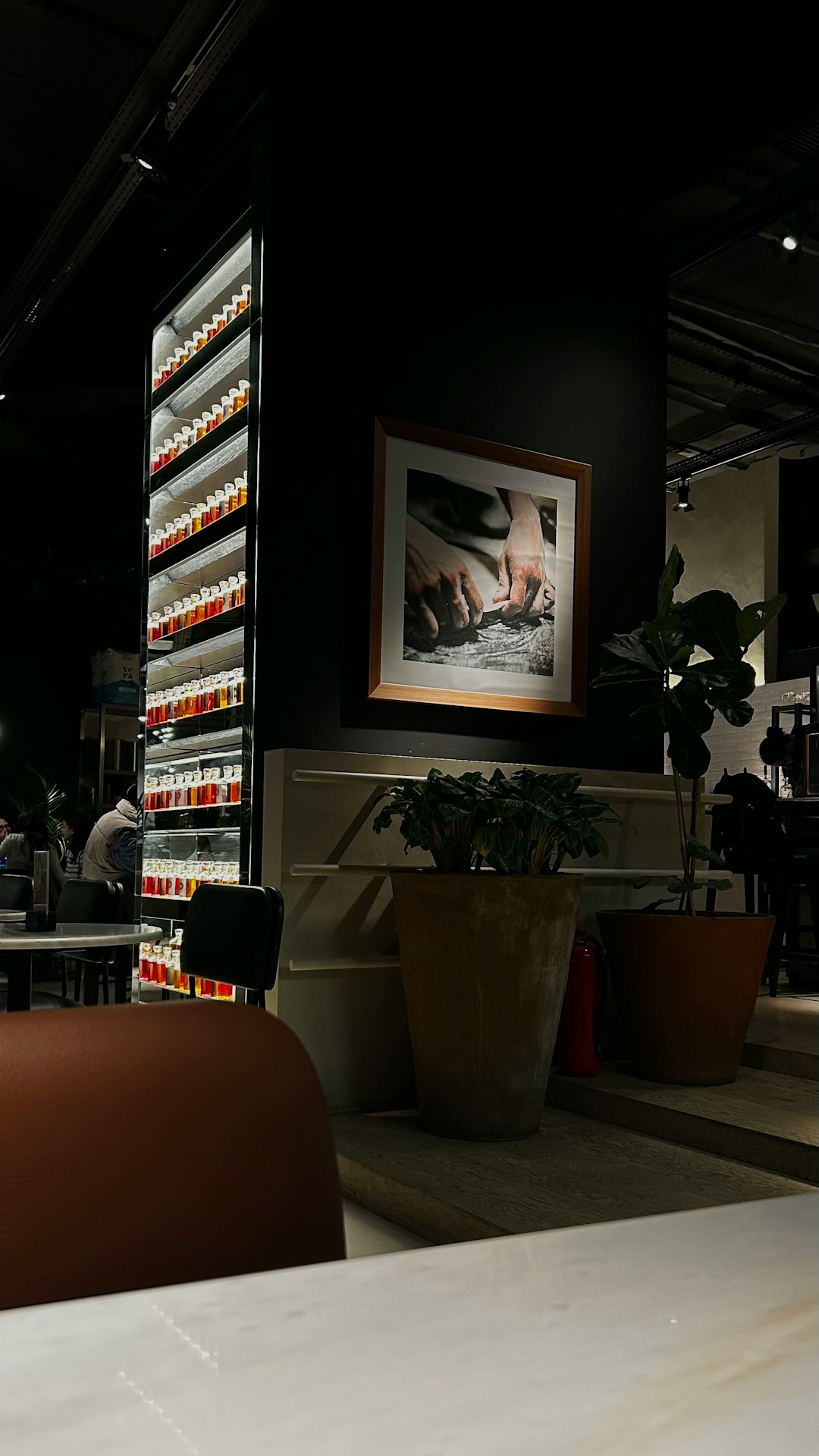
Another standout feature is its image enhancement capability. Designers can upload lower-resolution drafts and upscale them with improved lighting and texture quality.
Key strengths:
- Live visual adjustments
- Advanced realism controls
- Fast iteration cycles
- Intuitive workflow
Krea feels less like typing commands into a generator and more like collaborating with an AI art assistant.
How AI Tools Are Changing the Designer’s Workflow
These tools are not replacing designers—they’re enhancing them. Here’s how AI is transforming day-to-day creative work:
- Faster Ideation: Generate multiple concepts in minutes instead of hours.
- Reduced Costs: Minimize the need for stock photos or professional photoshoots.
- Rapid Prototyping: Show clients realistic previews before production starts.
- Creative Exploration: Experiment with bold ideas effortlessly.
Rather than spending hours compositing images manually in Photoshop, designers now focus on refining concepts, improving branding, and ensuring visual consistency.
Tips for Getting Realistic Results with AI
No matter which tool you use, quality depends on how you use it. Here are some proven techniques:
- Be specific with lighting: Mention “soft natural light,” “studio spotlight,” or “golden hour shadows.”
- Define materials clearly: Leather, brushed aluminum, matte plastic, glass reflections.
- Use camera terminology: 85mm lens, shallow depth of field, macro shot.
- Refine in iterations: Start broad, then increase detail gradually.
Combining AI output with light manual editing in Photoshop or Figma often produces the most professional results.
Final Thoughts
The design landscape is evolving rapidly, and AI is now a core part of that transformation. Tools like Midjourney and Krea AI push the boundaries of realism. Adobe Firefly enhances existing workflows. Runway brings motion into the mix. And Mockey makes product visualization accessible to everyone.
Together, these platforms give designers unprecedented speed and creative control. The key is not relying on just one—but integrating several strategically into your workflow.
The future of design isn’t about choosing between AI and creativity. It’s about combining them to produce work that is faster, smarter, and more visually compelling than ever before.

