
Tinkercad has become one of the most widely recommended entry points into the world of 3D design, electronics simulation, and beginner-friendly CAD modeling. Developed by Autodesk, it promises an intuitive, browser-based experience that removes many of the traditional barriers associated with professional design software. But how does it truly perform when evaluated critically? In this honest review, we examine Tinkercad’s core features, pricing model, strengths, limitations, and overall learning curve.
TLDR: Tinkercad is an exceptionally accessible, browser-based CAD tool ideal for beginners, educators, and hobbyists. Its intuitive interface and free pricing model make it one of the easiest ways to start 3D modeling and basic electronics simulation. However, it lacks advanced parametric design tools needed for professional workflows. Overall, it excels as a learning platform but is not a replacement for high-end CAD software.
1. Feature Set: Powerful Simplicity with Clear Limits
At its core, Tinkercad focuses on accessibility. It strips down complicated design workflows into drag-and-drop blocks and simple shape-based modeling. For beginners, this is a massive advantage. For advanced users, it can feel limiting.
Core 3D Modeling Tools
Tinkercad relies primarily on constructive solid geometry (CSG). Users combine simple shapes—boxes, cylinders, spheres, and custom primitives—to create more complex models.
- Drag-and-drop shape library
- Boolean operations (group, combine, hole)
- Alignment and duplication tools
- Basic measurement and ruler functions
- STL and OBJ export for 3D printing
This approach makes modeling extremely intuitive. Objects can be resized numerically or visually, and operations like subtracting shapes are accomplished with one click.
Image not found in postmetaHowever, what you gain in simplicity, you lose in precision depth. Tinkercad does not offer:
- Advanced parametric modeling
- Complex surface modeling
- Native assembly constraints
- Simulation tools for stress or motion analysis
For simple functional prints, educational models, and prototyping, this may not matter. For engineering-scale projects, it likely will.
Electronics and Circuit Simulation
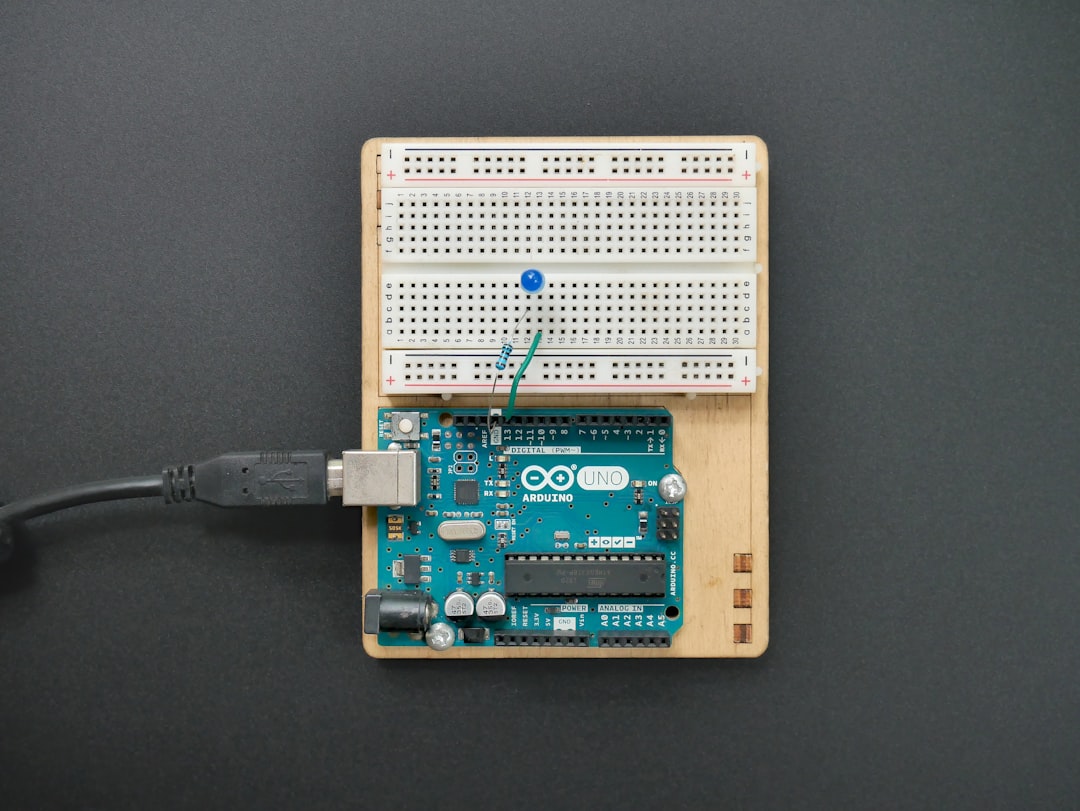
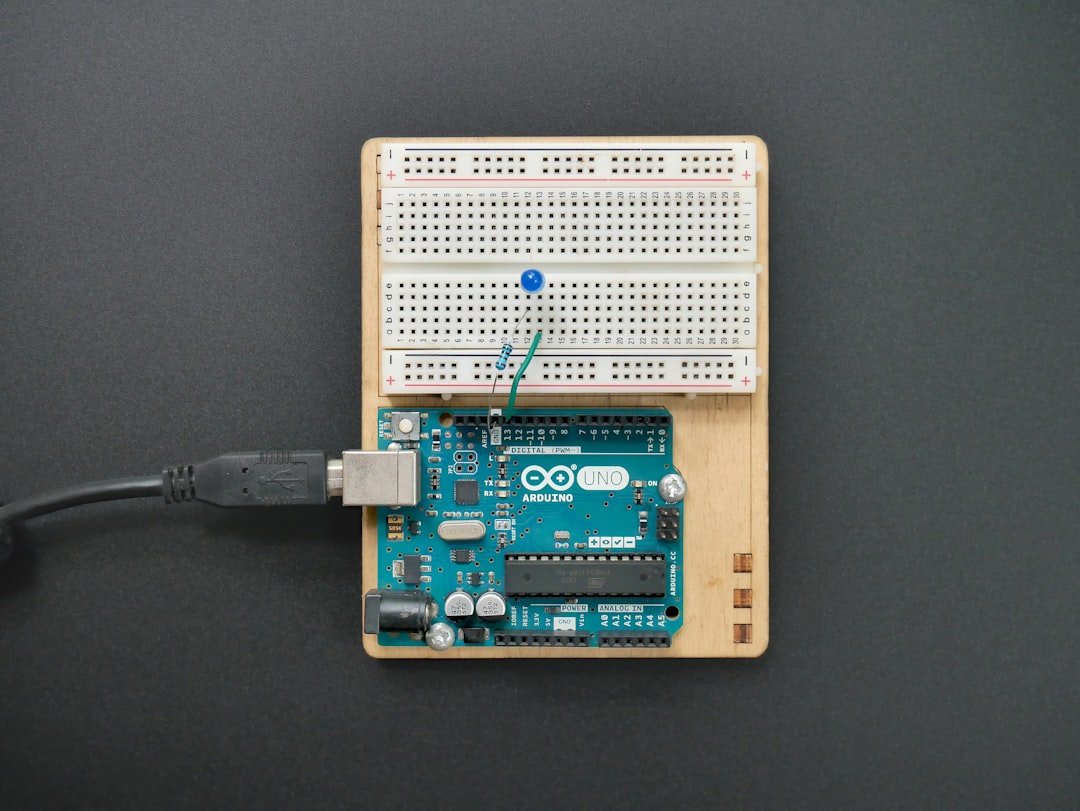
One standout feature many overlook is Tinkercad Circuits. It enables users to simulate basic electrical components such as LEDs, resistors, breadboards, and even Arduino microcontrollers.
- Virtual breadboard prototyping
- Arduino coding simulation
- Real-time circuit testing
- Code editor with block and text views
For educators and students, this adds substantial value. It turns Tinkercad into more than a modeling tool—it becomes a lightweight STEM learning platform.
Codeblocks: Procedural Design for Beginners
Tinkercad’s Codeblocks feature introduces basic parametric thinking. Using visual code blocks, users can create repeatable patterns and procedural designs. While not nearly as robust as professional CAD scripting tools, it is a clever bridge between design and programming.
Verdict on Features: Excellent for beginners and classrooms. Limited for professionals.
2. Pricing: Truly Free, But With Context
One of Tinkercad’s strongest selling points is its cost: it is completely free. There are no subscription tiers, feature restrictions, or export limitations hidden behind paywalls.
What You Get for Free
- Full 3D design functionality
- Circuit simulation tools
- Codeblocks feature
- Cloud storage for projects
- STL, OBJ, and SVG export
There are no premium upgrades. Access only requires an Autodesk account.
This makes Tinkercad particularly appealing for:
- Schools with tight budgets
- Makers just entering 3D printing
- Students experimenting at home
- Hobbyists testing design concepts
Is Free a Limitation?
Because it is free, Tinkercad operates entirely in the browser. While this enhances accessibility, it can introduce some constraints:
- Internet connection required
- Performance tied to browser capabilities
- Limited file complexity before lag occurs
For simple models, performance is smooth. For large or highly detailed projects, users may notice slowdowns.
Verdict on Pricing: Outstanding value. One of the best free CAD platforms available.
3. Learning Curve: One of the Easiest Entry Points in CAD
Traditional CAD programs often overwhelm beginners with toolbars, feature trees, sketches, constraints, and command panels. Tinkercad takes the opposite approach: minimalism.
Interface Design
The workspace is clean and dominated by a central grid. Tools are placed around the perimeter without overcrowding the interface. New users can begin shaping objects within minutes.
There is no steep technical language required. Instead, users:
- Drag shapes onto a workspace
- Resize using corner handles
- Group shapes to combine geometry
- Turn shapes into “holes” to subtract material
Most beginners can grasp the fundamentals in under an hour.
Educational Resources
Tinkercad includes built-in tutorials and guided lessons. These interactive projects teach:
- Basic shape manipulation
- Alignment principles
- Grouping and subtraction
- Simple mechanical designs
This built-in guidance significantly reduces onboarding time, especially in classroom environments.
Where the Learning Plateau Appears
Because Tinkercad prioritizes simplicity, users eventually reach a creative ceiling. Advanced geometric constraints, feature history, and engineering-grade dimensions are missing.
This creates a “learning plateau” where ambitious users may feel ready to transition to software like Fusion, SolidWorks, or Onshape.
Verdict on Learning Curve: Exceptionally beginner-friendly. Limited long-term complexity.
4. Real-World Use Cases: Who Is Tinkercad Truly For?
Understanding Tinkercad’s target audience is essential for evaluating it fairly.
Ideal Users
- Students (ages 8+)
- Teachers and STEM educators
- 3D printing beginners
- DIY hobbyists
- Arduino newcomers
It excels in rapid prototyping of simple parts like:
- Phone stands
- Custom keychains
- Basic enclosures
- Educational models
Not Ideal For
- Mechanical engineering assemblies
- Precision manufacturing blueprints
- Complex parametric product development
- Architectural modeling at scale
This distinction is important. Tinkercad is not trying to compete with industrial CAD systems. It is an entry-level gateway.
Comparison Chart: Tinkercad vs Other Popular CAD Tools
| Feature | Tinkercad | Fusion | SolidWorks | Onshape |
|---|---|---|---|---|
| Price | Free | Subscription based (free for hobbyists) | High cost license | Free tier available |
| Installation | Browser based | Desktop and cloud | Desktop software | Browser based |
| Learning Curve | Very easy | Moderate | Steep | Moderate |
| Parametric Modeling | Limited | Advanced | Advanced | Advanced |
| Electronics Simulation | Basic Arduino support | Limited | No native support | No native support |
| Best For | Beginners and schools | Makers and startups | Professional engineers | Collaborative design teams |
This comparison highlights Tinkercad’s unique niche: it prioritizes accessibility over industrial depth.
Final Verdict: Honest Strengths and Weaknesses
Strengths
- Completely free
- Extremely intuitive interface
- Excellent for education
- Fast onboarding
- Integrated circuit simulator
Weaknesses
- No advanced parametric features
- Limited scalability for complex projects
- Browser performance limitations
- Not suitable for professional engineering workflows
Overall Rating: 8.5/10 for beginners, 5/10 for professionals.
Tinkercad succeeds because it understands its audience. It removes intimidation from 3D design and makes creation approachable. While it cannot replace high-end engineering software, that was never its purpose. Instead, it acts as a stepping stone—an introduction to spatial thinking, design logic, and prototyping fundamentals.
If your goal is to learn CAD basics, teach students, or create simple 3D printable objects without financial investment, Tinkercad is one of the strongest starting points available today. If your ambition includes mechanical systems, manufacturable assemblies, or parametric product development, you’ll eventually need more advanced tools.
In short: Tinkercad is not powerful because it does everything. It is powerful because it makes design accessible to everyone.

