
The strongest Goodnotes alternatives are Notability, Noteshelf 3, Nebo, and Microsoft OneNote because each handles paperless work a little differently: quick handwriting, PDF markup, clean text conversion, or meeting prep across devices. Goodnotes is popular for a reason, and it was named Apple’s 2022 iPad App of the Year [source: Apple], but it is not the best fit for every workflow.
TLDR: Choose Notability if you record meetings while taking notes, Noteshelf 3 if you want a Goodnotes style notebook with nicer organization, Nebo if handwriting to typed text matters, and OneNote if your team already lives in Microsoft 365. For example, if you review 20 PDFs a week and attend 8 meetings, Notability can save time by linking written notes to audio playback. If you work across iPad, Windows, and web, OneNote is the safest pick. If you hate messy exports, Nebo may be the cleanest option.
Why switch from Goodnotes?
Goodnotes is polished, friendly, and great for digital planners. Still, some users hit walls. Search can miss messy handwriting. Audio notes are not the main focus. Cross-platform work may feel uneven. It also drives me crazy that small tasks, like sorting files after a busy meeting, can take more taps than they should.
The best replacement depends on your paperless routine. Are you marking up contracts? Prepping client calls? Turning handwriting into text? Or building a digital filing cabinet?
1. Notability: Best for meetings, lectures, and audio-linked notes
Best for: meeting notes, interviews, lectures, research calls, PDF review.
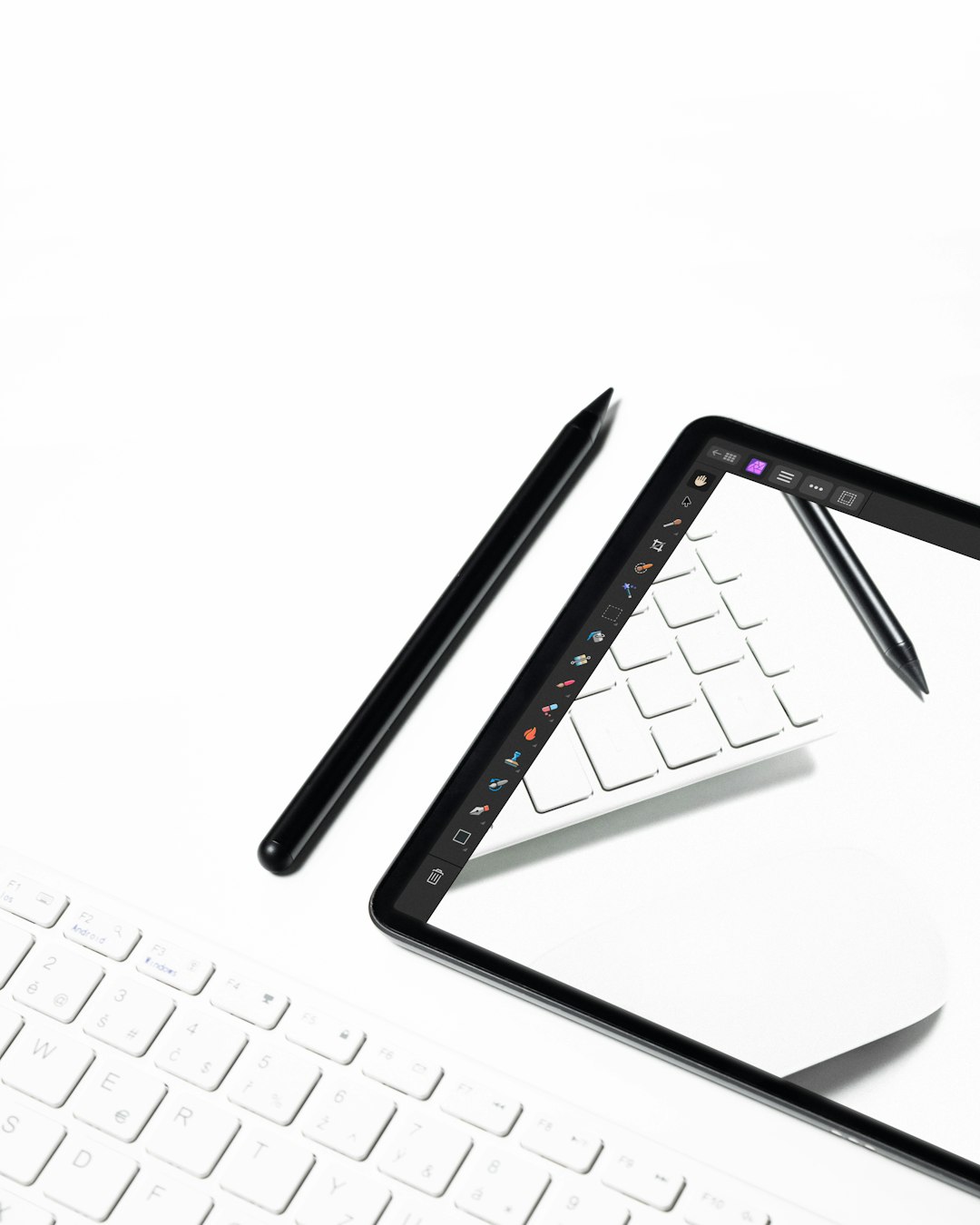
Notability is the app to pick when your notes need context. Its biggest win is audio recording synced with handwriting. Tap a sentence from your notes, and playback jumps to that moment. That is incredibly useful after a long client call when you cannot remember why you wrote “ask legal” in the margin.
The writing tools feel smooth. PDF markup is simple. You can import slides, contracts, worksheets, or agendas and write right on top of them. For meeting prep, you can create a note with the agenda, supporting PDFs, and handwritten talking points in one place.
- What it does well: audio sync, clean handwriting, fast PDF markup.
- Best paperless use: record a meeting, mark key moments, export a summary after.
- Weak spot: organization is decent, but not as folder-friendly as some users want.
The catch is that Notability can feel pushy if you dislike subscriptions. Some features sit behind paid plans, and that can annoy users who just want a simple notebook.
2. Noteshelf 3: Best Goodnotes style alternative
Best for: digital notebooks, planners, handwritten study notes, tidy subject folders.
Noteshelf 3 feels close to Goodnotes, but with its own charm. The interface is warm and simple. Notebooks look attractive. Covers and paper styles are easy to change. If Goodnotes feels almost right but not quite, this is the first app to try.
Handwriting feels natural with Apple Pencil. You also get PDF annotation, shapes, images, text boxes, and voice notes. The app works well for people who like a classic binder setup: one notebook for each project, client, class, or meeting series.
- What it does well: notebook organization, handwriting, templates, PDF markup.
- Best paperless use: replace paper binders with client or project notebooks.
- Weak spot: advanced knowledge management is limited.
Noteshelf 3 is especially good for visual thinkers. If your notes include sketches, arrows, diagrams, and color coding, it feels less rigid than office-style apps.
3. Nebo: Best for handwriting to text conversion
Best for: converting handwritten notes into clean typed documents.
Nebo is the smart choice if you write by hand but need typed output later. Its handwriting recognition is excellent. You can write a rough meeting recap, convert it into text, clean it up, and send it as an email or document.
This makes Nebo very handy for people who still think better with a pen. Consultants, students, managers, and writers can sketch thoughts first, then turn them into usable text without retyping every line.
- What it does well: handwriting conversion, structured notes, math, diagrams.
- Best paperless use: draft meeting minutes by hand, then export polished text.
- Weak spot: it is not as cozy for decorative notebooks or planners.
Nebo also handles PDFs, but its real strength is turning ink into editable content. If your notes usually become reports, briefs, or task lists, this matters more than sticker packs or fancy covers.
4. Microsoft OneNote: Best for teams and mixed devices
Best for: shared notebooks, work teams, Windows users, Microsoft 365 users.
OneNote is not the prettiest app here. It can feel a bit clunky on iPad compared with Notability or Noteshelf. Still, it is hard to beat for work. It runs on almost everything: iPad, Mac, Windows, Android, and web. Microsoft also offers OneNote as part of its broader Microsoft 365 tool set [source: Microsoft].
The big benefit is shared structure. You can create notebooks for departments, clients, or projects. Then add sections for meetings, research, tasks, and files. If your team already uses Outlook, Teams, Word, or OneDrive, OneNote fits in without much fuss.
- What it does well: shared notes, cross-device access, work notebooks.
- Best paperless use: build a shared meeting hub for a team or project.
- Weak spot: handwriting feels less elegant than dedicated iPad note apps.
For solo handwritten notes, OneNote may not feel special. For group work, it can be the practical choice. Sometimes boring wins.
Quick comparison
| App | Best strength | Pick it if… |
|---|---|---|
| Notability | Audio-linked notes | You attend many meetings or lectures |
| Noteshelf 3 | Notebook feel | You want a polished Goodnotes-like app |
| Nebo | Handwriting to text | You turn notes into documents |
| OneNote | Team sharing | You work across devices and Microsoft apps |
Which one should you choose?
If your workday is full of calls, choose Notability. The audio sync can rescue details you missed. If you want a familiar notebook system, choose Noteshelf 3. It keeps the paper feel without the paper mess.
If your handwriting is only the first draft, pick Nebo. It is built for turning scribbles into clean text. If your notes must be shared with coworkers, pick OneNote. It is not fancy, but it is dependable.
The best paperless app is the one that removes friction. Not the one with the longest feature list. Test two apps with the same real task: import a PDF, mark it up, prep a meeting, and export the result. You will know the winner in an hour.

