
The best apps like MyEnergyCenter for household energy monitoring are Sense, Emporia Energy, Smappee, and Samsung SmartThings Energy. They help homeowners see where power goes, spot waste, and catch expensive habits before the bill lands. That matters because the average U.S. household used about 10,500 kWh of electricity in 2022, or roughly 886 kWh per month [source: U.S. EIA].
TLDR: Sense is the best pick for people who want appliance-level insights, while Emporia Energy is the best budget-friendly choice for detailed circuit tracking. Smappee suits homes that want solar, EV, and energy data in one place. For example, a home using 900 kWh per month could cut 8% to 12% by finding always-on loads, shifting laundry away from peak hours, and catching a faulty fridge compressor early.
1. Sense: Best for Finding Energy Hogs by Appliance
Sense is the closest match for people who want MyEnergyCenter-style tracking with more detail. It pairs with the Sense Home Energy Monitor and shows live power use inside the app. The main appeal is appliance detection. Over time, Sense tries to identify items like the fridge, oven, dryer, garage door, or sump pump.
Its app is clean and easy to read. Users can see current usage, daily trends, monthly costs, and device events. A homeowner might learn that a basement dehumidifier is running nine hours a day and adding $18 to $25 per month. That kind of detail is hard to ignore.
The catch is that device detection takes patience. Some appliances may show up in days. Others may take weeks. A few never get labeled well. It can feel annoying when the app calls something “Motor 2” for far too long. Still, Sense is strong for curious homeowners who want answers beyond a simple bill estimate.
- Best for: appliance-level tracking
- Needs hardware: yes
- Strong point: live usage and device detection
- Weak point: appliance labeling can take time
2. Emporia Energy: Best Value for Circuit-Level Monitoring
Emporia Energy is a smart pick for households that want hard numbers without paying premium prices. Its Vue system tracks energy at the panel. Depending on the setup, users can monitor the whole home or individual circuits, such as HVAC, kitchen, laundry, EV charging, or water heater.
This makes Emporia useful for families trying to control high bills. If the HVAC circuit uses 42% of household electricity in July, the app makes that clear fast. Users can compare usage by minute, hour, day, week, or month. It also supports alerts, which help when usage jumps for no clear reason.
Honestly, it feels like the app expects users to enjoy charts more than they actually do. There is a lot of data. Some screens take a little poking around. But once the system is set up, the numbers are useful and direct.
- Best for: budget-conscious energy nerds
- Needs hardware: yes
- Strong point: circuit-by-circuit data
- Weak point: setup can feel technical
3. Smappee: Best for Solar, EVs, and Whole-Home Control
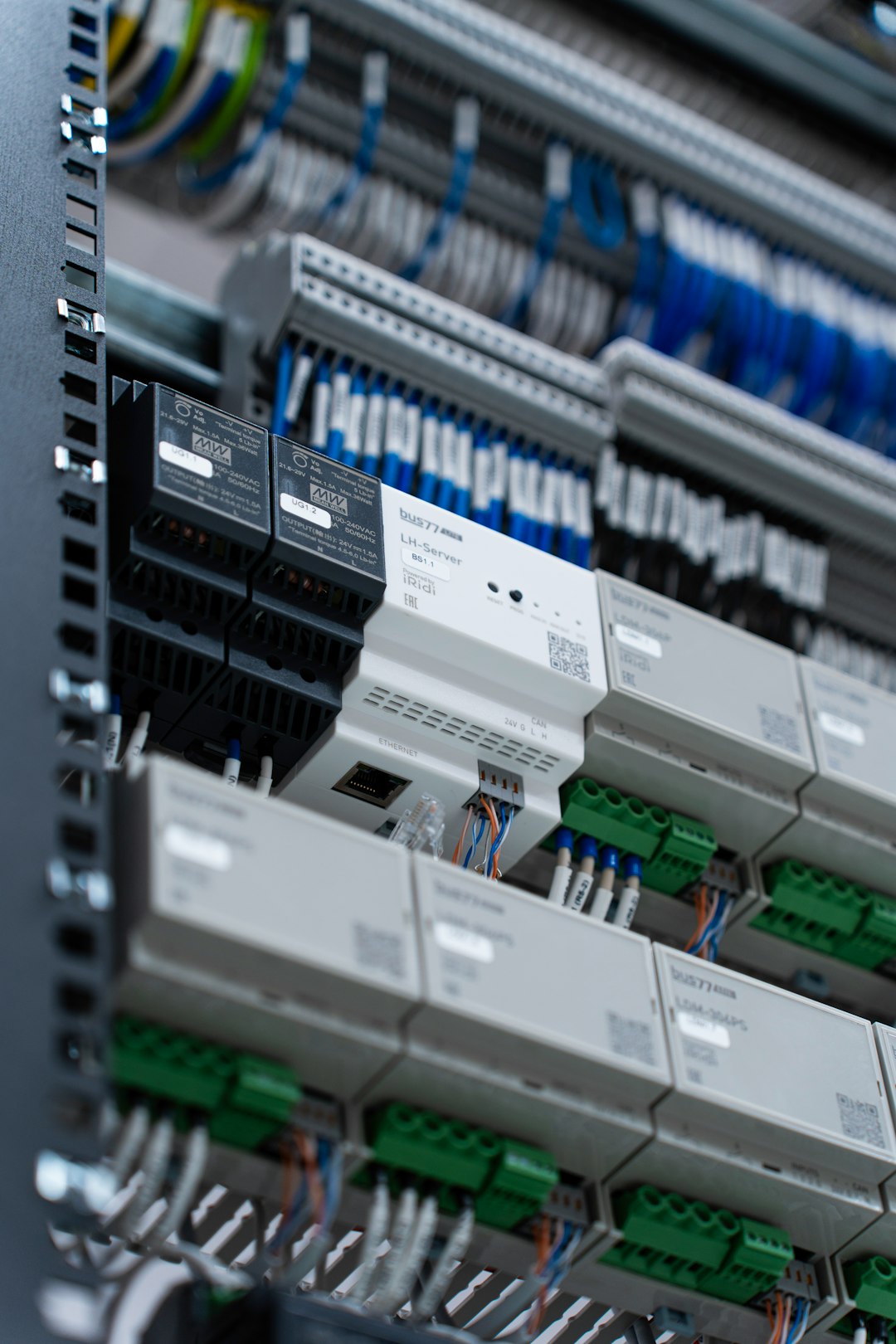
Smappee is a polished option for households with more than basic energy needs. It works well for homes with solar panels, electric vehicles, heat pumps, or smart charging plans. The app gives users a clear view of consumption, solar production, self-consumption, and grid usage.
For a home with rooftop solar, that is a big deal. Users can see when they are buying from the grid and when they are using their own solar power. That can help move dishwasher runs, EV charging, or laundry into sunnier parts of the day.
Smappee also has a premium feel. The reports are tidy. The graphs are readable. The system can support advanced automation too. The drawback is price. This is not the cheapest route. It suits households that already spend real money on energy gear and want one app to make sense of it.
- Best for: solar homes and EV owners
- Needs hardware: yes
- Strong point: solar and grid tracking
- Weak point: higher cost than basic monitors
4. Samsung SmartThings Energy: Best No-Fuss Pick for Smart Homes
Samsung SmartThings Energy is a softer entry point. It works best for people already using Samsung appliances or the SmartThings app. Instead of forcing a full electrical panel install, it pulls data from connected devices and supported utility programs where available.
This makes it good for renters, condo owners, or households that do not want an electrician involved. Users can track compatible appliances, set energy goals, and get tips. It is not as deep as Sense or Emporia. It may not show every hidden load in the house. But it is simple, and that matters.
Expect to waste time checking device compatibility. Not every appliance reports useful energy data. That part can be irritating. Still, for a SmartThings household, it is an easy way to start watching energy use without another box on the wall.
- Best for: Samsung and SmartThings users
- Needs hardware: not always
- Strong point: simple setup for connected devices
- Weak point: limited if the home lacks compatible products

Quick Comparison
- Best overall: Sense
- Best value: Emporia Energy
- Best for solar and EV charging: Smappee
- Best for smart appliance users: Samsung SmartThings Energy
Households that want the deepest data should pick Sense or Emporia. Those two give the clearest view of what is happening behind the bill. Smappee makes more sense for homes with solar or EVs. SmartThings Energy is best when the goal is basic tracking without a panel install.
FAQ
What app is most similar to MyEnergyCenter?
Sense is likely the closest match for users who want detailed home energy tracking, live usage, and appliance discovery.
Which app is best for lowering an electric bill?
Emporia Energy is great for bill reduction because it shows which circuits use the most power. That makes waste easier to spot.
Can these apps work without extra hardware?
Some can. Samsung SmartThings Energy may work with compatible smart appliances. Sense, Emporia, and Smappee usually need installed hardware.
Which option is best for solar panels?
Smappee is the strongest pick for solar homes because it tracks solar production, grid use, and home consumption in one app.
Are energy monitoring apps worth it?
They can be worth it for homes with high bills, EV charging, solar panels, or mystery power use. The savings depend on what the household changes after seeing the data.

