
Plex is the best first alternative to Stremio for most personal media libraries, while Jellyfin is the best free choice for users who want full control. Plex alone lists apps for smart TVs, game consoles, mobile devices, desktops, and NAS systems [source: Plex], which makes it easier for mixed-device homes.
TLDR: For a household with a 4 TB drive, 600 movies, and three TVs, Plex is usually the fastest setup. Jellyfin is better when privacy and zero subscription costs matter more. Emby sits between them, with polished apps and paid extras. Kodi and Universal Media Server are good fallback choices for local playback or simple streaming.
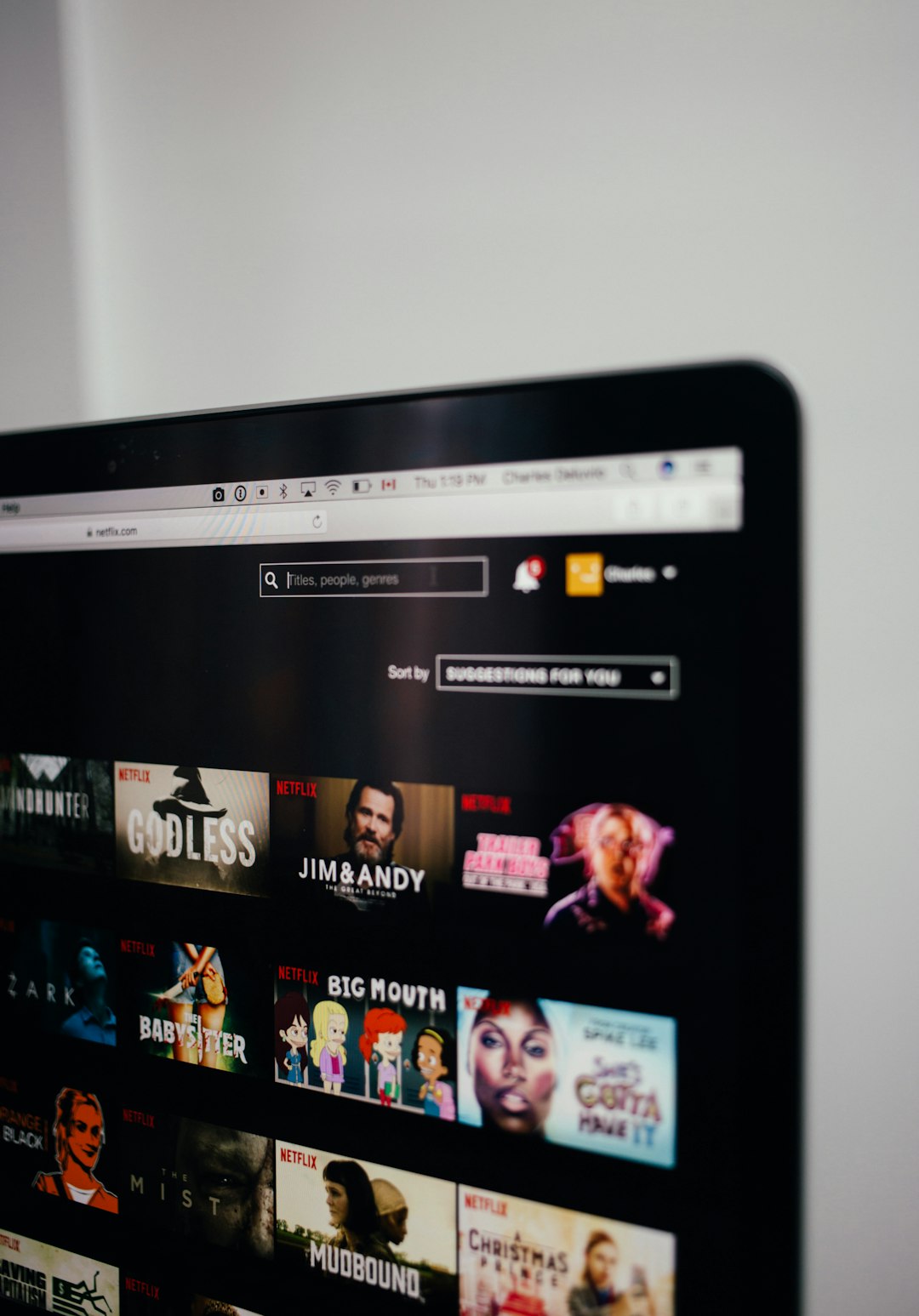
1. Plex: Best All-Around Stremio Alternative
Plex is the easy pick for people who want their movies, shows, music, and photos to feel like a private Netflix. It scans folders, adds posters, grabs episode details, and sorts everything into clean libraries.
The biggest win is app support. A family can watch on a Samsung TV, an iPad, a PlayStation, and a phone without much fuss. Remote streaming is also strong, so media stored at home can play while someone is away.
The catch is that some useful features sit behind Plex Pass. Hardware transcoding, downloads, and some advanced controls may need payment. It drives some users crazy that a task as basic as offline viewing can become a subscription decision.
Best for: households that want a polished interface, remote access, and wide device support.
2. Jellyfin: Best Free and Open Source Option
Jellyfin is the strongest choice for users who dislike accounts, tracking, and paid unlocks. It is free, open source, and built for personal control. There is no paid tier.
It handles movies, TV shows, music, photos, live TV, and DVR with the right setup. It also supports hardware transcoding on many systems, which helps when a video file is too heavy for a phone or older TV.
Jellyfin is less polished than Plex. Some apps feel rough. Setup can take longer. Honestly, it can feel like one extra menu appears every time a user fixes a setting. Still, for privacy-focused homes, that tradeoff is worth it.
Best for: users who want a free media server with no locked features.
3. Emby: Best Middle Ground Between Plex and Jellyfin
Emby feels like the “middle child” in a good way. It has a cleaner setup than Jellyfin for many users, but it offers more direct control than Plex. It supports movies, TV, music, photos, live TV, and parental controls.
Emby also has good metadata tools. Posters, cast lists, seasons, and collections are easy to manage. This matters for large libraries where one bad file name can turn a movie night into ten minutes of fixing titles.
Some features require Emby Premiere. That includes downloads, DVR, cinema mode, and some app access. So it is not the best pick for someone who wants everything free.
Best for: users who want a refined media server but do not want Plex’s style of control.
4. Kodi: Best for Local Playback and Custom Setups
Kodi is different from Plex, Jellyfin, and Emby. It is mainly a media center app, not a full server platform. It works best on a TV box, mini PC, or home theater PC connected to a screen.
Kodi plays almost anything. Local files, network shares, subtitles, audio formats, skins, and plugins are all part of the appeal. Power users can shape it heavily.
The downside is device-by-device setup. If three rooms need Kodi, each one may need care. Syncing watched status and libraries can be done, but it is not as smooth as Plex or Jellyfin.
Best for: home theater fans who watch mostly at home and want deep customization.
5. Universal Media Server: Best Simple DLNA Streaming
Universal Media Server is a practical choice when the goal is simple: share video files over a home network. It uses DLNA and UPnP, so many smart TVs and consoles can find the server without a special app.
It is not as pretty as Plex. It will not make a huge library feel premium. But it is light, direct, and useful for people who just want files to play on a TV downstairs.
Expect fewer rich features. No fancy user profiles. No slick mobile experience. No strong remote streaming flow. Still, for basic home use, it can save time and avoid account headaches.
Best for: simple local streaming without building a full media system.
Quick Comparison
- Plex: Best polish and device support, but some features cost money.
- Jellyfin: Best free choice, but setup can feel rough.
- Emby: Best balance, though its best tools need payment.
- Kodi: Best for local home theater playback.
- Universal Media Server: Best for simple DLNA sharing.
Which One Should Be Picked?
For most people, Plex should be tried first. It is friendly, quick, and works on many devices. For users who care about privacy or hate subscriptions, Jellyfin is the better long-term pick.
Emby makes sense for users who want a neat interface and more control. Kodi is ideal for a dedicated TV setup. Universal Media Server works when all that matters is getting a file from a computer to a TV.
FAQ
- What is the best Stremio alternative for personal files?
Plex is usually best for ease of use. Jellyfin is best for free, private hosting. - Is Jellyfin really free?
Yes. Jellyfin has no paid tier and no subscription for core features. - Can these apps stream outside the home?
Plex, Jellyfin, and Emby can stream remotely. Setup may require router or server settings. - Which option is best for a smart TV?
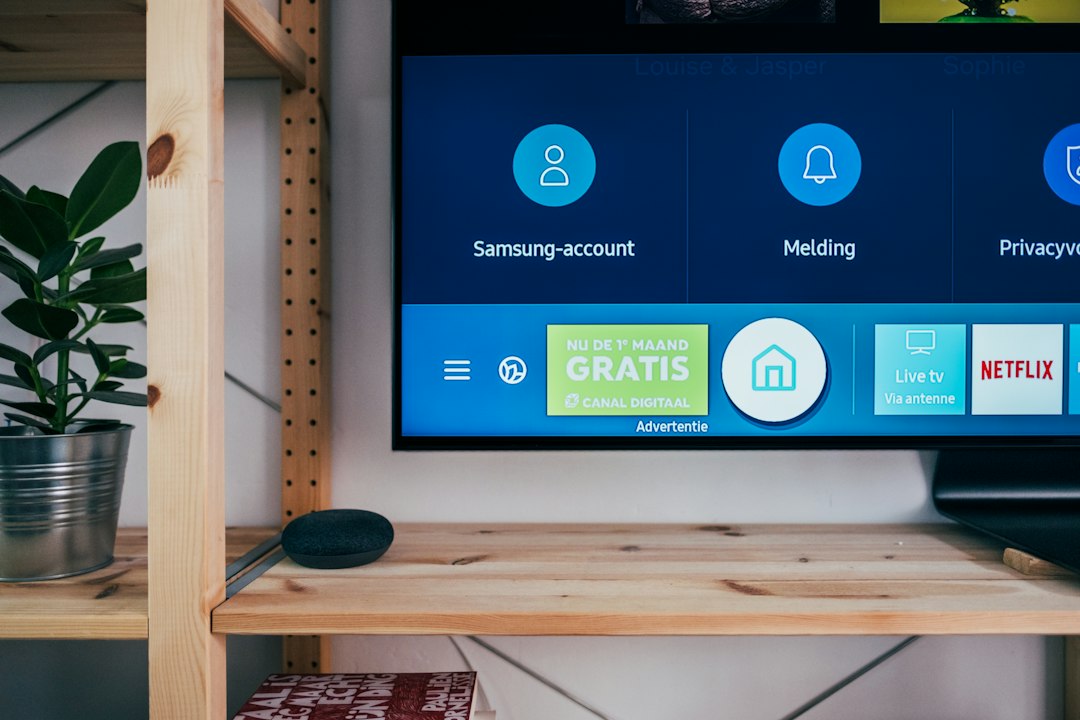
Plex has the widest app support. Universal Media Server may also work if the TV supports DLNA. - Does Kodi replace Plex?
Not fully. Kodi is better as a local media center. Plex is better as a server for many devices.

