
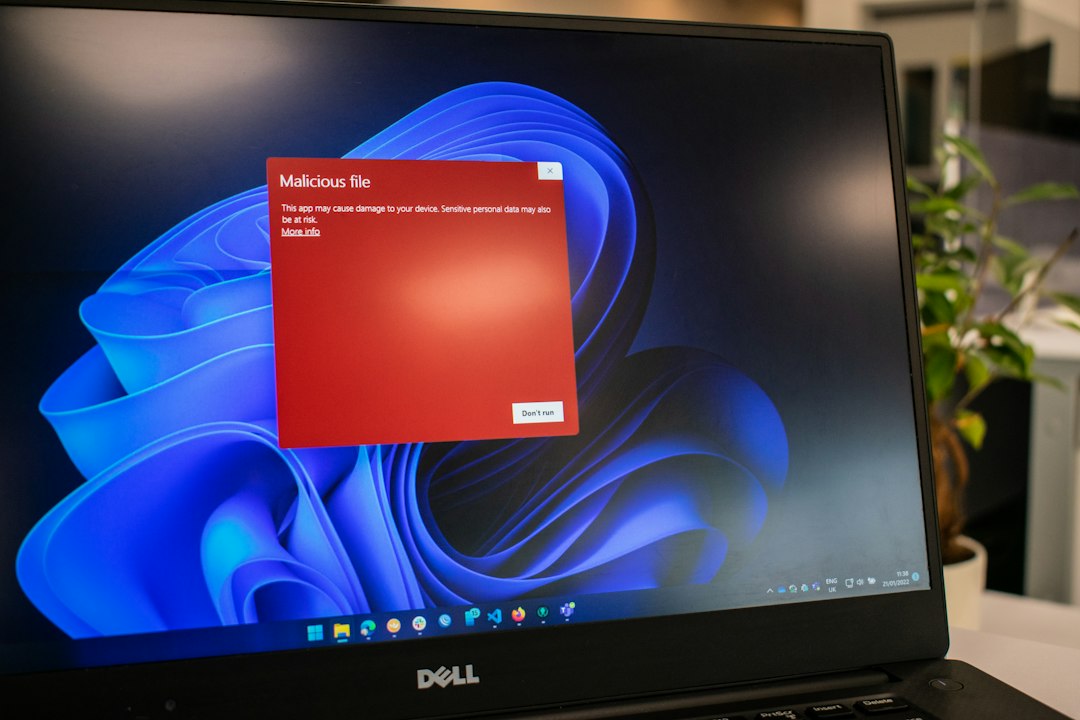
If you need to remove a computer virus right now, start by disconnecting from the internet, run Microsoft Defender Offline, then use Malwarebytes as a second scan if anything still feels wrong. Microsoft Defender is already built into Windows Security on Windows 10 and 11, so it is the fastest first move for most people [source: Microsoft]. ESET is better if you want stronger paid protection with lighter day-to-day system impact. Malwarebytes is best as a cleanup tool when pop-ups, browser redirects, or suspicious apps refuse to leave.
TLDR: Use Microsoft Defender first because it is free, already installed, and good enough for many common infections. If your PC still acts strange, scan with Malwarebytes; for example, if Chrome keeps opening spam tabs every 30 seconds, Malwarebytes often finds browser junk that normal antivirus tools miss. Choose ESET if you want paid, always-on protection with fewer annoying alerts and strong web protection. A smart cleanup routine is: Defender Offline scan, restart, Malwarebytes scan, then install ESET only if you want a long-term security upgrade.

First Steps Before You Run Any Antivirus
Do not start clicking random “fix virus now” buttons. That is how people make the mess worse. Some fake antivirus pop-ups are just bait.
Do this first:
- Disconnect from Wi-Fi or unplug Ethernet. This can stop malware from sending data or downloading more junk.
- Do not log in to banking, email, or work accounts. Assume passwords may be watched.
- Back up important files to an external drive if the computer still works.
- Restart the PC. Simple, yes, but it can stop some active processes long enough to scan.
- Update your antivirus definitions before scanning, if you can safely connect.
Expect to waste time on restarts. Virus removal is rarely a clean one-click job.
Microsoft Defender: Best First Move
Microsoft Defender is the easiest place to begin. It is already on Windows, it updates through Windows Update, and it does not ask you to create an account before helping. That matters when your desktop is flashing like a broken slot machine.
To run a scan:
- Open Windows Security.
- Click Virus & threat protection.
- Select Scan options.
- Run a Full scan.
- Then run Microsoft Defender Offline scan if the infection keeps returning.
The Offline scan is the key feature here. It restarts your PC and checks for threats before Windows fully loads. That helps catch malware that hides while the system is running.
Pros:
- Free and built in.
- Good for common viruses, trojans, and suspicious downloads.
- No extra setup.
- Works well with Windows features.
Cons:
- Can miss adware and browser hijackers.
- Full scans can feel slow on older laptops.
- Notifications are not always clear for non-technical users.
Honestly, it feels like Defender sometimes tells you “threat removed” without explaining what actually happened. Helpful? Yes. Reassuring? Not always.
ESET: Best Paid Option for Ongoing Protection
ESET is not usually the first tool people install during a panic. It is more of a long-term security choice. If your PC is clean but you want stronger protection from bad websites, infected downloads, and phishing pages, ESET is a solid pick.
ESET products often score well in independent antivirus testing, including protection and usability checks from AV-TEST [source: AV-TEST]. That does not mean it is magic. No antivirus is. But ESET has a good reputation for being light, quiet, and serious.

Pros:
- Strong real-time protection.
- Good web and email filtering.
- Often lighter than bulky security suites.
- Useful settings for advanced users.
Cons:
- Costs money after the trial.
- Some settings can confuse beginners.
- Not as quick for emergency cleanup as a portable scanner.
Use ESET if you want protection before trouble starts. If the virus is already active, clean the PC first with Defender and Malwarebytes, then install ESET after.
Malwarebytes: Best Second Opinion Scanner
Malwarebytes is the tool many people reach for when the PC is technically “clean” but still acting cursed. Search results redirect. New extensions appear. Fake support alerts pop up. Your browser opens a casino site you have never seen before. Great. Very normal. Not annoying at all.
Malwarebytes is especially good at finding:
- Adware
- Browser hijackers
- Potentially unwanted programs
- Fake installers
- Suspicious startup items
The free version works well for manual scans. The paid version adds real-time protection. For basic virus removal, you can install it, update it, scan, quarantine threats, restart, and scan again.
Pros:
- Excellent cleanup tool.
- Easy for beginners.
- Good at removing annoying browser junk.
- Works well beside Defender when used as an on-demand scanner.
Cons:
- Real-time protection needs a paid plan.
- May push upgrade prompts.
- Can flag unwanted software that you may have installed on purpose.
Which One Should You Use?
The best choice depends on the problem.
- Use Microsoft Defender if you need a free first scan right now.
- Use Malwarebytes if pop-ups, redirects, toolbars, or weird extensions keep coming back.
- Use ESET if you want paid protection for the next year, not just today.
For most home users, the best removal order is simple:
- Disconnect from the internet.
- Run Microsoft Defender Full scan.
- Run Microsoft Defender Offline scan.
- Install and run Malwarebytes.
- Remove unknown browser extensions.
- Change passwords from a clean device.
- Turn on two-factor authentication.
When to Reset the PC
If ransomware encrypted your files, admin tools will not open, or the virus returns after two full cleanup rounds, stop fighting it. Back up safe personal files if possible. Then reset Windows or reinstall it from clean installation media.
A clean reinstall is annoying, but it beats trusting a machine that may still be spying on you. After the reset, update Windows, install browser updates, and restore only files you trust. Skip old cracked software, fake game mods, and “free” PDF tools from sketchy download sites. That is often where the trouble started.
Bottom line: Defender is your first responder, Malwarebytes is your cleanup specialist, and ESET is your long-term guard. Use them in that order, and you have a practical plan that works without turning virus removal into a weekend project.

