
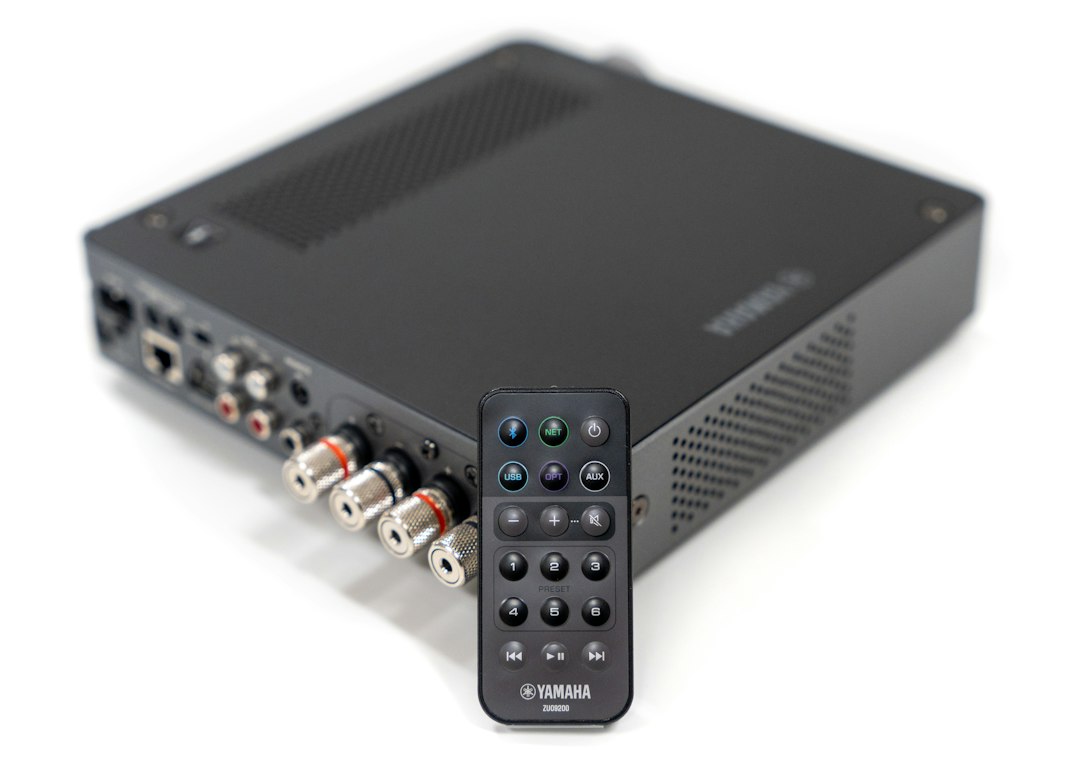
The safest “Spotify Downloader MP3” alternative is not a ripper at all: it is either Spotify Premium for offline listening or a legal music store such as Bandcamp, Qobuz, Amazon, or 7digital for real MP3 or lossless files. Spotify allows Premium users to download up to 10,000 tracks on each of 5 devices for offline playback, but those files stay inside the Spotify app and are not MP3s [source: Spotify]. That one detail matters. It separates legal offline access from risky converters that can break copyright rules, expose users to malware, or simply stop working overnight.
TLDR: People searching for a Spotify Downloader MP3 usually want music that works offline, in the car, at the gym, or on older devices. For example, a commuter who listens 60 minutes a day can save mobile data by using Spotify Premium downloads, while a DJ, collector, or video editor is better served by buying MP3 or FLAC files from Bandcamp, Qobuz, or 7digital. The best all-around legal pick is Spotify Premium for casual listening, while Bandcamp is best when ownership and artist support matter. Free ripping tools are not worth the legal and security headache.
Why Spotify MP3 Downloaders Are a Problem
A typical “Spotify to MP3” tool promises a lot. Paste a link, click a button, get a file. Honestly, it feels like the kind of shortcut that should be simple by now. The catch is that Spotify licenses music for streaming, not for users to extract tracks into standalone MP3 files.
Most unofficial downloaders sit in a gray or illegal zone. Some record audio in real time. Some scrape streams. Some push users through ads, browser extensions, or shady installers. It drives people crazy when a tool takes 20 minutes to “convert” an album and then delivers tracks with wrong names, broken tags, or low bitrate audio.
Legal alternatives fall into two groups:
- Offline streaming: the user can listen without internet, but only inside the app.
- Music purchases: the user buys downloadable files, often MP3, FLAC, WAV, or ALAC.
That difference should guide the choice.
Best Legal Alternatives Compared
1. Spotify Premium: Best for Everyday Offline Listening
Best for: commuters, gym listeners, students, families, and playlist fans.
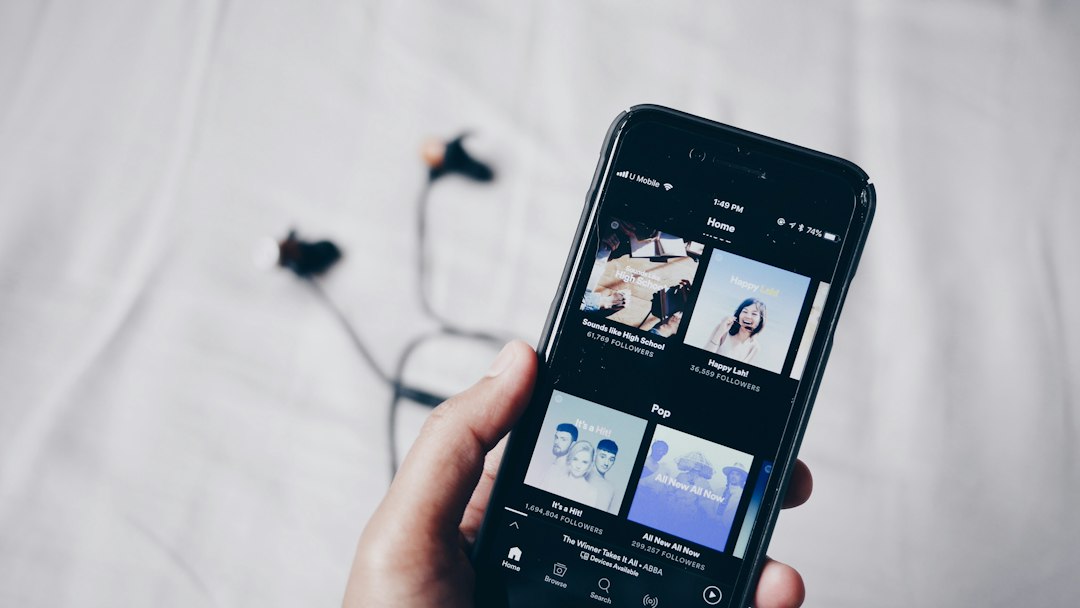
Spotify Premium is the closest legal replacement for a Spotify downloader if the real goal is offline playback. Users can download albums, playlists, podcasts, and audiobooks where supported by plan and region. Playback works smoothly inside the Spotify app, and library management is simple.
The downside: Spotify downloads are not MP3 files. Users cannot move them to a USB stick, burn them to a CD, edit them in audio software, or keep them after canceling Premium. Offline access also needs a check in with Spotify from time to time.
- File ownership: No
- Offline listening: Yes
- MP3 export: No
- Best feature: huge catalog and playlists
- Main annoyance: downloads vanish when the subscription ends
2. Bandcamp: Best for Owning Music and Supporting Artists
Best for: indie music fans, collectors, DJs, and people who want actual files.
Bandcamp is one of the strongest legal alternatives because it sells downloads directly from artists and labels. Buyers often get several format choices, such as MP3, FLAC, AAC, ALAC, and WAV. That makes it far more flexible than Spotify offline mode.
Bandcamp also feels personal. Fans can buy albums, merch, and sometimes pay more than the minimum price. That makes it a good fit for listeners who care about where the money goes.
- File ownership: Yes
- Offline listening: Yes, with downloaded files
- MP3 export: Yes
- Best feature: high-quality downloads
- Main annoyance: not every mainstream artist is there
3. Qobuz: Best for Hi-Res Buyers
Best for: audiophiles, hi-fi setups, and serious album buyers.
Qobuz offers both streaming and a download store in many regions. Its key strength is quality. Users can buy albums in CD quality or hi-res formats, depending on availability. For people who care about sound more than convenience, Qobuz is a strong pick.
It is less playlist-centered than Spotify. Search and recommendations may feel less playful. Still, buyers who want clean files and album artwork will likely prefer it to any converter.
- File ownership: Yes, for purchases
- Offline listening: Yes
- MP3 export: Often available, varies by release
- Best feature: lossless and hi-res options
- Main annoyance: catalog gaps in some countries
4. Amazon Digital Music: Best for Simple MP3 Purchases
Best for: users who want mainstream tracks as quick digital purchases.
Amazon still sells digital music in some markets, often as MP3 downloads. It is practical for people who need one song, a chart hit, or an album without paying for another subscription. Downloads can be stored, transferred, and played in many standard music apps.
The shopping experience can feel messy because streaming, purchases, and Prime Music features often sit close together. Expect to waste time on the wrong page if the user is not careful.
- File ownership: Yes, for purchases
- Offline listening: Yes
- MP3 export: Yes, where digital purchases are offered
- Best feature: easy single-track buying
- Main annoyance: store availability varies by region
5. 7digital: Best for No-Frills Downloads
Best for: people who want a plain music store without a big app ecosystem.
7digital sells downloadable music in several formats and bitrates, depending on the release. It is less famous than Spotify or Apple Music, but it can be useful for buyers who want files without joining another streaming platform.
Its strength is simplicity. Search for music, pay, download. Its weakness is the catalog. Some releases are missing, and availability can change by country.
- File ownership: Yes
- Offline listening: Yes
- MP3 export: Yes
- Best feature: straightforward download store
- Main annoyance: smaller brand and uneven catalog
6. Apple Music and iTunes Store: Best for Apple Users
Best for: iPhone, Mac, and iPad users who want one library.
Apple Music offers offline listening through its app, much like Spotify Premium. The iTunes Store, where still available, sells music downloads. This split matters. Apple Music subscription tracks are not the same as purchased files.
For Apple users, the experience is polished. Purchased songs fit neatly into the Music app. The downside is confusion. A user may think a song is “owned” because it is downloaded, when it is only saved for offline subscription playback.
- File ownership: Yes, only for store purchases
- Offline listening: Yes
- MP3 export: Purchased files may use Apple formats, not always MP3
- Best feature: smooth Apple device sync
- Main annoyance: streaming downloads and purchases can be easy to mix up
Quick Recommendation Table
| Need | Best Legal Option | Why It Fits |
|---|---|---|
| Offline Spotify playlists | Spotify Premium | Fast, legal, and built into Spotify |
| Real MP3 files | Bandcamp or 7digital | Downloads can be kept and moved |
| Best audio quality | Qobuz | Strong lossless and hi-res catalog |
| Mainstream single songs | Amazon Digital Music | Simple track purchases where available |
| Apple device library | Apple Music plus iTunes Store | Good sync across Apple devices |
How to Choose Without Regret
If the listener only needs music offline, Spotify Premium is usually enough. It is clean, legal, and convenient. If the listener needs files for editing, DJ software, archival storage, or an old MP3 player, a download store is the better route.
A simple rule works well:
- Choose streaming downloads for convenience.
- Buy music files for ownership and control.
- Avoid Spotify MP3 rippers when the tool asks for account access, installs unknown software, or promises “free premium” features.
FAQ
Is a Spotify Downloader MP3 legal?
Usually, no. Tools that convert Spotify streams into MP3 files may violate Spotify’s terms and copyright rules. Legal use depends on rights, region, and method, but most consumer rippers are risky.
Can Spotify Premium download MP3 files?
No. Spotify Premium allows offline listening inside the Spotify app. It does not provide normal MP3 files that can be copied or edited.
What is the best legal Spotify downloader alternative?
For offline listening, Spotify Premium is the best fit. For actual downloadable files, Bandcamp, Qobuz, Amazon Digital Music, and 7digital are stronger choices.
Which service is best for artists?
Bandcamp is often favored by fans who want to support artists more directly. It also gives buyers real download options in multiple formats.
What should users avoid?
They should avoid tools that ask for Spotify passwords, install browser add-ons, flood the screen with ads, or claim to remove DRM for free. Those signs often point to legal issues or security risks.

