
A DSLR camera is a digital camera that uses a mirror, prism, and optical viewfinder to show the photographer the real scene through the lens. That simple mirror system is why DSLRs became trusted tools for sports, weddings, portraits, travel, and product photography. Even with mirrorless cameras getting more attention, digital cameras remain widely used; CIPA reported millions of digital still camera shipments in 2023 [source: CIPA].
TLDR: A DSLR gives a photographer strong image quality, long battery life, interchangeable lenses, and an optical viewfinder that does not lag. For managing photos, Canon Camera Connect is often simpler for quick transfers and remote shooting, while Nikon SnapBridge is better for automatic low resolution background transfers using Bluetooth. For example, a travel photographer shooting 300 photos in a day may use SnapBridge to auto save small previews, but may prefer Canon’s app style when selecting 25 full size images manually for fast sharing.
What Is a DSLR Camera?
A DSLR, or digital single lens reflex camera, is a camera that combines digital imaging with the older reflex mirror design used in film SLR cameras. Light enters through the lens. A mirror reflects that light upward through a prism or mirror system. The photographer then sees the scene through an optical viewfinder.
When the shutter button is pressed, the mirror flips up. Light hits the digital sensor. The camera records the image. That little slap sound is part of the DSLR experience, and some photographers still love it.
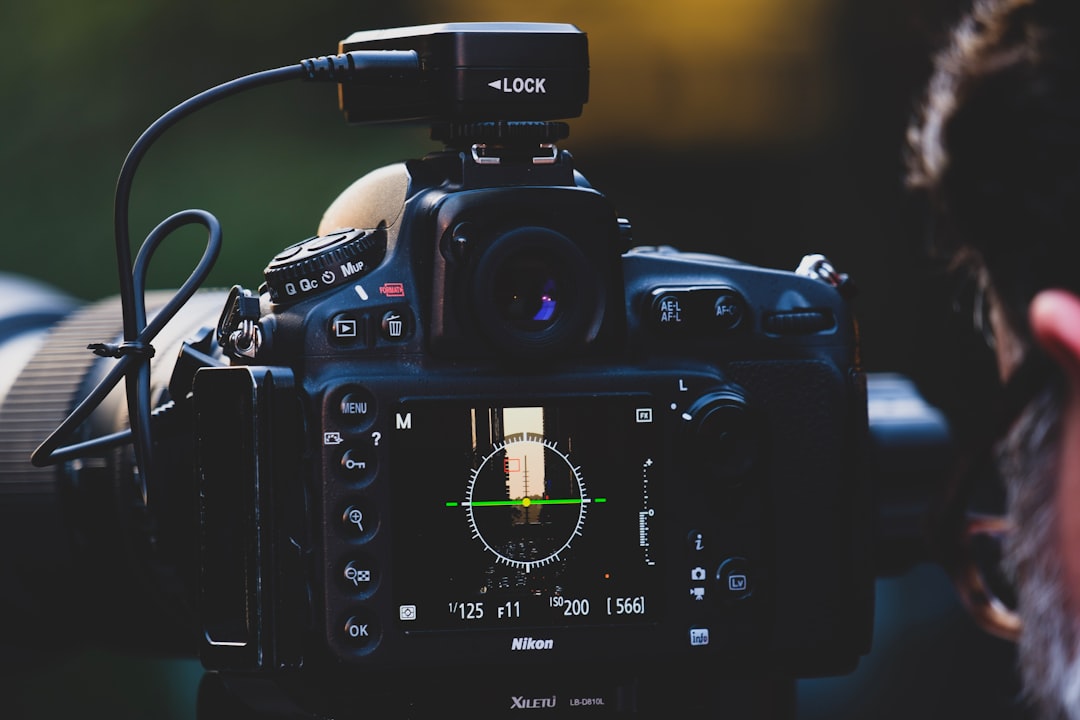
The biggest difference between a DSLR and a mirrorless camera is the mirror. A mirrorless camera sends the image directly from the sensor to an electronic screen or viewfinder. A DSLR shows the real optical scene before the shot. This gives DSLRs a clear, natural view, especially in bright sun.
Why Photographers Still Use DSLR Cameras
DSLR cameras are not new, but they are not useless. Far from it. Many models still produce excellent photos. A used Canon EOS 80D, Nikon D750, or Nikon D5600 can still serve a learner, hobbyist, blogger, or event shooter well.
- Image quality: Larger sensors capture more detail than most phones.
- Lens choice: DSLR systems have huge used lens markets.
- Battery life: Optical viewfinders use less power than electronic ones.
- Handling: Bigger grips and physical buttons help during long shoots.
- Price: Used DSLR bodies and lenses can be very affordable.
The weak points are also clear. DSLRs are bulkier. Video autofocus can feel dated on older bodies. Sharing images takes extra steps unless the camera has Wi Fi or Bluetooth. That is where mobile apps such as Canon Camera Connect and Nikon SnapBridge come in.
Managing DSLR Photos With Mobile Apps
Modern photographers often want photos on a phone within minutes. A family photographer may need to send a preview during a shoot. A traveler may want to post a sunset before leaving the beach. A real estate shooter may need to check images on a larger phone screen.
Camera apps help with that. They usually offer three main features:
- Photo transfer from camera to phone.
- Remote shooting using the phone as a live view screen.
- Location data syncing for tagging photos.
Honestly, it feels like camera makers still treat apps as side projects sometimes. Pairing can fail for no obvious reason. Transfers may pause when the phone screen sleeps. A task that should take 20 seconds can turn into two minutes of tapping, reconnecting, and muttering at a plastic rectangle.
Canon Camera Connect: Strengths and Weak Spots
Canon Camera Connect works with many Canon DSLRs, mirrorless cameras, and compact cameras that include Wi Fi or Bluetooth. It lets a photographer browse images, transfer files, use remote live view, adjust settings, and trigger the shutter from a phone.
Its strongest feature is the manual browsing experience. The app makes it fairly easy to view thumbnails and choose the images to import. For a wedding second shooter or social media manager, that matters. Selecting 10 strong frames from 200 is often faster than transferring everything.
Canon’s remote shooting tools are also useful. The phone can show live view, focus can be adjusted on screen in supported models, and exposure settings can be changed. This helps with group photos, tabletop work, self portraits, and low angle shots.
The annoying part is connection consistency. Some users report that the camera and phone do not always reconnect cleanly after the first setup. It drives many users crazy that changing from Bluetooth to Wi Fi can feel clunky, especially when a quick photo transfer is the only goal.
Nikon SnapBridge: Strengths and Weak Spots
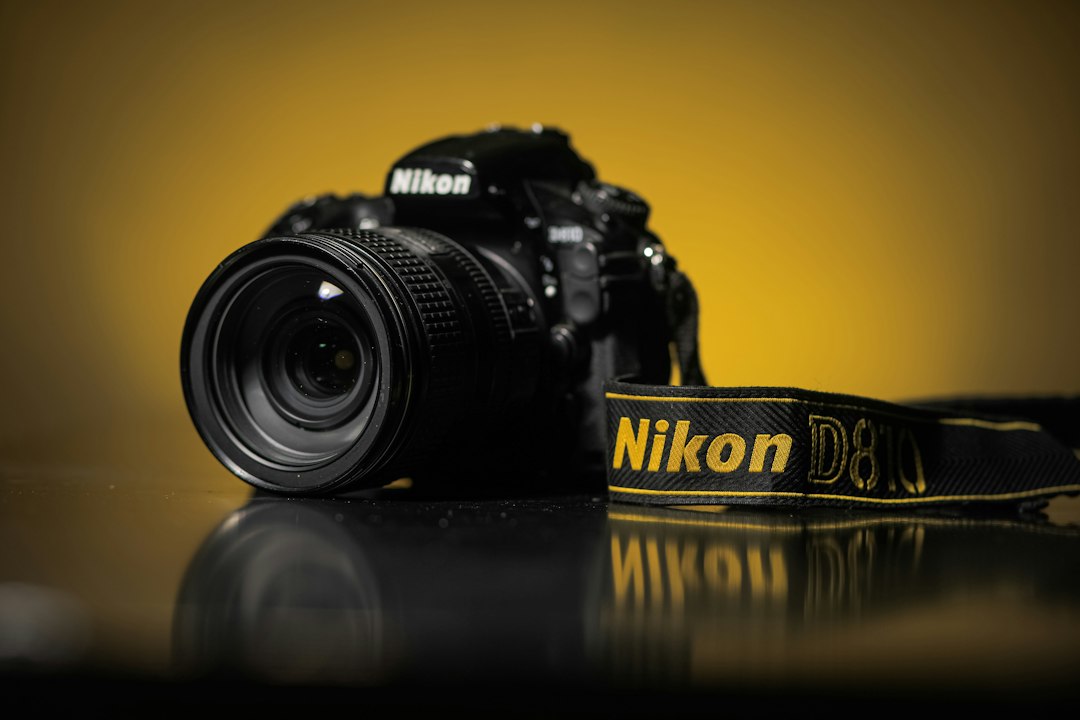
Nikon SnapBridge takes a different approach. It focuses heavily on a constant Bluetooth connection between camera and phone. On supported Nikon cameras, it can automatically send 2 megapixel versions of photos to the phone in the background. Full size image transfer is also available through Wi Fi on many models.
This auto transfer feature is handy. A parent at a school event can shoot with a Nikon DSLR and later find small ready to share copies already on the phone. A journalist can keep quick previews moving without stopping after every burst.
SnapBridge also supports remote photography on compatible cameras. The phone can act as a remote release and, on many models, show live view. It can also sync time and location data from the phone to the camera, which helps travel photographers keep files organized by place.
The frustration is speed and control. Automatic 2 megapixel transfers are convenient, but they are not the same as full resolution files. Full size transfers can be slower. Pairing has improved over the years, but it can still feel fussy when switching devices or after app updates.
Canon Camera Connect vs. Nikon SnapBridge
The better app depends on the photographer’s routine. These apps are not only about brand loyalty. They shape how fast photos move from camera to phone.
| Feature | Canon Camera Connect | Nikon SnapBridge |
|---|---|---|
| Best use | Manual selection and remote shooting | Automatic background transfers |
| Connection style | Wi Fi plus Bluetooth on supported cameras | Bluetooth always on style, with Wi Fi for larger files |
| Photo sharing | Good for choosing specific images | Good for auto saving small previews |
| Remote control | Strong on many supported models | Useful, but varies by camera model |
| Main gripe | Reconnection can be awkward | Full size transfers can feel slow |
For a Canon DSLR owner, Canon Camera Connect is usually the natural choice. It works best when the photographer wants control over which photos move to the phone. For a Nikon DSLR owner, SnapBridge is appealing when automatic backup previews matter more than perfect speed.
Neither app replaces a proper card reader for large jobs. A photographer handling 1,000 RAW files from a wedding will still save time by using an SD card reader and desktop software. The apps are best for quick sharing, remote framing, and light review.
Which One Is Better for Managing Camera Photos?
Canon Camera Connect is better for selective transfers. It suits photographers who want to pick the best images, download them, and post quickly. It also feels strong for remote shooting when the connection behaves.
Nikon SnapBridge is better for automatic casual sharing. Its background transfer system is useful when small versions are enough. It is less ideal when the photographer needs many full resolution files fast.
For serious file management, the answer is different. A card reader wins. It is faster, more stable, and better for RAW editing. Mobile apps are helpers, not full workflow systems.
FAQ
What does DSLR stand for?
DSLR stands for digital single lens reflex. It means the camera uses one lens for viewing and capturing, with a reflex mirror inside the body.
Is a DSLR better than a phone camera?
A DSLR usually gives better control, stronger lens options, and better performance with portraits, sports, and low light. A phone is more convenient and better for instant sharing.
Can Canon Camera Connect transfer RAW files?
Some Canon cameras and phones support RAW transfer, but support varies by model and device. For large RAW shoots, a card reader is usually faster.
Does Nikon SnapBridge transfer photos automatically?
Yes, on supported Nikon cameras it can automatically transfer 2 megapixel images through Bluetooth. Full size transfers usually use Wi Fi.
Which app is faster, Canon Camera Connect or Nikon SnapBridge?
For picking selected full size images, Canon Camera Connect often feels more direct. For automatic small previews, Nikon SnapBridge is more convenient.
Should a beginner buy a DSLR in 2026?
A beginner can still buy a DSLR if the price is good and lenses are available. It is a smart choice for learning manual controls, portrait photography, and general shooting on a budget.

