
ClickUp is usually the stronger choice for complex projects that need deep task control, docs, dependencies, and custom workflows in one place. Monday.com is easier to adopt and cleaner for visual planning, but it can feel limited when a project has many moving parts, strict handoffs, and layered reporting needs.
TLDR: ClickUp suits teams that need detailed project structures, nested tasks, time tracking, docs, goals, and advanced automation without stitching too many tools together. Monday.com suits teams that want fast setup, polished boards, and clear executive visibility with less training. For example, a 40-person software team managing 12 workstreams may save 15% to 25% of coordination time in ClickUp if it uses dependencies, docs, and sprints well. A marketing team running 80 recurring campaign tasks may reach full adoption faster in Monday.com because the interface is less dense.
Best Overall Fit for Complex Projects
For complex project management, the key question is not which platform has more features. The better question is: which platform keeps work clear when the project gets messy?
ClickUp is built for complexity. It gives teams spaces, folders, lists, tasks, subtasks, checklists, docs, whiteboards, goals, dashboards, time tracking, and workload views. That is a lot. Sometimes too much. The catch is that ClickUp can feel crowded, especially for teams that only need simple task boards.
Monday.com is built around visual boards and clean workflows. It feels lighter. Status columns, owners, timelines, forms, automations, and dashboards are easy to understand. It is often better for teams that care about adoption speed and reporting clarity more than granular task architecture.
Task Structure and Work Breakdown
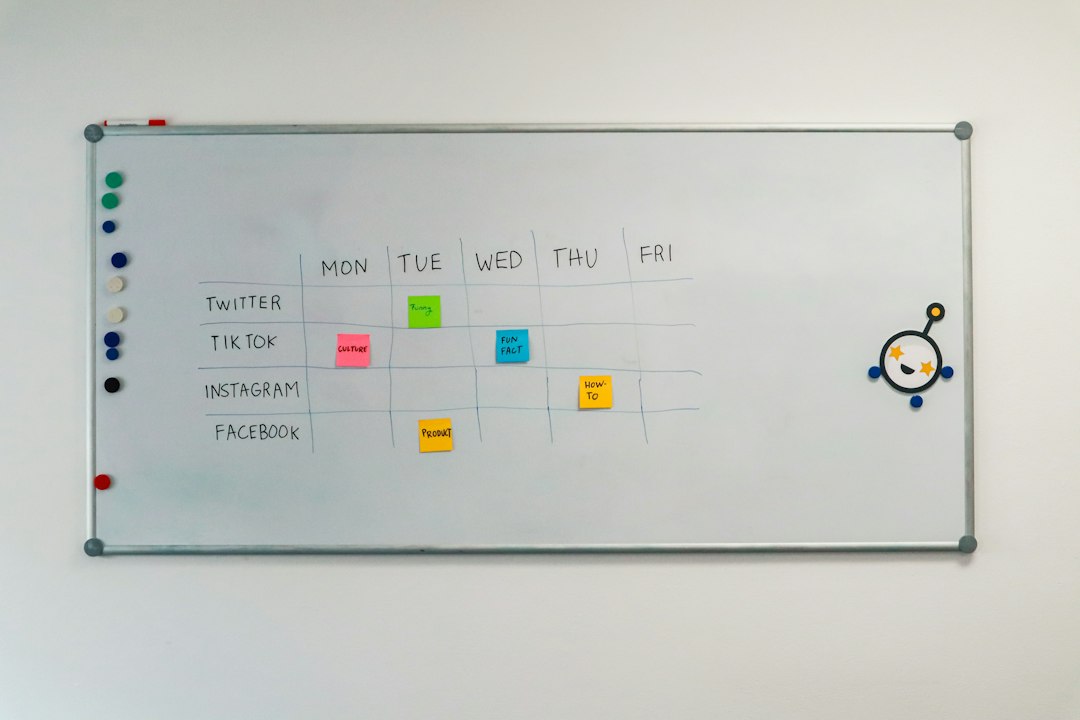
Complex projects need structure. A product launch, construction plan, software rollout, or agency retainer rarely fits into a flat to-do list.
ClickUp handles hierarchy better. A team can organize work by workspace, space, folder, list, task, subtask, and checklist item. This helps when a program has phases, departments, milestones, and owners. A project manager can break a major initiative into smaller pieces without losing the main thread.
Monday.com uses boards, groups, items, and subitems. This is simpler and easier to teach. Yet deeper work breakdown can become awkward. Subitems are useful, but they do not always feel as powerful as ClickUp’s nested task options. Honestly, it feels like Monday.com wants teams to keep work neat, even when the project refuses to behave.
Views, Timelines, and Dependencies
Both platforms offer multiple views. These include list, board, calendar, timeline, Gantt-style planning, and dashboards. For complex projects, the quality of dependencies matters.
ClickUp has stronger dependency management. Teams can mark tasks as waiting on, blocking, or linked to other tasks. This is useful for engineering, product operations, and multi-phase delivery. A delay in design can automatically expose risk for development, testing, and launch tasks.
Monday.com offers dependency columns and timeline connections. They work well for visible planning. The setup feels friendly. Still, the dependency logic is thinner for teams that need serious critical path control. Monday.com is better when leaders need to see progress quickly. ClickUp is better when managers need to control the order of work closely.
Automation and Workflow Control
Automation saves time in both tools. A status change can notify a stakeholder, assign a person, create a task, move an item, or change a due date.
- ClickUp: Better for complex workflow rules, cross-list movement, recurring tasks, and internal task actions.
- Monday.com: Better for simple, readable automations that non-technical teams can maintain.
ClickUp gives more control, but setup can take longer. Expect to waste time on naming conventions and permission choices if the account is not planned well. Monday.com keeps automation easier to scan. That helps operations teams avoid rule sprawl.
Reporting, Dashboards, and Executive Visibility
Complex projects need reporting that does not require a weekly spreadsheet cleanup. Both platforms offer dashboards, charts, workload reports, and status summaries.
Monday.com often wins on executive dashboards. Its widgets look polished. Leaders can check status by project, owner, region, campaign, budget, or phase. The interface is less intimidating for non-project managers.
ClickUp wins on operational reporting. It can report on time tracked, sprint progress, goals, workload, task status, custom fields, and overdue work. The reports can be powerful, but the setup requires discipline. If custom fields are inconsistent, reports become noisy fast.

Collaboration and Documentation
ClickUp has a clear edge for teams that want project execution and documentation in one tool. Its Docs feature lets teams create project briefs, meeting notes, process guides, specs, and linked task lists. For complex work, that matters. Decisions stay close to execution.
Monday.com supports files, updates, forms, and workdocs. It is solid for collaboration, especially around board items. Still, ClickUp feels more complete for knowledge-heavy projects. A software team can keep sprint tasks, release notes, QA steps, and product requirements in one connected system.
Ease of Use and Adoption
This is where Monday.com pushes back hard. Monday.com is easier to roll out. A new team can understand boards, columns, statuses, and owners within an hour. That speed matters if the organization has mixed skill levels or limited time for training.
ClickUp has a steeper learning curve. The feature depth is useful, but it can overwhelm teams. New users may ask where work lives, which view to use, or why there are so many ways to track the same thing. A project office can fix this with templates and governance. Without that, ClickUp can become messy.
Pricing and Value
Pricing changes often, so exact plan details should be checked before purchase. In general, both tools offer tiered plans based on features, seats, automation limits, dashboards, and security needs.
ClickUp can offer more features per seat for teams that use its full system. Docs, goals, time tracking, dashboards, and multiple views can reduce the need for extra tools. Monday.com may cost more as advanced features, automations, integrations, or multiple products are added.
Still, value is not just price. If Monday.com gets 90% adoption while ClickUp gets 55%, Monday.com may be the better deal. A cheaper platform that nobody uses is not really cheaper.
Security, Permissions, and Admin Control
Large projects often involve clients, vendors, finance teams, and executives. Permissions matter. Both platforms support guest access and admin controls, with stronger options on higher-tier plans.
ClickUp provides detailed sharing and permission settings across spaces, folders, lists, docs, and tasks. That flexibility helps complex teams, but it also adds admin work. Monday.com offers more straightforward access management. It is usually easier for admins who want fewer configuration choices.
Integrations
Both tools connect with common workplace systems. These include Slack, Google Drive, Microsoft Teams, Zoom, GitHub, Jira, Salesforce, and calendar tools. ClickUp tends to appeal to product and engineering teams that want tasks, docs, goals, and technical work tied together. Monday.com is strong for sales, marketing, operations, and client-facing workflows.
Which Platform Should a Team Choose?
Choose ClickUp if:
- The project has many dependencies and nested tasks.
- The team needs docs, goals, tasks, and time tracking in one place.
- Project managers need deep control over workflows.
- The organization can invest time in templates and setup rules.
Choose Monday.com if:
- The team needs fast adoption and a clean interface.
- Executives need simple dashboards and status reporting.
- The work is process-driven but not deeply technical.
- Non-technical users will manage boards every day.
For complex projects, ClickUp is the better power tool. Monday.com is the better visibility tool. A mature project team may get more control from ClickUp. A cross-functional business team may get more consistent usage from Monday.com.
FAQ
Is ClickUp better than Monday.com for complex projects?
Often, yes. ClickUp handles deep task hierarchy, dependencies, docs, time tracking, and detailed workflows better. It suits teams that need strong operational control.
Is Monday.com easier to use than ClickUp?
Yes. Monday.com has a cleaner interface and a shorter learning curve. It is often easier for large mixed teams to adopt quickly.
Which tool is better for executive reporting?
Monday.com is usually better for simple executive dashboards. ClickUp is stronger for detailed operational reports, but it needs cleaner setup.
Which platform works best for software teams?
ClickUp is usually stronger for software teams due to sprints, dependencies, docs, task nesting, and technical workflow options.
Which platform is better for marketing teams?
Monday.com is often better for marketing teams that manage campaigns, approvals, calendars, and recurring workflows. ClickUp works well when marketing projects require deeper task detail and documentation.
Can both tools manage enterprise projects?
Yes. Both can support enterprise work. The best choice depends on governance, reporting needs, workflow depth, security requirements, and team adoption patterns.

