
Harvest and Slack work well together for teams that want time tracking to happen closer to daily conversations. Instead of relying on separate reminders, status meetings, or manual follow-ups, the integration brings time entry prompts, updates, and visibility into the workspace where collaboration already takes place.
TLDR: The Harvest Slack integration helps teams track time, receive reminders, and monitor project activity without leaving Slack. It supports better timesheet habits by placing time tracking prompts inside everyday communication channels. With the right setup, teams can reduce missed entries, improve reporting accuracy, and make project workflow more transparent. The best results come from clear notification rules, consistent project naming, and simple team guidelines.
Why Use Harvest With Slack?
Harvest is designed to make time tracking, invoicing, budgeting, and reporting easier for teams. Slack is where many teams discuss tasks, approvals, blockers, and deadlines. When the two platforms are connected, time tracking becomes less isolated and more connected to real work.
For project managers, this can mean faster visibility into billable and non-billable hours. For team members, it can mean fewer forgotten timers and less end-of-week timesheet cleanup. For operations and finance teams, accurate time data can support better forecasting, billing, and resource planning.
The main value of the integration is not simply convenience; it is behavioral consistency. When reminders and updates appear in a familiar communication tool, teams are more likely to log time on schedule.
What the Harvest Slack Integration Can Do
The exact functionality may vary depending on account settings and available app features, but the integration commonly supports several practical workflows:
- Time tracking reminders: Slack can help remind team members to submit or complete time entries.
- Timer visibility: Team members can receive prompts related to active or missing timers.
- Project updates: Teams can share relevant Harvest activity in selected Slack channels.
- Approval awareness: Managers can guide teams toward completed timesheets before review deadlines.
- Workflow automation: Notifications can reduce manual checking and repetitive administrative messages.
These features are especially useful for agencies, consultancies, software teams, product teams, and professional services firms where hours affect budgets, invoices, and delivery planning.
Before Setup: What Teams Should Prepare
A smooth integration begins before any app is connected. Team administrators should review how Harvest is structured and how Slack channels are organized. If project names, client names, or internal categories are inconsistent, Slack notifications may become confusing.
Before setup, teams should confirm the following:
- Harvest users are correctly invited and assigned to the right projects.
- Projects and tasks are clearly named so time entries are easy to understand.
- Slack channels are organized by team, project, department, or function.
- Notification ownership is defined so alerts do not create unnecessary noise.
- Timesheet expectations are documented, including daily or weekly submission rules.
This preparation prevents a common problem: too many notifications with too little context. A thoughtful setup keeps the integration helpful rather than distracting.
How to Set Up the Harvest Slack Integration
The setup process is usually handled by a Harvest administrator or a Slack workspace administrator with the correct permissions. While the interface may change over time, the general process follows a familiar pattern.
- Open the Harvest integrations area: The administrator should locate Slack among the available integrations or connected apps.
- Authorize Slack access: The connection requires permission for Harvest and Slack to communicate.
- Select the Slack workspace: The correct workspace should be chosen, especially for companies with multiple Slack environments.
- Choose channels: The team should decide where Harvest alerts or updates should appear.
- Configure notifications: Reminder types, frequency, and audience should be adjusted based on workflow needs.
- Test the integration: A small group should confirm that messages appear correctly before rolling it out broadly.
A pilot test is recommended. A single project team can use the integration for one week, report issues, and help refine notification settings before wider adoption.
Time Tracking Automation Tips
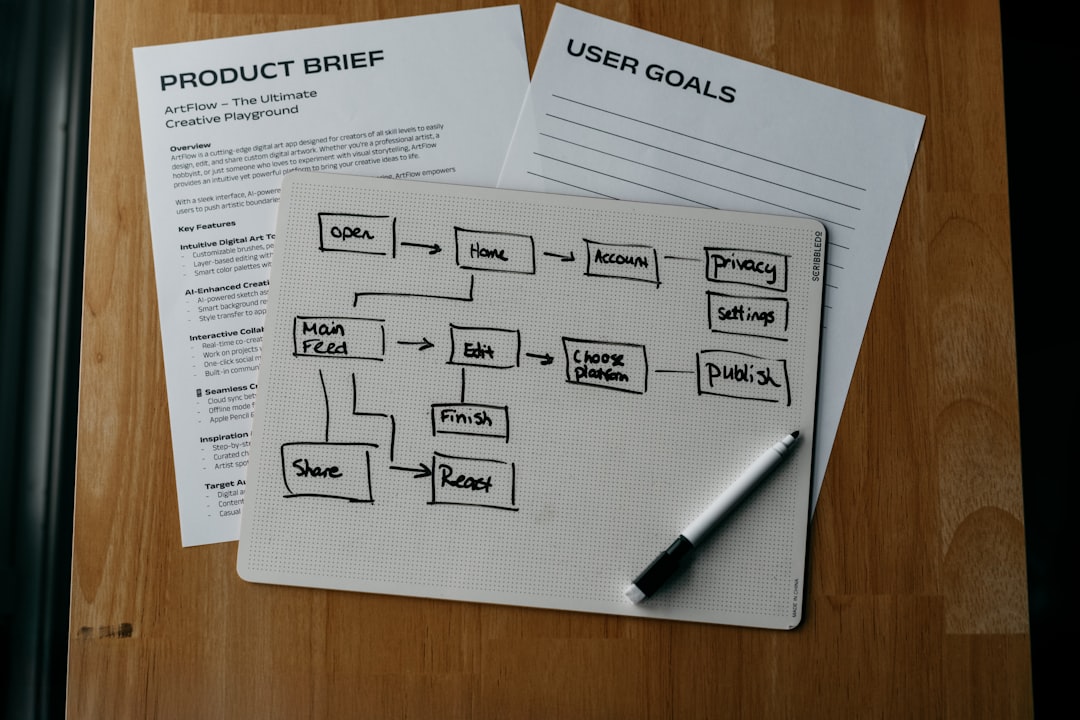
Automation should support good habits without overwhelming the team. The most effective Harvest Slack workflows are simple, predictable, and tied to existing routines.
- Use end-of-day reminders: Daily reminders help team members log work while details are still fresh.
- Create weekly submission prompts: A Friday or Monday reminder can improve timesheet completion before approval.
- Route manager alerts carefully: Project managers may need summary notifications, while individual contributors may only need personal reminders.
- Avoid excessive channel alerts: Public reminders can be helpful, but too many can lead to notification fatigue.
- Match reminders to billing cycles: Teams that invoice monthly may need stronger reminders near reporting deadlines.
Automation is most valuable when it removes repetitive coordination. For example, instead of a manager posting the same message every Friday, Slack can deliver a consistent reminder that timesheets are due.
Workflow Tips for Better Team Adoption
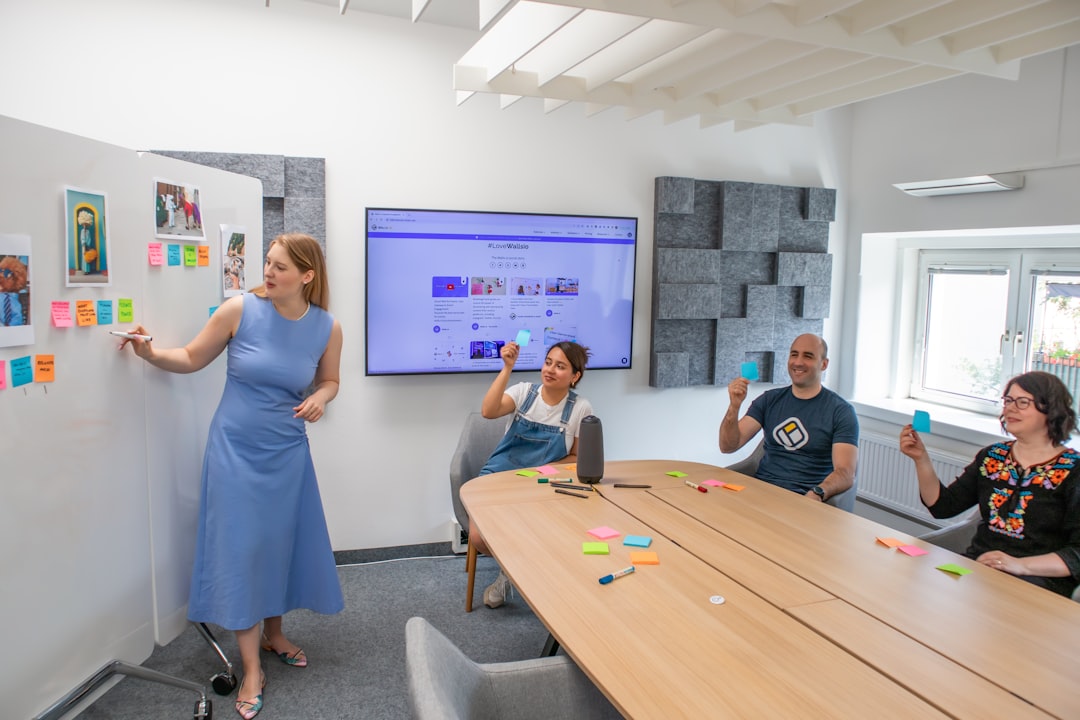
Technology alone does not create accurate time tracking. Teams also need shared expectations. The integration should be introduced as a workflow improvement, not as a surveillance tool. When employees understand that accurate time data supports planning, budgeting, and workload balance, adoption tends to improve.
Teams should consider these practices:
- Explain the purpose: Leadership should clarify whether time is tracked for billing, planning, compliance, profitability, or workload analysis.
- Keep task categories simple: Too many Harvest task options can slow down entries and create inconsistent data.
- Encourage daily logging: Daily entries are usually more accurate than reconstructed weekly timesheets.
- Use private reminders when appropriate: Personal nudges can be more effective and less embarrassing than public callouts.
- Review reports regularly: If time data is collected but never discussed, teams may stop treating it as important.
Managers should also watch for signs that time tracking categories do not match real work. If team members frequently choose “miscellaneous” or leave notes unclear, the Harvest project structure may need adjustment.
Best Slack Channels for Harvest Notifications
The right channel strategy depends on company size and project structure. Smaller teams may prefer one shared operations channel. Larger organizations may need project-specific or department-specific channels.
Common channel options include:
- Project channels: Useful for teams that want time-related updates connected to active delivery work.
- Operations channels: Helpful for administrative reminders and general timesheet announcements.
- Manager channels: Best for approval alerts, missing timesheet summaries, or budget-related updates.
- Private team channels: Useful when reminders should stay limited to a specific group.
The best approach is usually selective. Not every Harvest event belongs in Slack, and not every Slack channel needs Harvest updates.
Common Mistakes to Avoid
One common mistake is enabling too many notifications at once. This can cause employees to ignore alerts altogether. Another mistake is using vague project names in Harvest, which makes Slack updates hard to interpret.
Teams should also avoid treating the integration as a replacement for management review. Slack reminders help collect data, but project leads still need to review budgets, time trends, and workload patterns. The integration is a support layer, not a complete project management system.
Measuring Success
After implementation, teams should evaluate whether the integration is improving time tracking behavior. Useful indicators include fewer missing timesheets, faster approvals, more complete time notes, and fewer manual reminder messages from managers.
Finance teams may also notice cleaner billing cycles and fewer corrections. Project managers may gain earlier visibility into budget overages. Team members may spend less time reconstructing work after several days have passed.
FAQ
Does the Harvest Slack integration automatically track time?
It can support time tracking workflows, reminders, and visibility, but teams should not assume every action is fully automatic. Users generally still need to start timers, enter time, or submit timesheets according to the team’s Harvest setup.
Who should manage the integration?
A Harvest administrator, Slack administrator, or operations manager is usually the best owner. In many teams, project managers help decide which channels and notifications are most useful.
Can Slack reminders improve timesheet accuracy?
Yes. Timely reminders can encourage team members to log work while details are still fresh, which often improves accuracy and reduces missing entries.
Should Harvest notifications be public or private?
It depends on the workflow. General deadline reminders can work well in shared channels, while individual missing-time prompts may be better as private messages.
How often should teams review notification settings?
Teams should review settings after the first few weeks and then periodically as projects, staffing, and billing processes change. The goal is to keep reminders useful without creating unnecessary noise.

