
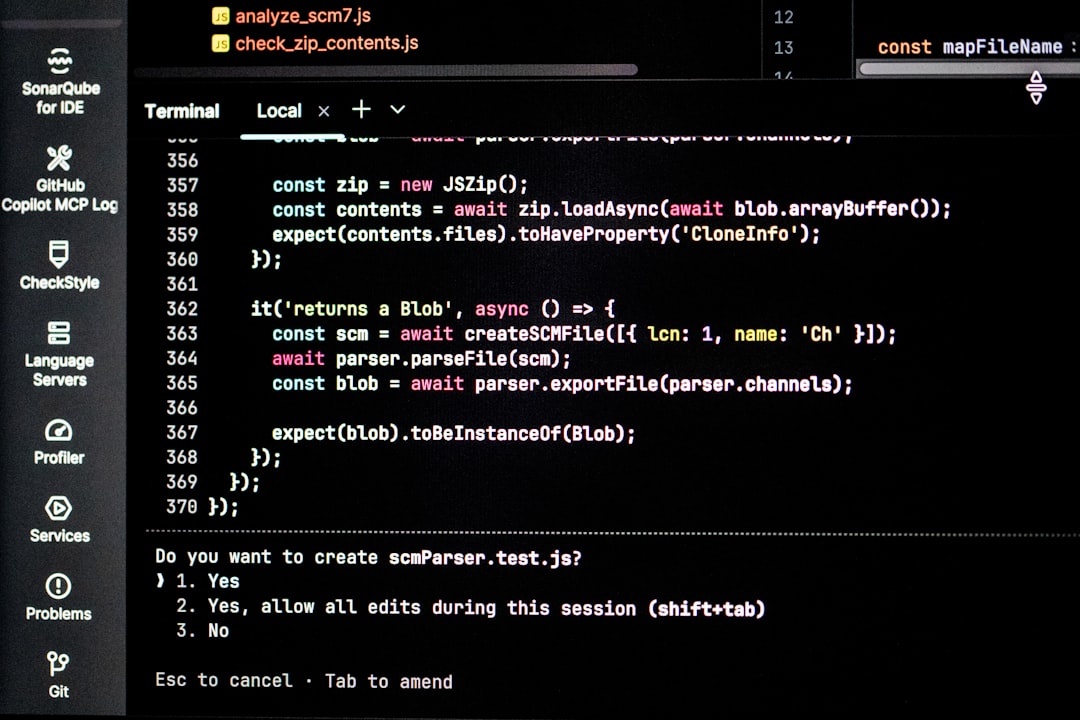
Seeing Code 914 in a log file, application alert, router dashboard, support ticket, or database message can be confusing because it does not point to one universal problem. Unlike well-known codes such as 404 Not Found or 500 Internal Server Error, “914” is usually defined by the software, device, platform, or vendor that displays it. That means the most useful question is not simply “What does Code 914 mean?” but “Where did Code 914 appear, and what system produced it?”
TLDR: Code 914 is not a single global error code; its meaning depends on context. In software, it may refer to an application-specific bug, validation failure, database message, or internal status code. In networking, it may relate to a port, connection event, appliance log, or service identifier. In technical support, it is often used as a troubleshooting reference that helps agents locate the right fix faster.
Why Code 914 Can Mean Different Things
Technical codes are often short because they are designed for machines, logs, and support systems rather than casual reading. A three-digit value like 914 can be reused by many unrelated products. One application may use it for a failed file upload, another for a licensing issue, and a network device may use it for a connection state or policy event.
This is why searching for the number alone can lead to contradictory answers. A better approach is to combine it with surrounding details: the software name, operating system, device model, timestamp, module name, or the full error text. For example, “Code 914 during login” and “Code 914 in firewall logs” are likely to describe very different situations.

Code 914 in Software Applications
In software, Code 914 most commonly appears as an application-defined error. Developers often create internal code lists so the program can identify problems consistently. The visible message may be brief, but behind the scenes, the code may map to a specific condition such as a missing file, failed permission check, invalid input, or unexpected server response.
Common software-related meanings include:
- Validation failure: A form, configuration file, or API request contains data the program cannot accept.
- Authentication or authorization issue: The user may be logged out, lack permissions, or be using expired credentials.
- Dependency problem: A required library, plugin, driver, or service is unavailable or incompatible.
- Database or query error: Some database systems include numeric error codes that may be displayed with or without leading zeros.
- Internal exception: The application encountered an unexpected condition and assigned it a tracking number.
A good example of context matters is database software. Some systems display error numbers with leading zeros, while users or logs may shorten them. A database code such as 00914 might be casually written as 914, even though the full code is what identifies the actual problem. In those cases, the surrounding message is essential because the number alone is incomplete.
Code 914 in Networking
In networking, Code 914 may appear in router logs, firewall events, VPN clients, monitoring dashboards, or service configuration files. It might not be an “error” at all. Sometimes numbers are used to represent ports, rules, event categories, protocol states, or vendor-specific conditions.
For example, a networking tool might show 914 near connection data, which could indicate a local or remote port, a rule ID, or a session reference. A security appliance might use it as an event code for blocked traffic, failed authentication, packet inspection, or policy matching. Without the device documentation, it is risky to assume the exact meaning.
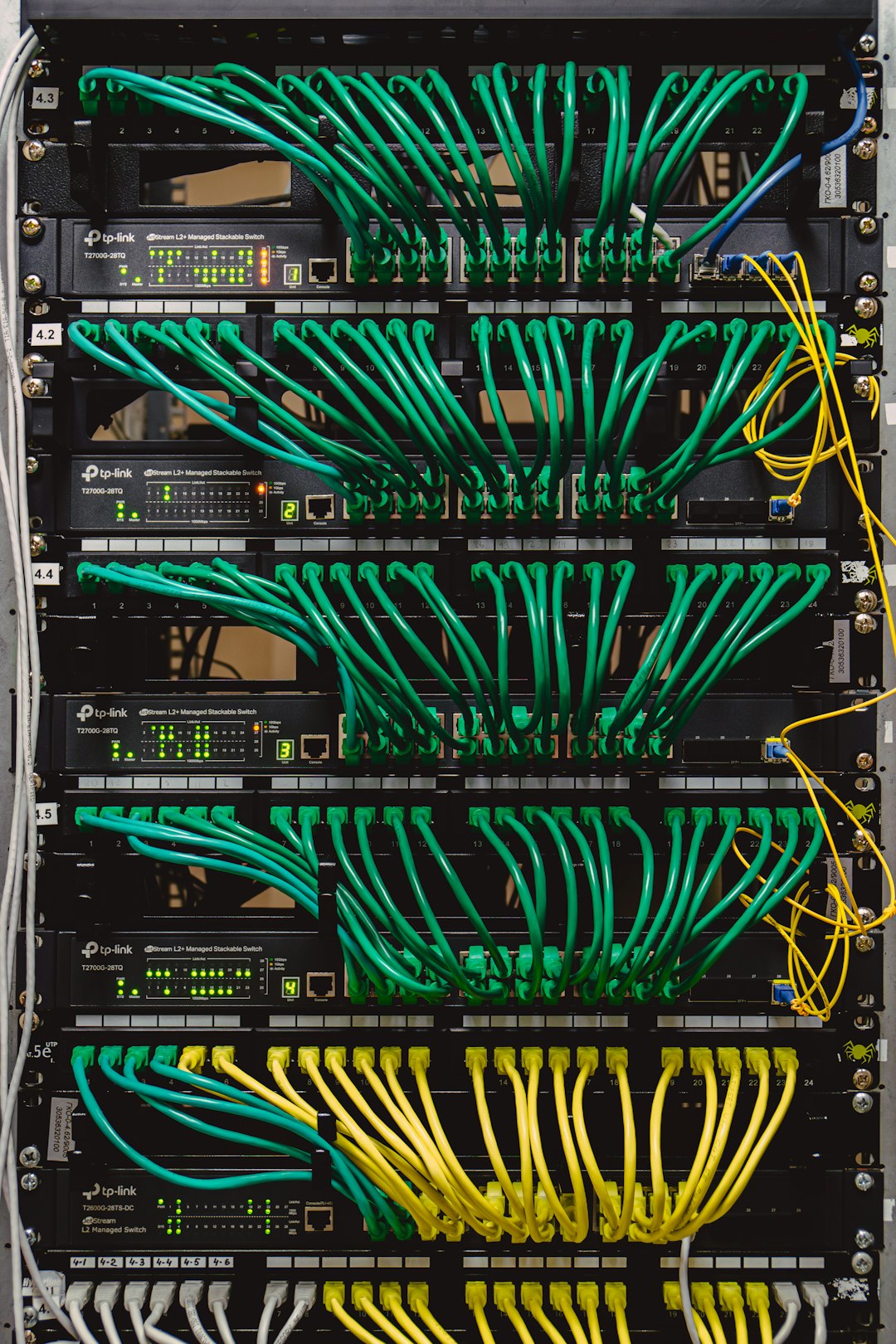
When Code 914 appears in a networking environment, check these details first:
- Source and destination: Which IP addresses, hosts, or services were involved?
- Protocol: Was the event TCP, UDP, ICMP, HTTP, DNS, VPN, or something else?
- Direction: Did the traffic come inbound, outbound, or move internally?
- Action taken: Was it allowed, blocked, reset, timed out, or quarantined?
- Device vendor: Firewalls and routers often define their own event code systems.
If the code is related to a port or service, you should also confirm whether the traffic is expected. An unfamiliar port number does not automatically mean danger, but repeated unexplained connections can be worth investigating. In business environments, the safest path is to compare logs against approved applications, firewall rules, and endpoint activity.
Code 914 in Technical Support
In technical support, Code 914 may be less about the underlying technology and more about classification. Support teams often use numeric codes to identify known incidents, installation failures, hardware states, subscription issues, or escalation categories. The code helps agents quickly find a knowledge base article, script, or internal troubleshooting flow.
For users, this can be both helpful and frustrating. It is helpful because giving the exact code to support can save time. It is frustrating because the public-facing message may say little more than “Error 914 occurred.” In many cases, the support representative has access to a much more detailed explanation than the user sees.
When contacting support, include:
- The exact wording of the message, not just the number.
- What you were doing when the code appeared.
- Recent changes, such as updates, password changes, new hardware, or network changes.
- Screenshots or logs if they do not contain sensitive information.
- System details, including app version, browser, operating system, and device model.
How to Troubleshoot Code 914
Because Code 914 is context-dependent, the troubleshooting process should start broad and then narrow down. First, determine whether the code came from an application, operating system, network device, cloud service, database, or support portal. Next, look for the full message and any nearby log entries. Often, the lines before and after the code reveal the real cause.
Try these practical steps:
- Restart the affected process: For temporary glitches, restarting the app, service, or device may clear the condition.
- Check credentials: If the code appeared during login, syncing, licensing, or API access, verify passwords, tokens, permissions, and account status.
- Review recent updates: A new patch, plugin, driver, or configuration change may have introduced a compatibility issue.
- Inspect network connectivity: Test DNS, routing, VPN status, firewall rules, and proxy settings if the problem involves communication.
- Search vendor documentation: Include the product name and version with “914” for more accurate results.
- Collect logs before retrying repeatedly: Repeated attempts can overwrite useful diagnostic data or trigger security lockouts.

What Not to Assume
The biggest mistake is treating Code 914 as if it has one fixed meaning everywhere. It is also unwise to install random “repair tools” or change advanced settings based only on a generic search result. If the code appears in a corporate network, production server, financial system, healthcare platform, or security product, escalation is usually better than guessing.
Also remember that the same product may use Code 914 differently across versions. A code in an old desktop application may not match the same number in a modern cloud service. Documentation, release notes, and vendor support channels are more reliable than isolated forum posts.
The Bottom Line
Code 914 is best understood as a clue, not a complete diagnosis. In software, it often points to an internal application condition; in networking, it may identify a port, rule, session, or device event; and in technical support, it may be a reference code for a known issue. The fastest route to an answer is to identify the source, capture the full message, and match the code against the correct product documentation.
When handled methodically, Code 914 becomes much less mysterious. Instead of chasing a universal definition, focus on context: where it appeared, what changed, what action failed, and what the surrounding logs reveal. That approach turns a vague number into a useful starting point for solving the actual problem.

