
Screen recording has become a core part of modern communication. Whether you’re explaining a process to a teammate, walking a client through a proposal, creating an online course, or troubleshooting a technical issue, being able to record your screen quickly and clearly can save hours of meetings and emails. Loom has long been a favorite for this purpose, but it’s far from the only option available. Today, a wide range of screen recording tools offer powerful features, flexible pricing, and specialized workflows.
TLDR: If you’re looking for screen recording tools like Loom, there are several excellent alternatives depending on your needs. Tools such as OBS Studio, Camtasia, ScreenPal, ShareX, Snagit, and Vimeo Record all offer solid recording capabilities with different strengths, from advanced video editing to lightweight sharing. Some focus on professional production, while others excel at speed and simplicity. Choosing the right tool depends on whether you prioritize collaboration, editing depth, customization, or cost.
Below, we explore six screen recording tools that can effectively replace or complement Loom, highlighting what makes each one stand out.
1. OBS Studio
Best for advanced users and high-quality production recording
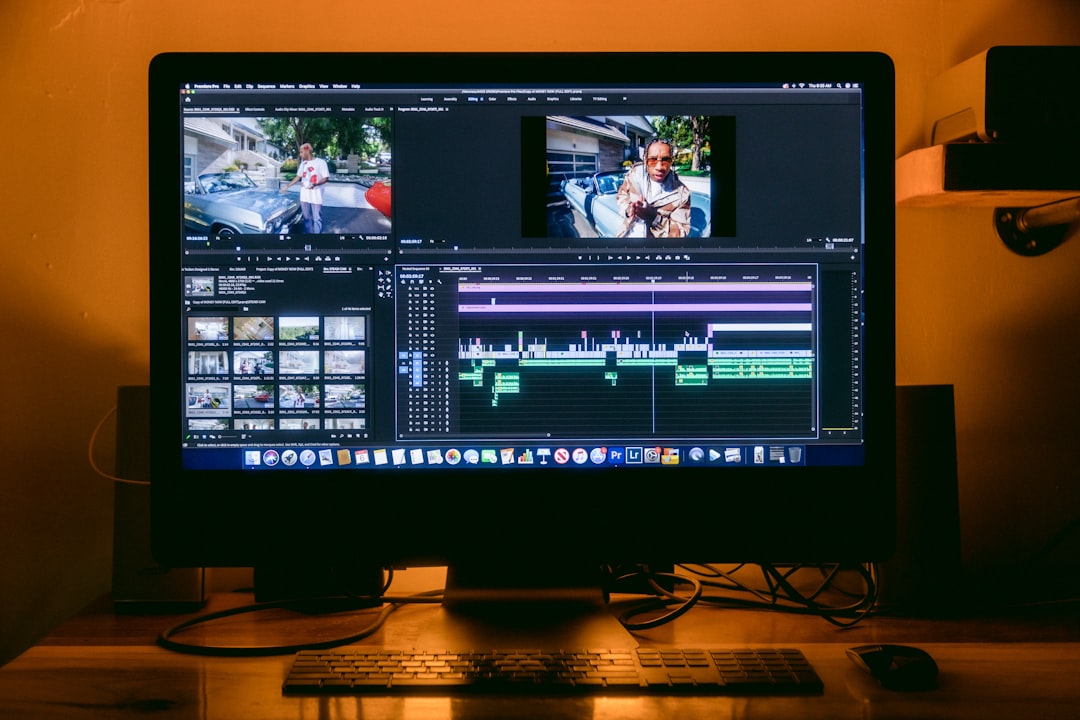
OBS Studio (Open Broadcaster Software) is a free, open-source recording and streaming tool that offers unmatched flexibility. Unlike Loom, which prioritizes simplicity, OBS is geared toward users who want full control over video and audio settings.
Key Features:
- Multi-source video and audio recording
- Scene transitions and layered overlays
- High-resolution and customizable frame rates
- Live streaming integration
- No watermark and no usage limits
OBS is ideal for webinar hosts, YouTubers, course creators, and streamers. However, it has a steeper learning curve compared to Loom. If you’re willing to invest time in setup, you’ll gain superior control over output quality.
Why choose it over Loom? You want professional-grade control, free software, and advanced customization.
2. Camtasia
Best for polished educational and training content
Camtasia combines screen recording with a powerful built-in video editor. Unlike quick-record tools that focus mainly on sharing, Camtasia is built for creating refined, edited videos.
Key Features:
- Drag-and-drop video editing timeline
- Built-in effects, animations, and transitions
- Interactive quizzes and callouts
- Cursor effects and audio enhancements
- Export options for multiple platforms
If you regularly create structured tutorials, product demos, onboarding videos, or course materials, Camtasia offers a smoother post-production experience than Loom.
Why choose it over Loom? You want professional editing tools integrated directly into your screen recording workflow.
3. ScreenPal (formerly Screencast-O-Matic)
Best for quick recordings with light editing
ScreenPal strikes a strong balance between simplicity and functionality. It’s lightweight and easy to use, making it ideal for teachers, small teams, and freelancers who need fast turnaround times.
Key Features:
- Instant screen, webcam, or combined recording
- Basic editing tools like trimming and captions
- Stock media library
- Cloud hosting and sharing
- Affordable pricing tiers
Compared to Loom, ScreenPal offers more editing flexibility without overwhelming users. It’s a solid middle-ground solution if you find Loom too limited but don’t need enterprise-level production software.
Why choose it over Loom? You want built-in editing but still value ease of use.
4. ShareX
Best for technical users and custom workflows
ShareX is another free, open-source tool that goes beyond simple screen recording. It’s particularly popular among developers, IT professionals, and power users.
Key Features:
- Highly customizable capture area options
- Automated workflows after recording
- GIF recording support
- Extensive sharing integrations
- Screenshot annotation tools
ShareX shines when you need automation. For example, you can configure it to automatically upload, rename, and share recordings instantly. It’s less visually polished than Loom but more powerful in terms of functional customization.
Why choose it over Loom? You need automation, flexibility, and cost-free advanced options.
5. Snagit
Best for teams that rely heavily on visual communication
Snagit is widely known for screenshot capturing, but it also offers lightweight screen recording capabilities. It’s ideal for quick explainer clips and annotated walkthroughs.
Key Features:
- Easy recording interface
- Advanced screenshot and image annotation tools
- Text, arrows, and step-by-step guides
- Templates for documentation
- Simple sharing options
Unlike Loom, Snagit combines image editing and video capture in one cohesive platform. This makes it especially helpful for customer support teams, HR departments, and internal documentation specialists.
Why choose it over Loom? You create a lot of annotated documentation alongside video walkthroughs.
6. Vimeo Record
Best for professional collaboration and sharing
Vimeo Record offers a Loom-like experience with strong collaboration features. It integrates directly into the Vimeo platform, giving users access to additional hosting and privacy controls.

Key Features:
- Screen and webcam recording
- Viewer analytics
- Password-protected video sharing
- Custom branding options
- Team collaboration tools
This tool is well-suited for businesses that want to maintain a professional appearance and track engagement metrics. Compared to Loom, Vimeo Record emphasizes brand presentation and security.
Why choose it over Loom? You want more control over hosting, branding, and video analytics.
How to Choose the Right Loom Alternative
The best screen recording tool for you depends on your workflow and goals. Consider the following factors before deciding:
- Editing Depth: Do you need advanced post-production features or just trimming and captions?
- Ease of Use: Are you comfortable learning complex software?
- Collaboration: Does your team need commenting and sharing features?
- Budget: Do you prefer free tools or premium platforms?
- Output Quality: Are you producing internal updates or public-facing content?
If you need speed and simplicity, tools like ScreenPal or Vimeo Record provide a familiar Loom-style experience. If you’re producing educational or marketing content, Camtasia might be worth the investment. For power users and developers, OBS Studio and ShareX offer unmatched control.
The Future of Screen Recording Tools
Screen recording software has evolved far beyond simple capture tools. Many now integrate:
- AI-powered captions and transcription
- Automatic background noise removal
- Interactive video elements
- Cloud-based collaboration
- Viewer analytics and engagement tracking
This evolution reflects a broader shift in workplace communication. Short video messages are replacing long emails. Async communication is reducing unnecessary meetings. And well-crafted screen recordings are becoming essential tools for leadership, training, and customer experience.
While Loom popularized this format in many organizations, it’s important to recognize that different projects call for different tools. A training department might prioritize Camtasia’s editing depth. A developer may prefer ShareX for automation. A marketing team could lean toward Vimeo Record for branded presentations.
Final Thoughts
There’s no one-size-fits-all solution for screen recording. Loom remains popular because of its simplicity and shareability, but several powerful alternatives can better fit different workflows and budgets.
If you value advanced customization and zero cost, look toward OBS Studio or ShareX. If you need strong editing features, Camtasia stands out. For lightweight, everyday communication, ScreenPal and Vimeo Record provide intuitive experiences. And if visual documentation is part of your routine, Snagit delivers a hybrid screenshot–video solution.
Ultimately, the best tool is the one that makes communication faster, clearer, and more effective for you and your team. By exploring these Loom alternatives, you can find a solution that aligns perfectly with your level of expertise, type of content, and communication goals.

