

In an era where customers expect fast, engaging, and visually appealing experiences, businesses are increasingly turning to digital menu board software to modernize the way they communicate. Solutions like NoviSign enable organizations to replace static signage with dynamic, cloud-based displays that can be updated instantly. From restaurants and cafes to retail stores and corporate offices, digital menu boards provide a flexible, scalable, and cost-effective way to showcase promotions, pricing, announcements, and branded content in real time.
TLDR: Digital menu board software like NoviSign allows businesses to display dynamic, real-time content across multiple screens and locations. It simplifies updates, enhances customer engagement, and supports multimedia formats such as video, animations, and live data feeds. With centralized cloud management and customizable templates, companies can maintain consistent branding while adapting quickly to promotions and operational changes. The result is improved efficiency, stronger marketing impact, and a more modern customer experience.
What Is Digital Menu Board Software?
Digital menu board software is a cloud-based platform that allows businesses to design, schedule, manage, and display multimedia content on digital screens. Unlike traditional printed menus and posters, digital boards can be updated in seconds without reprinting materials or manually replacing signage.
Platforms like NoviSign provide:
- Drag-and-drop content editors
- Pre-designed templates
- Real-time content updates
- Remote device management
- Multi-location control from a single dashboard
These features enable businesses to respond quickly to pricing changes, promotional campaigns, inventory updates, and seasonal offerings.
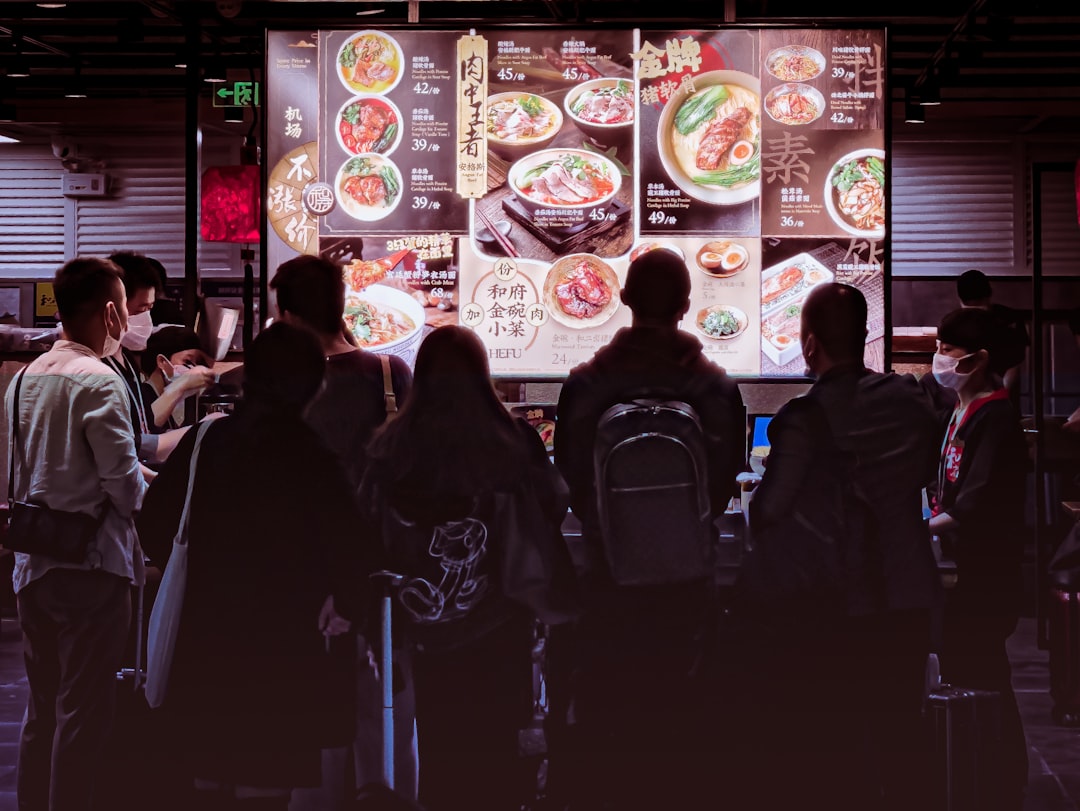
Key Features That Make Solutions Like NoviSign Stand Out
1. Cloud-Based Content Management
One of the biggest advantages of modern digital menu board software is cloud accessibility. Managers can log in from anywhere to update content across one location or hundreds of screens simultaneously. This reduces operational delays and ensures consistency across all outlets.
2. Dynamic Content Scheduling
Businesses can schedule content to change automatically based on:
- Time of day (breakfast, lunch, dinner menus)
- Day of the week
- Special events or holidays
- Limited-time promotions
For example, a quick-service restaurant can automatically switch from breakfast to lunch menus at 11:00 AM without staff intervention.
3. Multimedia Support
Digital boards are not limited to static images. They support:
- High-definition videos
- Animated transitions
- Social media feeds
- Weather and news widgets
- Live pricing or inventory data
This variety keeps content fresh, engaging, and more likely to capture customer attention.
4. Centralized Multi-Location Management
Franchises and chains benefit significantly from centralized control. Corporate teams can maintain brand standards while allowing local managers some flexibility to tailor messaging to regional audiences.
Industries That Benefit From Digital Menu Boards
Although restaurants are the most common users, many industries leverage this technology.
- Restaurants and Cafes: Digital menus, upselling promotions, combo deals.
- Retail Stores: Flash sales, product launches, in-store advertising.
- Healthcare Facilities: Wayfinding information, service updates.
- Corporate Offices: Internal communications and KPIs.
- Education Institutions: Event announcements and cafeteria menus.

Benefits of Using Digital Menu Board Software
Improved Customer Engagement
Bright, animated visuals naturally attract more attention than printed signs. Studies consistently show that motion graphics and digital displays increase customer dwell time and influence purchasing decisions.
Cost Savings Over Time
While there is an initial investment in screens and software subscriptions, businesses eliminate recurring printing costs. Frequent pricing updates no longer require reprints, making digital boards more cost-effective in the long run.
Faster Updates and Error Reduction
Human errors in printed menus can lead to mismatched pricing and customer dissatisfaction. Digital systems allow instant corrections without waste or delay.
Upselling Opportunities
Strategically placed animations and limited-time offers encourage impulse purchases. Businesses can test promotions and adjust messaging quickly based on performance.
Data-Driven Content Optimization
Some advanced platforms integrate analytics tools, allowing businesses to measure engagement and adapt content accordingly.
Comparison of Popular Digital Menu Board Software
| Feature | NoviSign | ScreenCloud | Yodeck | Rise Vision |
|---|---|---|---|---|
| Cloud-Based Management | Yes | Yes | Yes | Yes |
| Drag-and-Drop Editor | Yes | Yes | Yes | Limited |
| Multi-Location Control | Advanced | Advanced | Moderate | Moderate |
| Real-Time Data Integration | Yes | Yes | Yes | Limited |
| Industry Templates | Extensive | Moderate | Moderate | Basic |
| Best For | Restaurants, Retail, Enterprise | Corporate, Retail | Small to Mid-Sized Businesses | Schools and Institutions |
How Businesses Implement Digital Menu Board Systems
Step 1: Hardware Selection
Businesses choose commercial-grade displays suitable for continuous operation. Media players or smart screens connect to the software platform.
Step 2: Software Setup
After subscribing to a platform such as NoviSign, users configure screen groups, upload brand assets, and customize templates.
Step 3: Content Creation
Using the drag-and-drop editor, teams design layouts that align with brand identity. Menus, images, pricing, and promotional videos are added.
Step 4: Scheduling and Publishing
The content is scheduled and published remotely. Changes go live almost instantly.
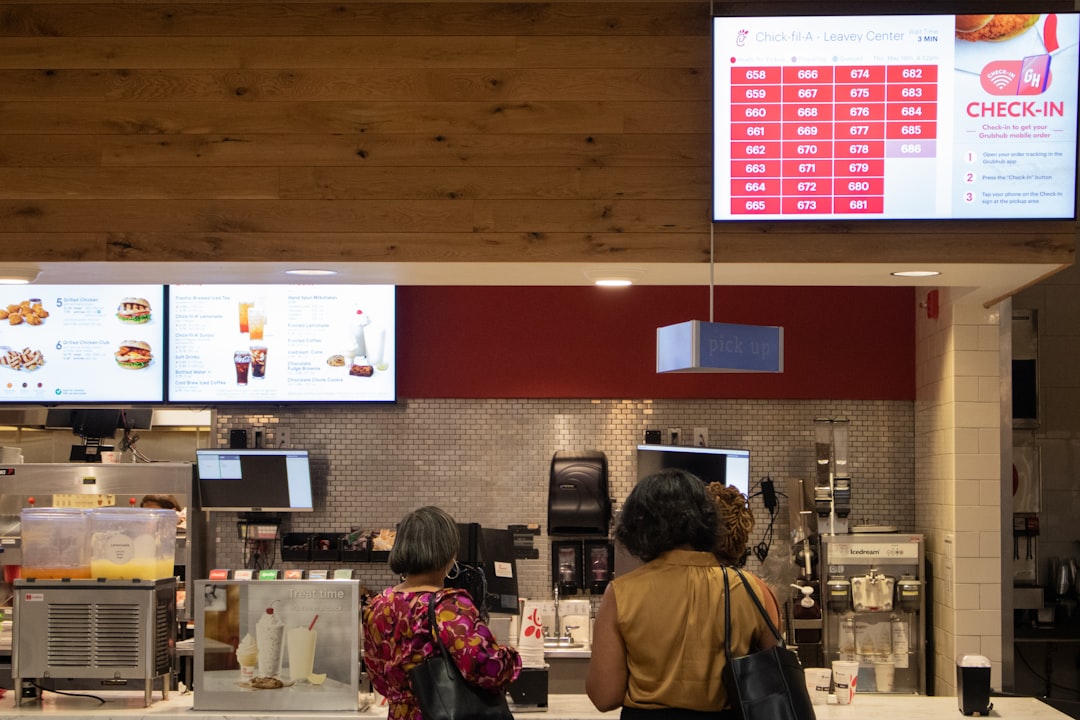
Security and Reliability Considerations
Security is critical when managing content remotely. Leading providers incorporate:
- Encrypted cloud storage
- User access controls
- Automatic software updates
- Device health monitoring
Reliable platforms also offer offline playback capabilities, ensuring screens continue running even during temporary internet disruptions.
Trends Shaping the Future of Digital Menu Boards
AI-Driven Personalization
Artificial intelligence is beginning to influence dynamic pricing and content customization. Screens may adjust promotions based on time, weather, or purchasing trends.
Interactive Touch Displays
Interactive kiosks empower customers to browse menus, customize orders, and complete transactions independently.
Integration With POS Systems
Seamless POS integration ensures pricing and availability remain accurate across all channels.
Sustainability Initiatives
Digital boards reduce paper waste and support environmentally conscious branding strategies.
Why Businesses Choose Solutions Like NoviSign
NoviSign and similar platforms provide a balance of usability, flexibility, and enterprise-level control. Their intuitive design tools make it easy for non-technical staff to manage content, while advanced integrations support complex organizational needs.
For growing businesses, scalability is crucial. A digital menu board system can start with a single screen and expand to hundreds without major infrastructure changes. This flexibility ensures that the investment continues delivering value as the company grows.
Conclusion
Digital menu board software like NoviSign is transforming how businesses communicate with customers. By combining cloud-based management, multimedia capabilities, and real-time updates, these platforms create more engaging and efficient environments. From increasing upselling opportunities to reducing printing costs, the benefits extend beyond aesthetics into measurable operational improvements.
As technology advances, dynamic content will become the standard rather than the exception. Businesses that adopt digital menu boards position themselves as modern, responsive, and customer-focused in an increasingly competitive marketplace.
Frequently Asked Questions (FAQ)
- 1. What is digital menu board software?
It is a cloud-based solution that allows businesses to create, manage, and display dynamic multimedia content on digital screens. - 2. How does NoviSign help businesses manage multiple locations?
NoviSign provides centralized control through a cloud dashboard, allowing users to update one or multiple screens across different locations simultaneously. - 3. Is digital menu board software expensive?
While initial setup costs include screens and subscriptions, businesses often save money over time by eliminating printing and manual update expenses. - 4. Can digital menu boards integrate with POS systems?
Yes, many platforms support POS integration for automatic pricing updates and inventory synchronization. - 5. Do digital menu boards require constant internet access?
Most platforms offer offline playback, ensuring content continues displaying even if the internet connection temporarily fails. - 6. Are digital menu boards suitable for small businesses?
Yes, scalable pricing models and easy-to-use tools make them accessible for small and medium-sized businesses. - 7. What content formats can be displayed?
Images, videos, animations, live feeds, social media streams, and data-driven widgets can all be displayed.

