
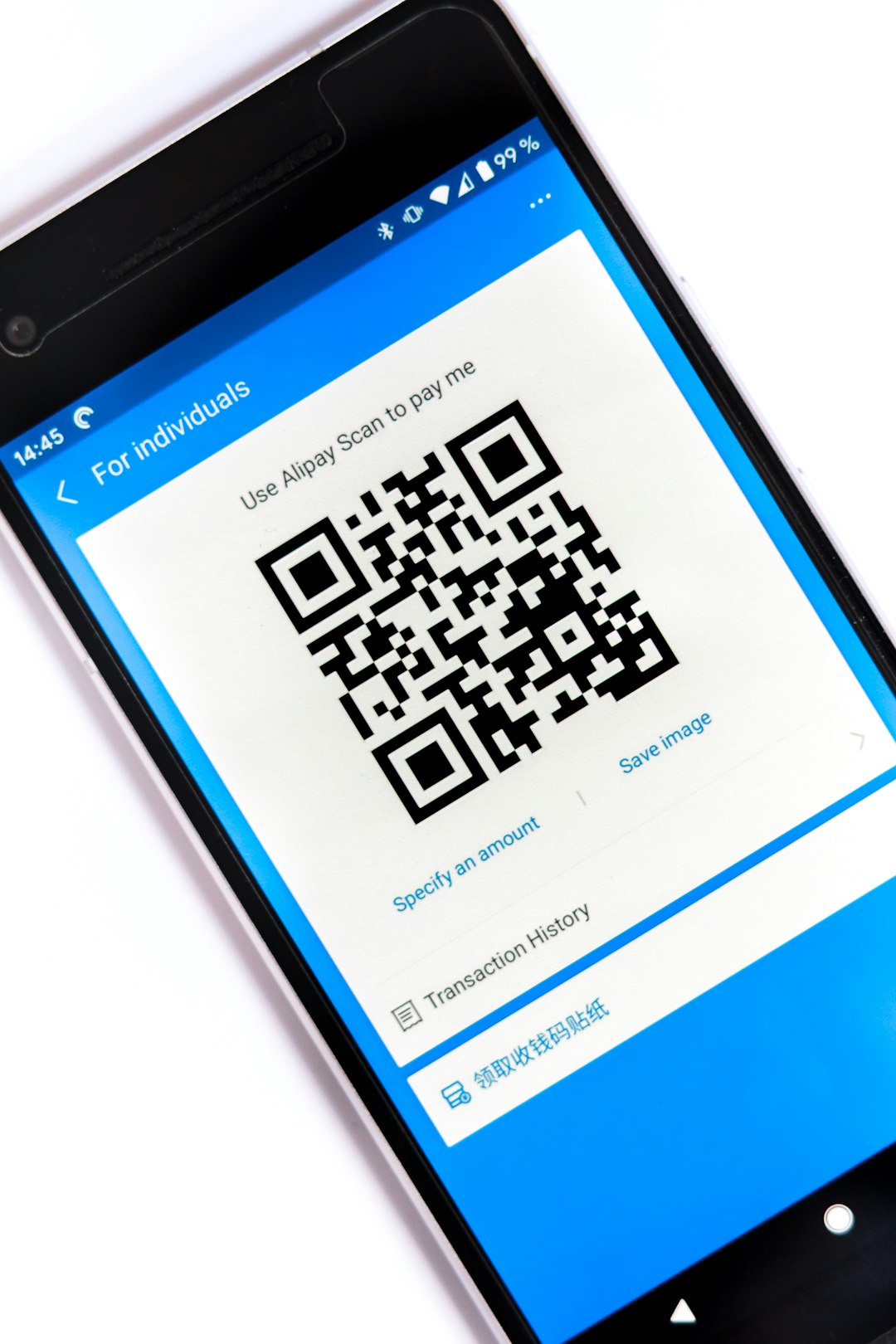
QR codes are everywhere. On menus. On posters. On product boxes. Even on business cards. They make sharing links fast and easy. But not all QR code generators are the same. Some are basic. Some are powerful. And a few truly stand out from the rest.
TLDR: There are tons of QR code generators online, but only a few combine ease of use, strong design options, tracking features, and reliable performance. The best tools let you customize your code, track scans, and update links even after printing. In this guide, we break down seven QR code generators that shine in different ways. Whether you need simple and free or advanced and dynamic, there’s something here for you.
Let’s take a look at the tools that go beyond the basics.
What Makes a QR Code Generator Stand Out?
Before diving into the list, let’s get clear on something.
A good QR code generator should offer:
- Easy creation. No tech skills required.
- Customization. Colors, logos, frames.
- Dynamic QR codes. Edit destination links later.
- Analytics. See who scans and when.
- High-resolution downloads. Print-ready quality.
Some tools focus on simplicity. Others focus on marketing power. The standout ones balance both.
1. QR Code Generator by The QR Code Generator
This one is popular for a reason. It’s powerful but easy to use.
Why it stands out:
- Dynamic QR codes even on lower plans
- Strong analytics dashboard
- Bulk creation options
- Custom branding tools
You can change the destination URL without reprinting your code. That’s huge for marketing campaigns. You also get scan statistics like location and device type.
It’s great for businesses that want serious tracking power.
2. QR Tiger
QR Tiger is built with marketers in mind.
Why it stands out:
- Lots of data tracking features
- Retargeting tools
- Custom logo embedding
- Modern, clean interface
You can connect it with Google Analytics. You can even use Facebook Pixel tracking. That means your QR scans can fuel ad campaigns.
For digital marketers, this is a strong pick.
3. Beaconstac
Beaconstac feels professional. It’s designed for larger teams.
Why it stands out:
- Enterprise-level security
- Team collaboration features
- API access
- Advanced analytics
If you run multiple campaigns across locations, this tool makes life easier. You can manage everything in one dashboard.
It may be overkill for personal use. But for growing brands, it shines.
4. Canva QR Code Generator
Canva keeps things simple.
It’s built directly into the Canva design platform.
Why it stands out:
- Super easy to use
- Built into design projects
- Great for social media and print
- No complicated settings
You paste your link. Canva creates the code. Then you drag it into your design.
It’s usually static. That means you can’t change the link later. But for quick projects, it works beautifully.

5. QRStuff
QRStuff has been around for a long time.
It supports many data types.
Why it stands out:
- Wide range of QR code content types
- Bulk download options
- Plain and simple layout
You can create QR codes for:
- Email messages
- WiFi access
- Bitcoin payments
- App store downloads
It’s not flashy. But it’s reliable and practical.
6. Flowcode
Flowcode focuses on design and branding.
It’s sleek and modern.
Why it stands out:
- Beautiful visual customization
- Strong branding options
- Real-time analytics
- Dedicated codes for individuals or teams
The customization feels premium. You can shape your code in ways that match your brand style.
It’s especially popular with influencers and event organizers.
7. The ME-QR Generator
ME-QR offers a surprising number of features on its free plan.
Why it stands out:
- Dynamic codes available
- Editable destination links
- Multiple content formats
- Simple user interface
You can create QR codes for PDFs, images, and social media links. It’s beginner-friendly but also flexible.
If you’re just starting out, this tool is easy to explore.
Quick Comparison Chart
| Tool | Dynamic Codes | Analytics | Customization | Best For |
|---|---|---|---|---|
| QR Code Generator | Yes | Advanced | Strong | Marketing teams |
| QR Tiger | Yes | Advanced | Strong | Digital marketers |
| Beaconstac | Yes | Enterprise-level | Moderate | Large businesses |
| Canva | No (mostly static) | No | Basic | Design projects |
| QRStuff | Limited | Basic | Minimal | Utility use |
| Flowcode | Yes | Strong | Premium | Brand-focused users |
| ME-QR | Yes | Moderate | Good | Beginners |
Static vs Dynamic QR Codes: Why It Matters
This is important.
Static QR codes cannot be changed after creation. If you print 5,000 flyers and the link breaks, you’re stuck.
Dynamic QR codes let you change the destination anytime. No reprinting needed.
Dynamic codes also unlock analytics. You can track:
- Number of scans
- Time of scan
- Location
- Device type
If you’re using QR codes for business, dynamic is usually the smarter choice.

How to Choose the Right One for You
Ask yourself a few simple questions:
1. Is this for personal or business use?
For personal use, simple tools like Canva may be enough.
2. Do I need analytics?
If you want to track performance, choose a tool with dynamic codes.
3. Will I print this code?
Make sure high-resolution downloads are included.
4. Do I care about branding?
If yes, go for a generator with strong customization features.
There’s no one-size-fits-all answer. The right tool depends on your goal.
Tips for Creating QR Codes That Actually Get Scanned
A QR code is useless if nobody scans it.
Here’s how to boost engagement:
- Add a call to action. Say “Scan to get 10% off.”
- Use contrast. Dark code on light background works best.
- Test before printing. Always scan it yourself.
- Give context. Tell people where the code leads.
- Keep it visible. Don’t hide it in a corner.
The tool matters. But good placement matters just as much.
Final Thoughts
QR codes look simple. But behind that square pattern is real power.
The best QR code generators combine design, flexibility, and data. Some focus on beauty. Others focus on analytics. A few do both.
If you just need something fast and free, tools like Canva or QRStuff may be perfect. If you want marketing insights and editable links, go with QR Code Generator, QR Tiger, Beaconstac, Flowcode, or ME-QR.
Choose based on your needs. Keep your audience in mind. And always test before you print.
When used right, a simple QR code can connect your offline world to your online one in seconds.
That’s pretty powerful for a tiny square.

